It’s an interesting time for DLP projectors. Lasers keep getting more powerful, controllers faster, and manufacturers are finally paying serious attention to contrast. Into this comes XGIMI’s new flagship, which packs almost every current technology into one chassis.
Start with the core. The 0.47‑inch DMD is built on TI’s SST platform, an updated micromirror architecture optimised for laser illumination, with higher pixel density and better heat dissipation. It’s driven by the DLPC8455 controller, currently the most powerful single-chip controller in TI’s lineup. It allows sub-1ms latency in some modes and introduces a rolling-buffer architecture that draws the image line by line, and that changes how motion behaves.
Then there’s the part with no real equivalent in consumer projectors in this class: a dedicated FPGA co-processor. The X-Vision chip isn’t an off-the-shelf video processor. It’s a programmable logic array that could be taught almost anything: Lumagen-grade per-frame tone mapping, fine per-scene iris and laser control, custom sharpening like Darbee, per-zone gamma adjustment. Whether any of this gets used depends entirely on XGIMI’s software ambitions, but the hardware is already inside every TNM.
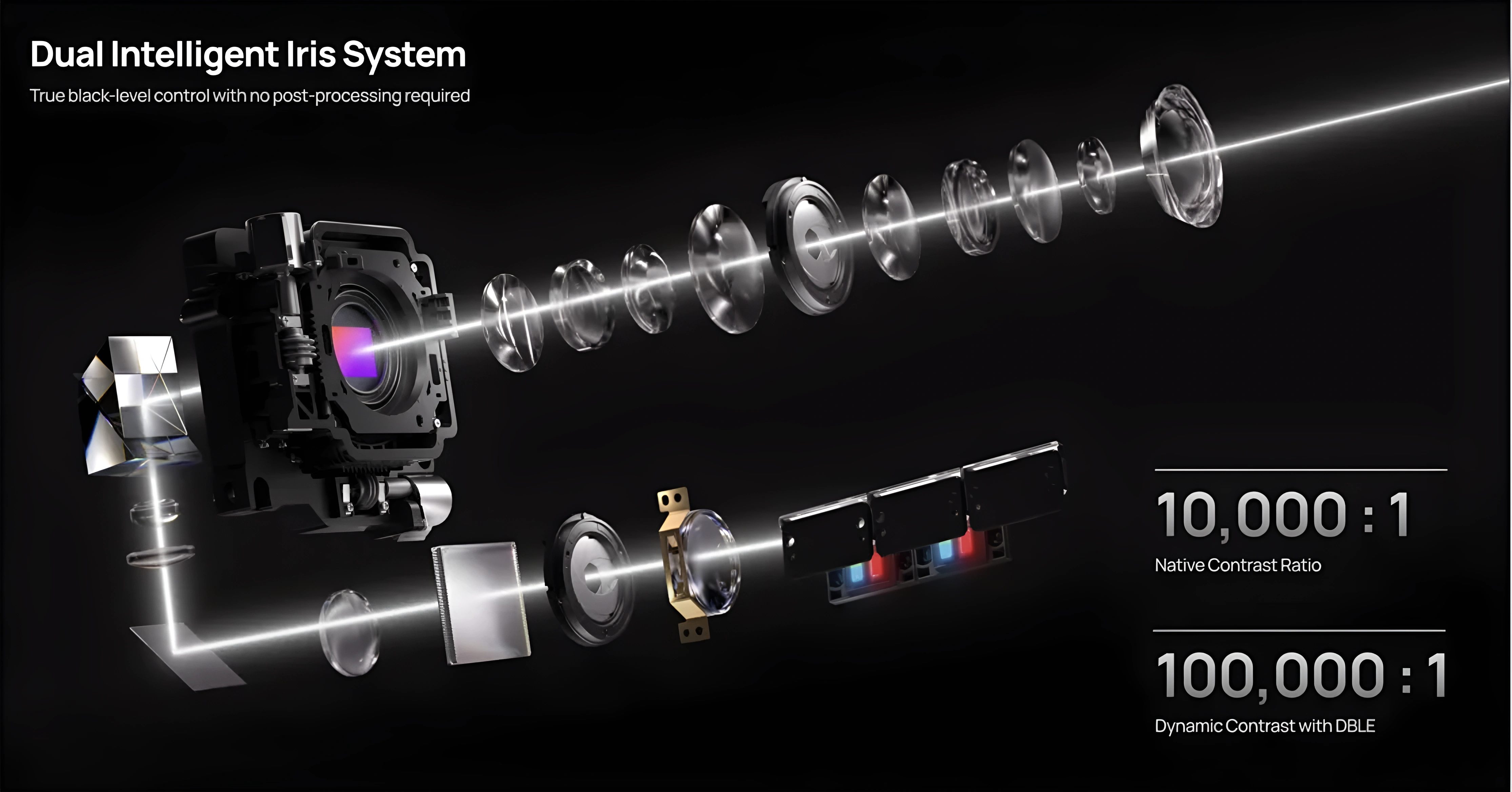
The optics are just as serious. A 15‑element all‑glass lens with multi‑layer anti‑reflective coatings, a 0.98–2.0:1 throw range (widest in its class), and vertical and horizontal lens shift that outpaces every direct competitor. Lens memory, rare on DLP projectors, is included. Contrast is handled by a dual-iris system: one static iris after the laser, one dynamic iris in the lens. DBLE (Dynamic Black Level Enhancement) handles the laser dimming.

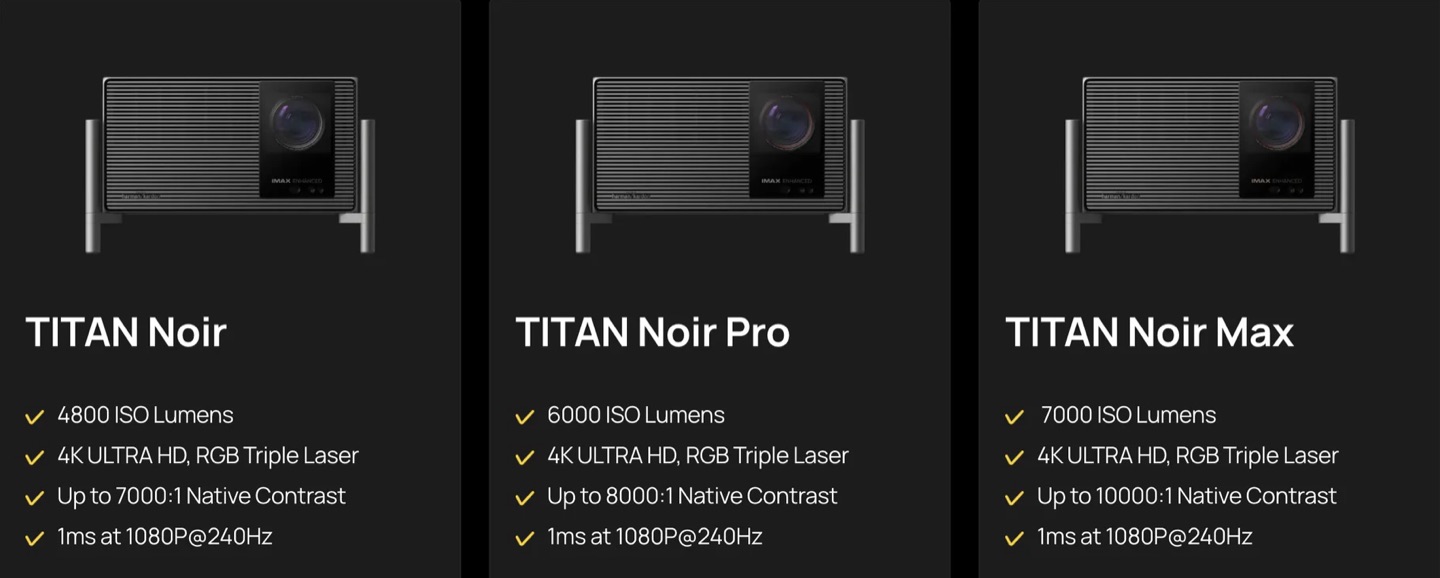
The Titan Noir line spans three tiers (base, Pro, and Max), all on the same dual-iris platform, scaling from 30 to 50 RGB laser diodes. The Max is rated at 7,000 ISO lumens. HDR covers HDR10, HDR10+, Dolby Vision, and IMAX Enhanced. Gaming: VRR, ALLM, 1080p/240 Hz at 1ms input lag. 4K/120 is accepted on input but output at 4K/60. That ceiling comes from the current single-controller architecture and is shared by every projector in this class.
On paper it’s a unique projector. In this review I’ll check how much of that engineering shows up in real performance, and what the firmware still needs to catch up on.
The Outer Box
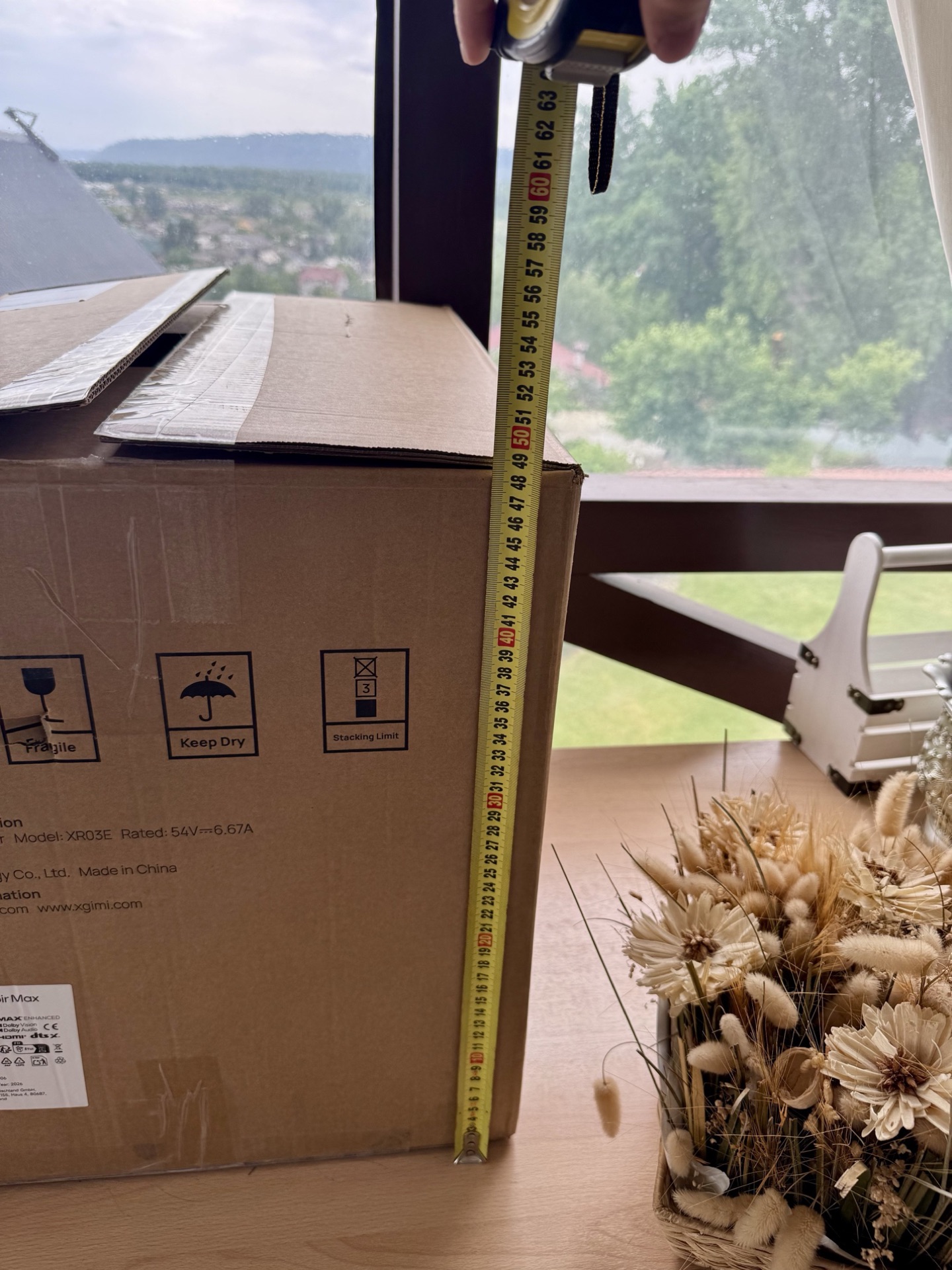
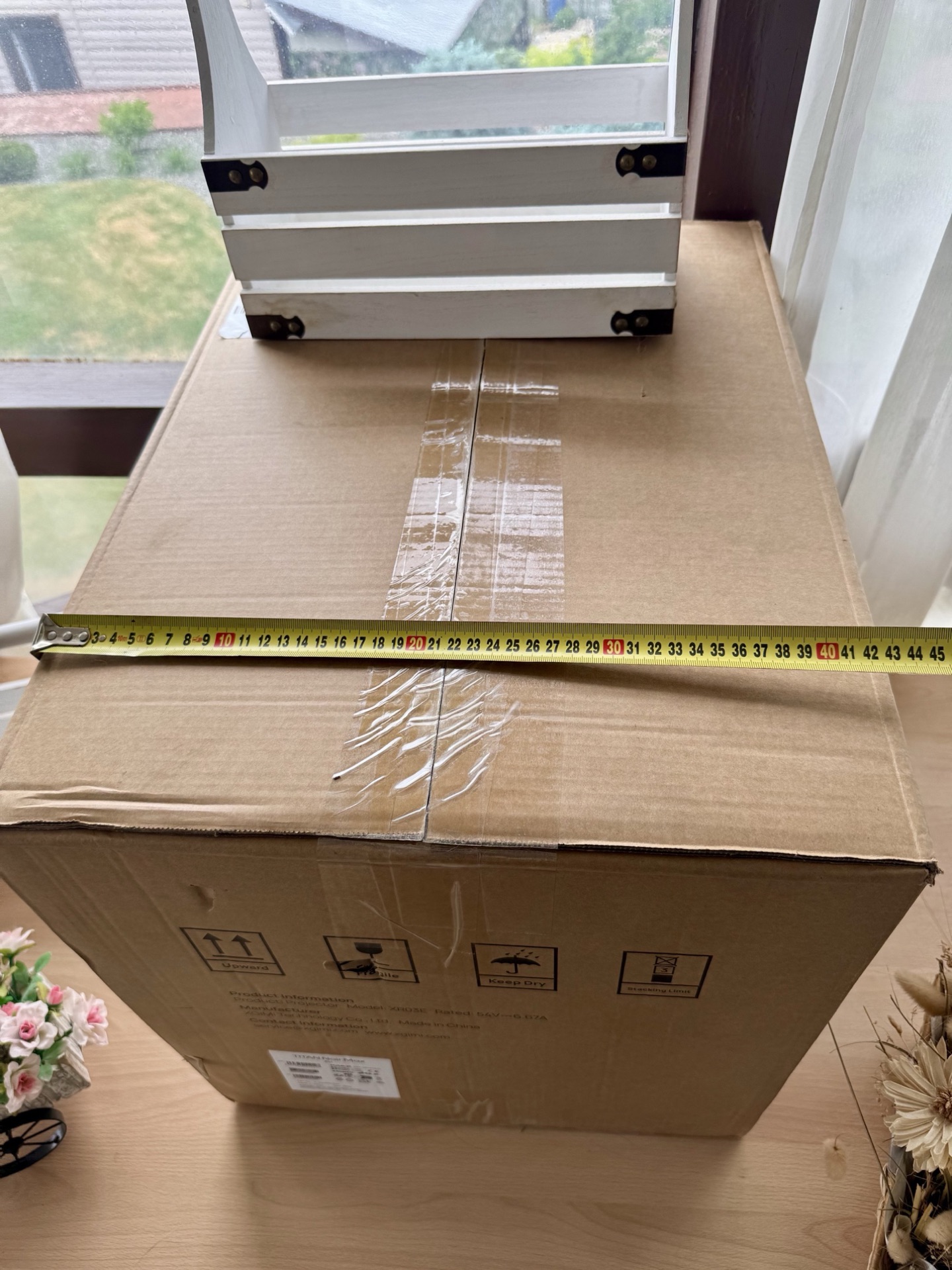
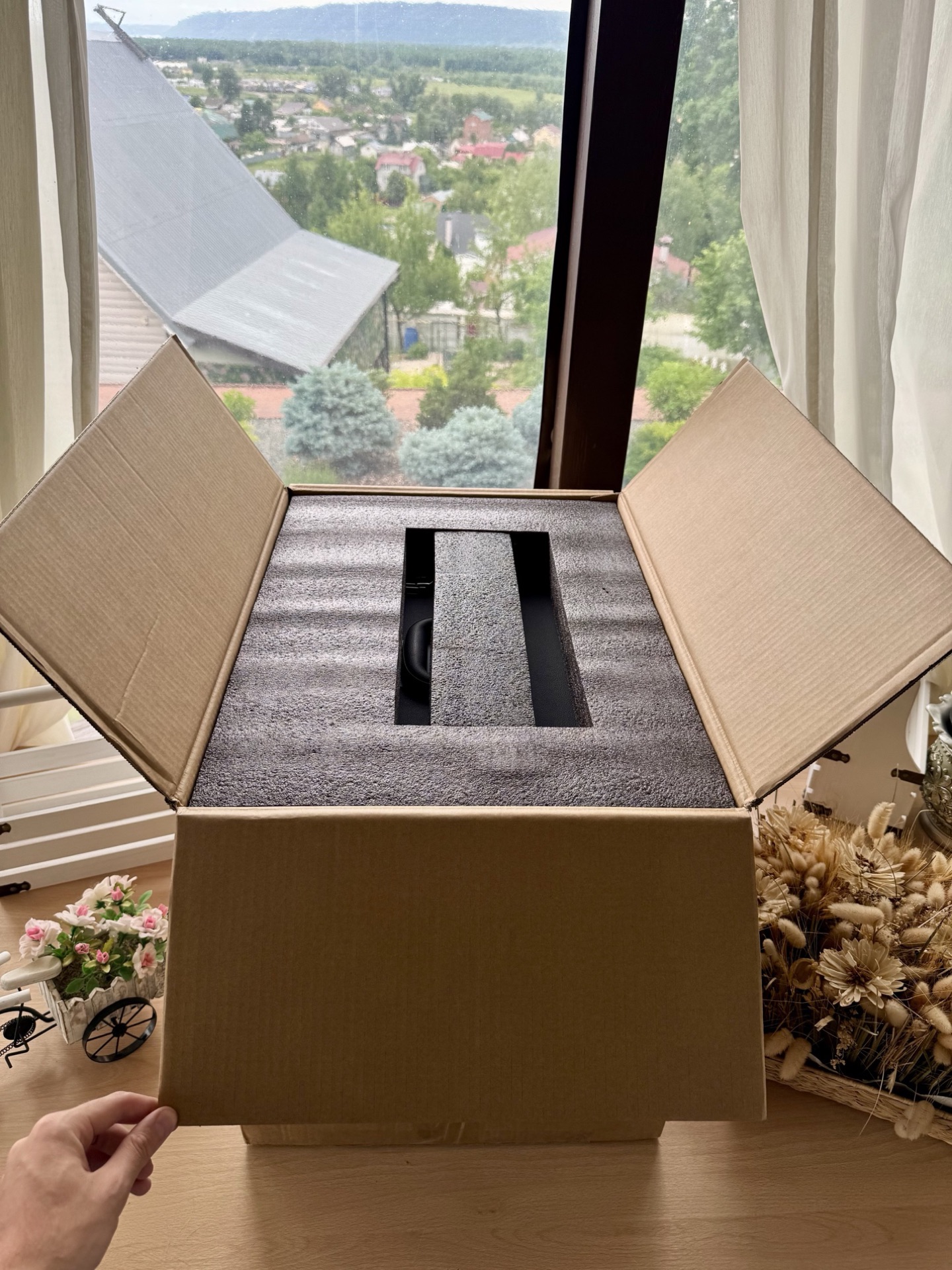
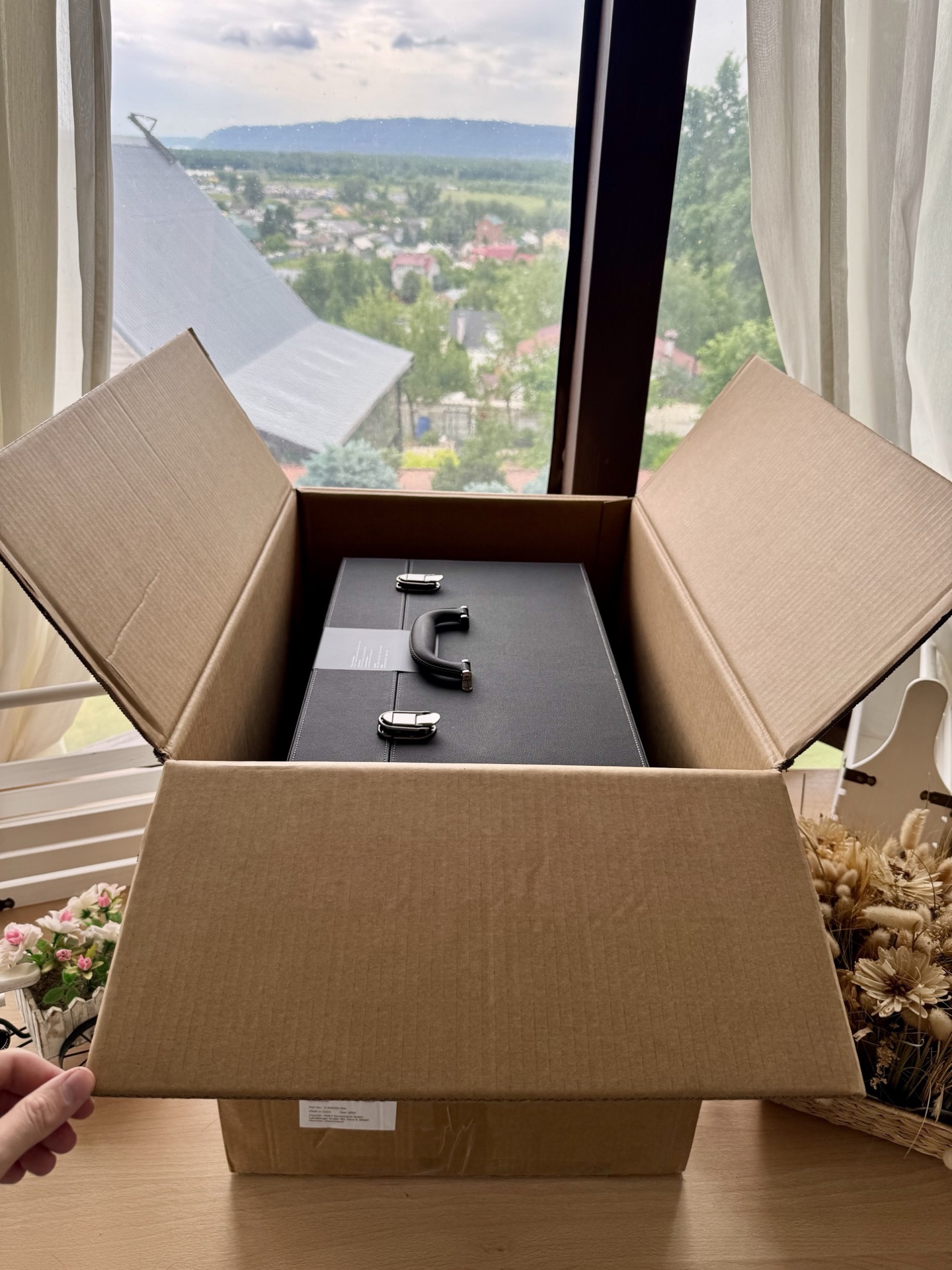
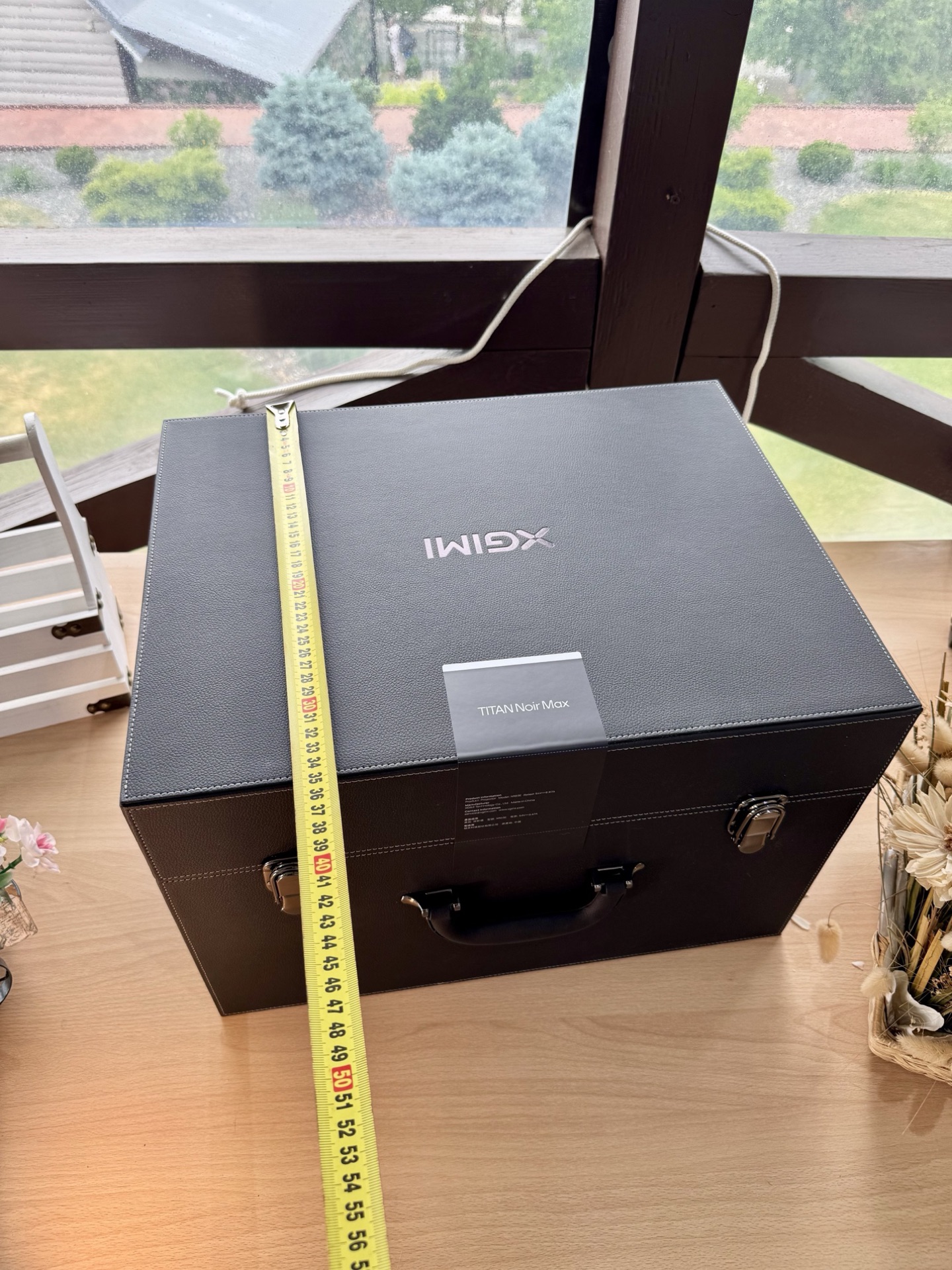
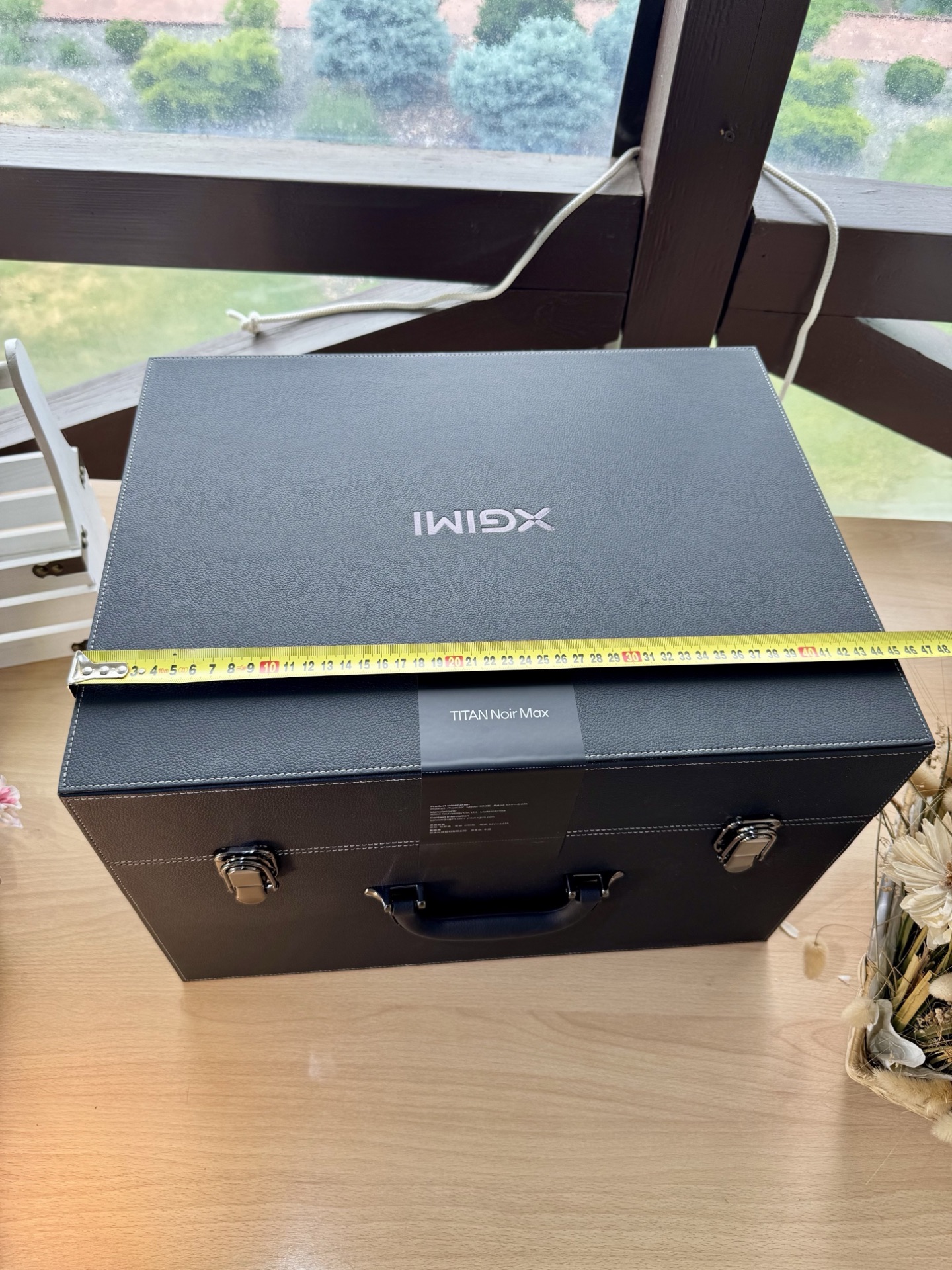
The projector arrived in a double-layered cardboard box with a custom foam insert. Nothing moves inside. The box is heavy, and you can tell right away that something serious is inside. The shipper marked the gross weight at 19.3 kg, but my own scale showed 17.5 kg. The box measures 43x50x59 cm. For reference, the projector’s net weight is around 8 kg and the chassis itself is 38x25x29 cm (WxDxH with feet). That leaves roughly 9.5 kg for the box, case and accessories.
The Carry Case
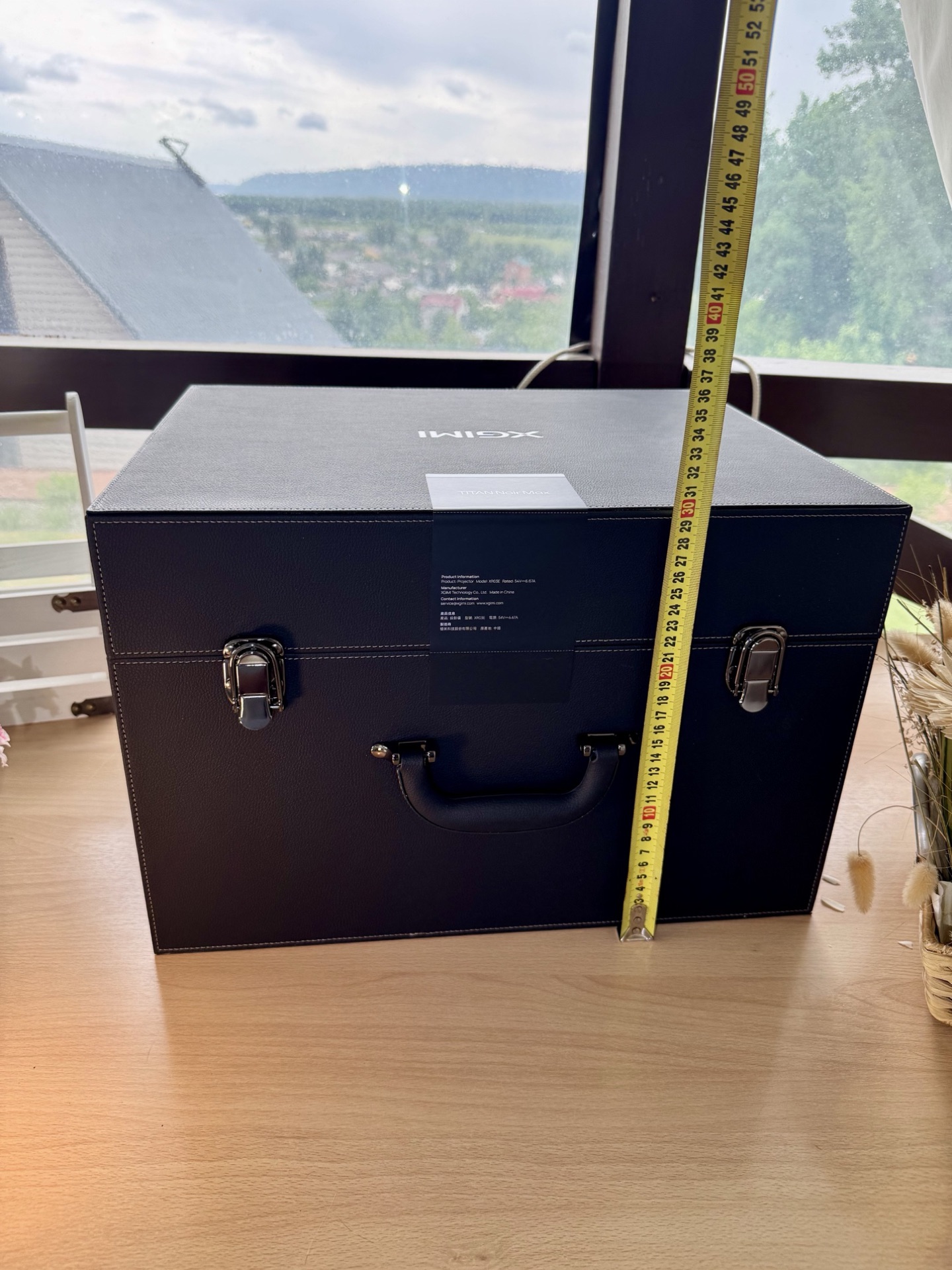
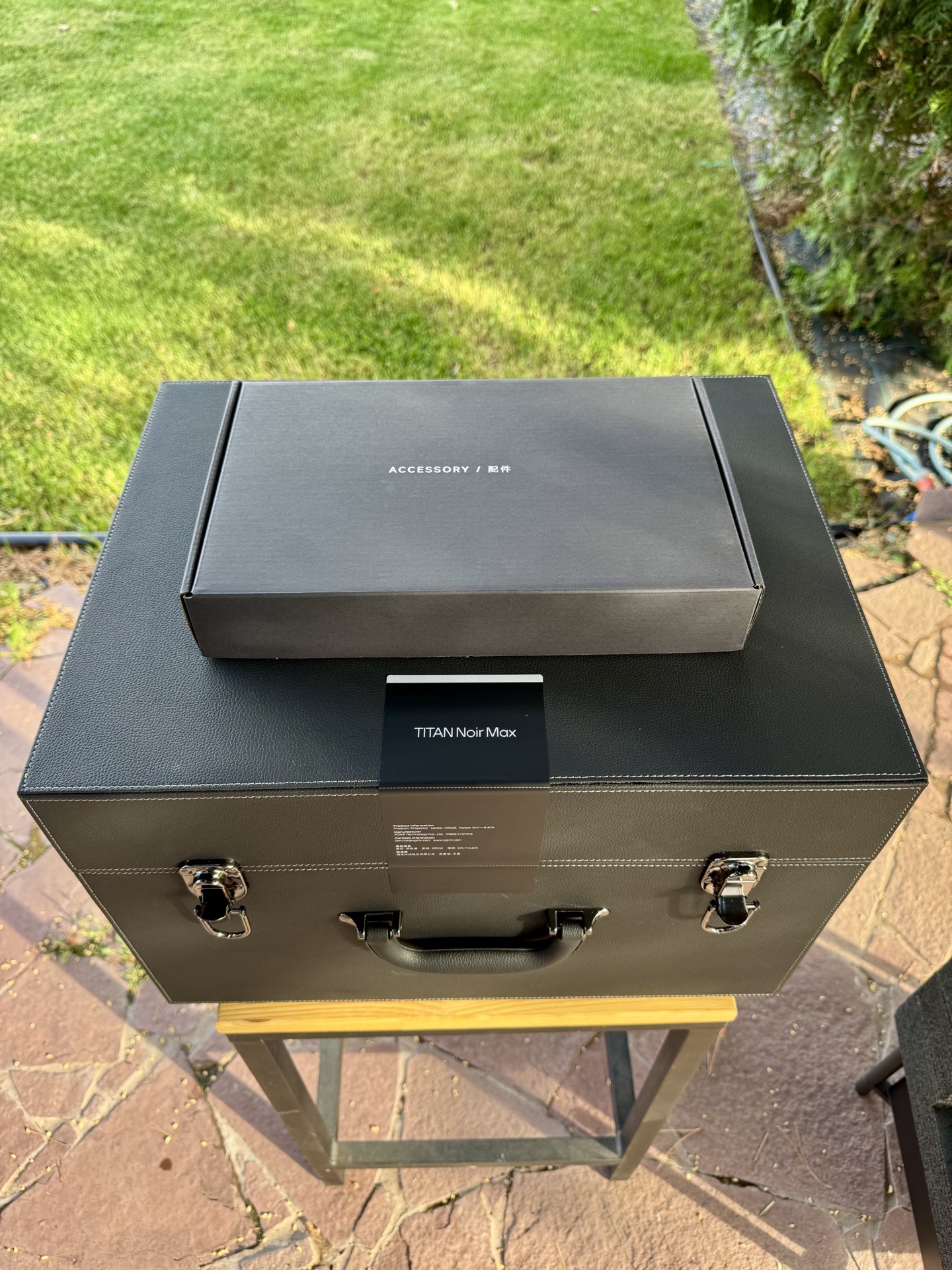
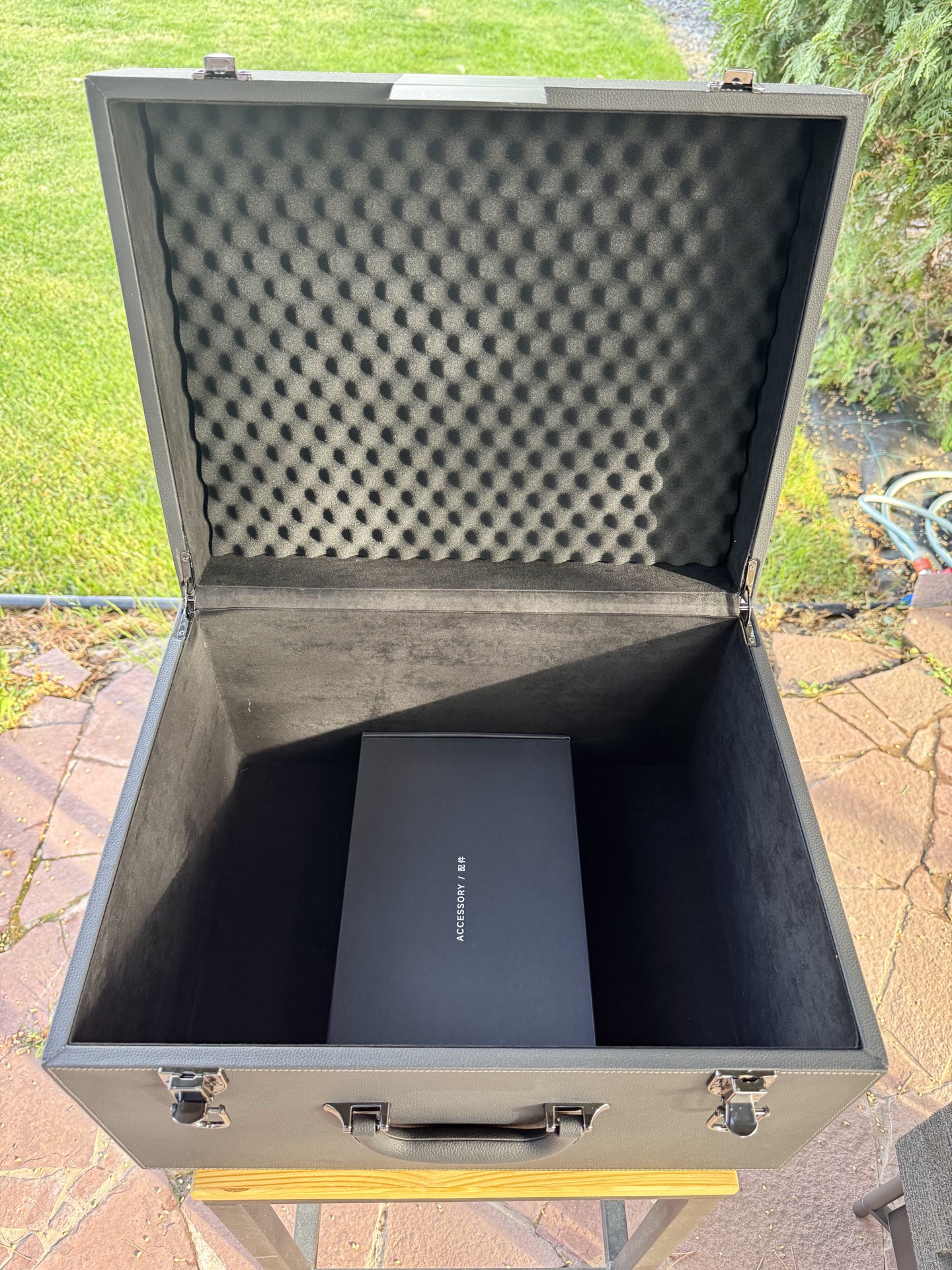
Inside the box sits a black leather-style carry case with a soft-touch fabric exterior, metal latches, and a solid handle.
The interior is precision-cut rigid foam. The projector sits in a custom-molded recess, and there’s a separate compartment on the bottom for accessories. If you ever need to transport the TNM, this case will survive pretty much anything. “It’ll get to the Moon” is not an exaggeration.
Design & Build
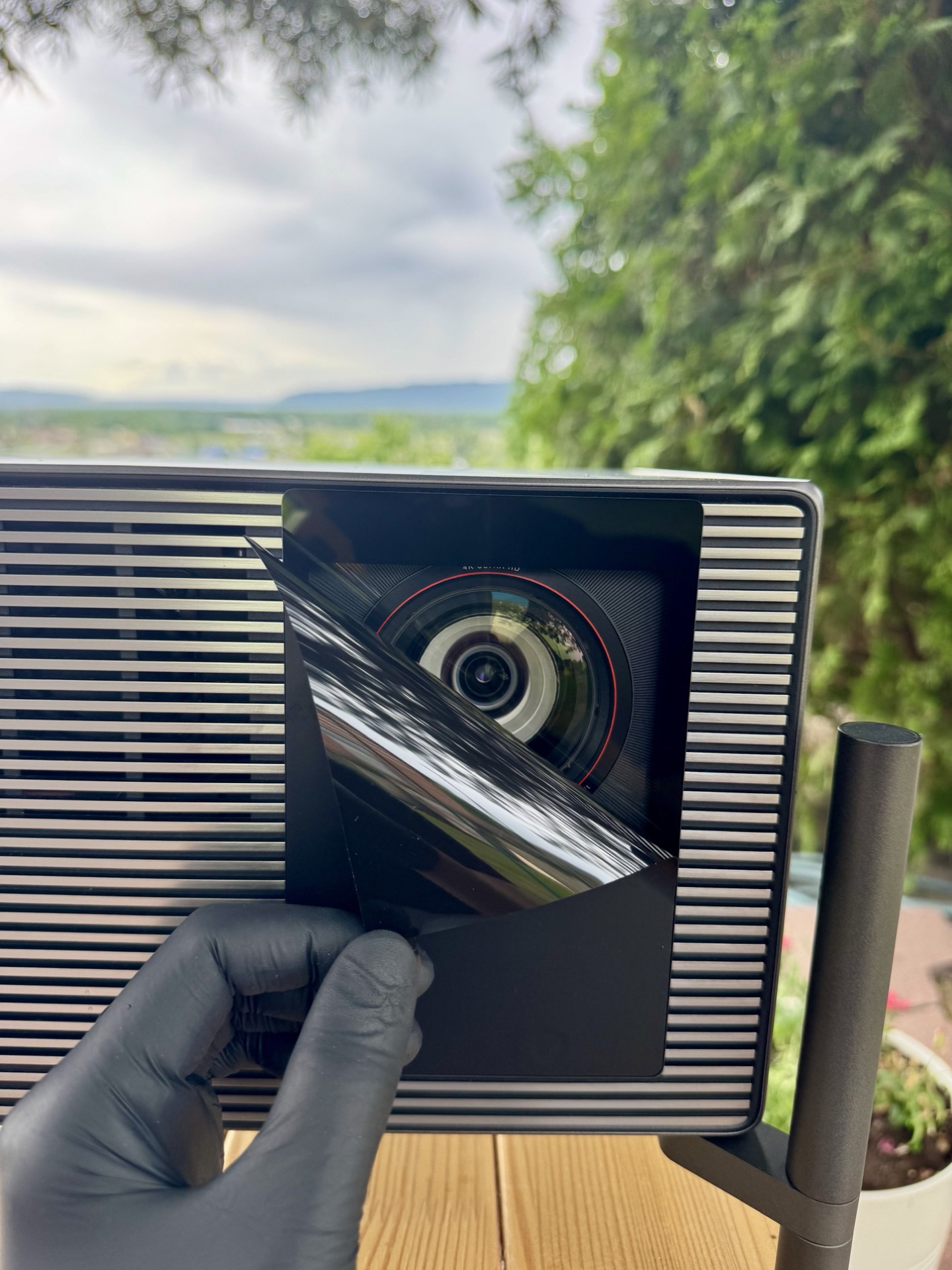
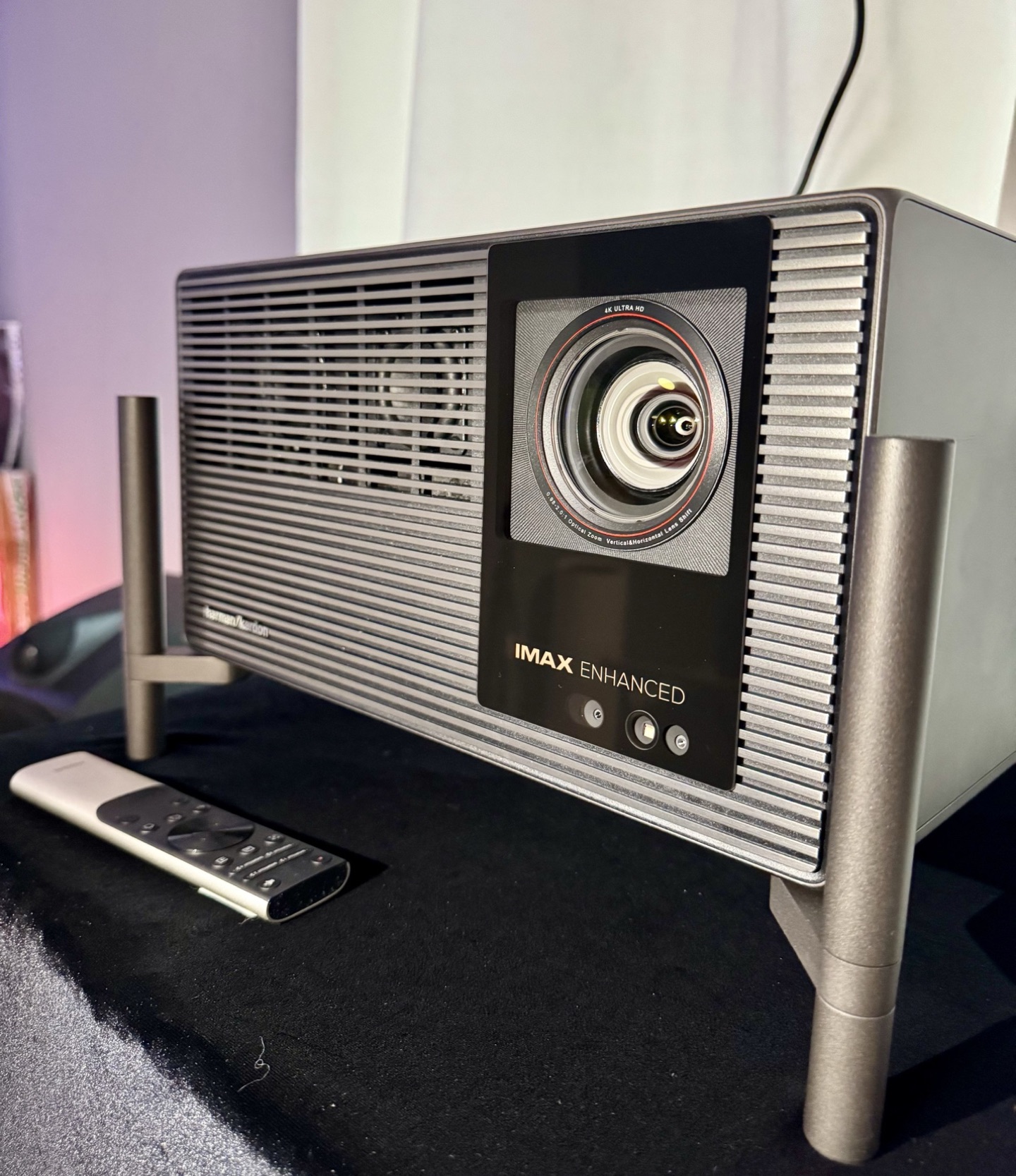
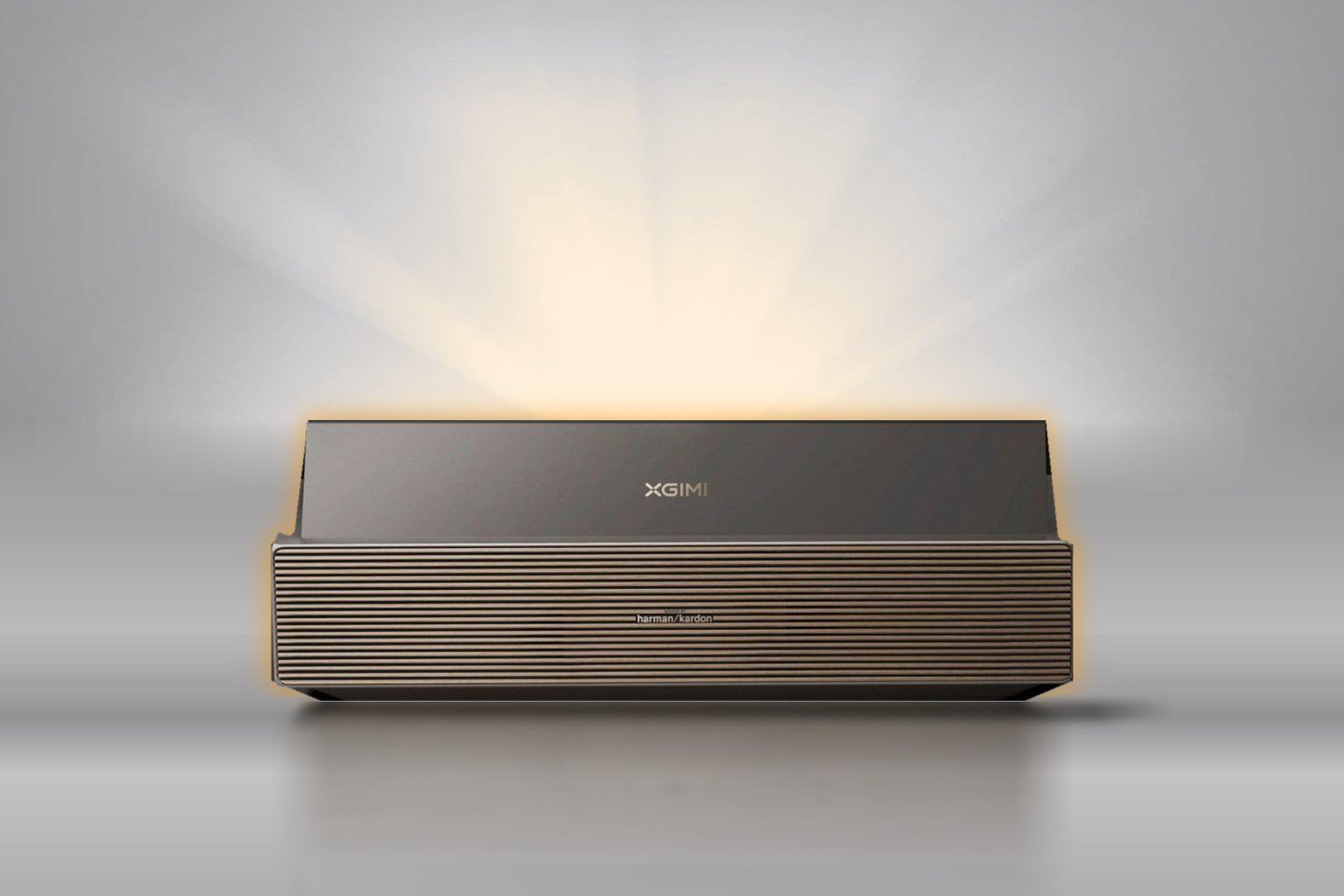
Now the main unit. Lifting the TNM out of the case, the first thing that hits you is the build quality. This is a serious piece of kit. The chassis is silver-gray and looks like a single solid-cast piece, with no visible seams between components. Even the rear I/O panel fits the overall look, with no cheap plastic sticking out. Fit and finish are monolithic: no creaks, no flex, no rattles under torsion. For an 8 kg unit, it feels dense. The lens is protected by a sticker during shipping, a small but crucial detail.
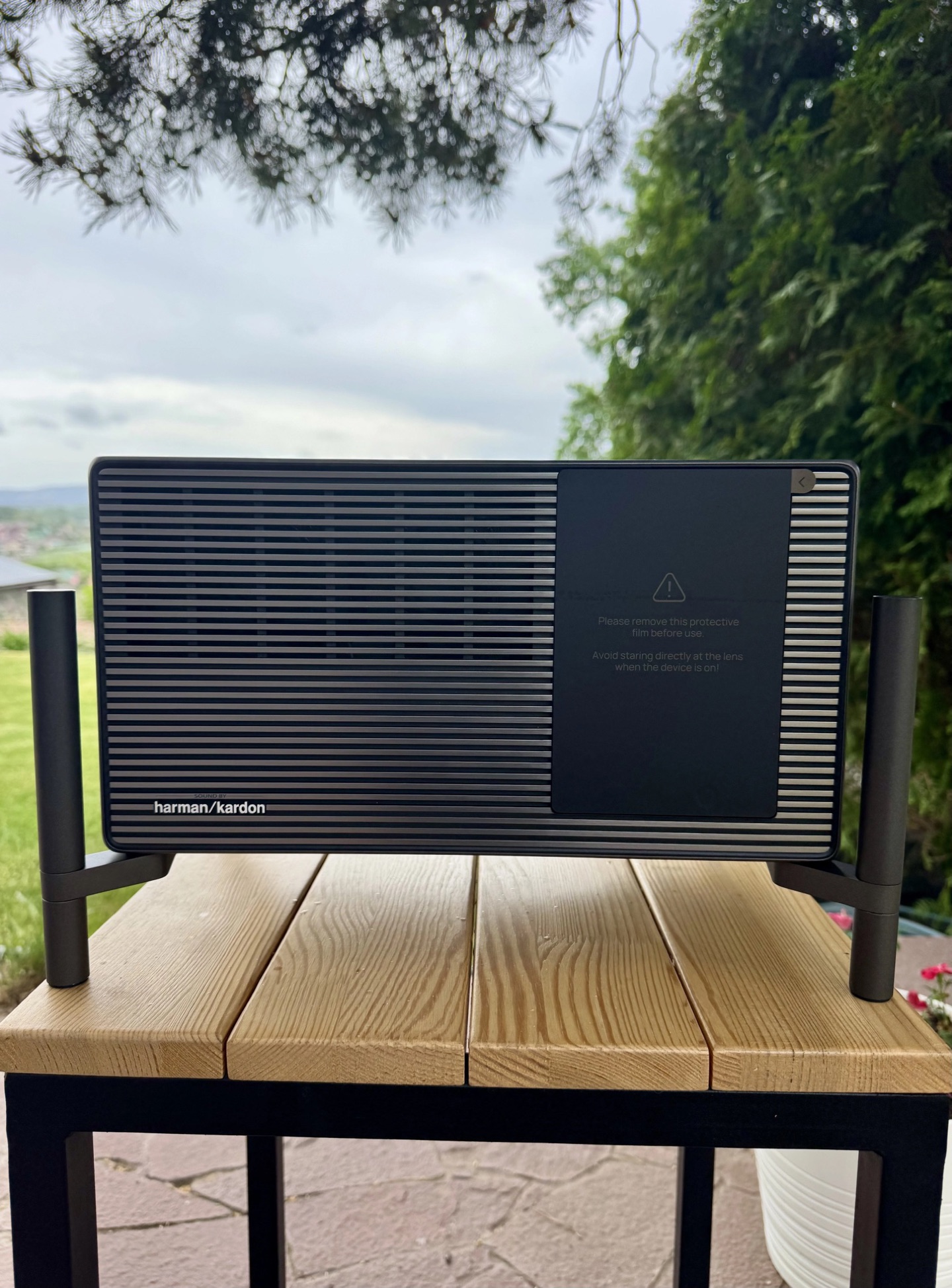
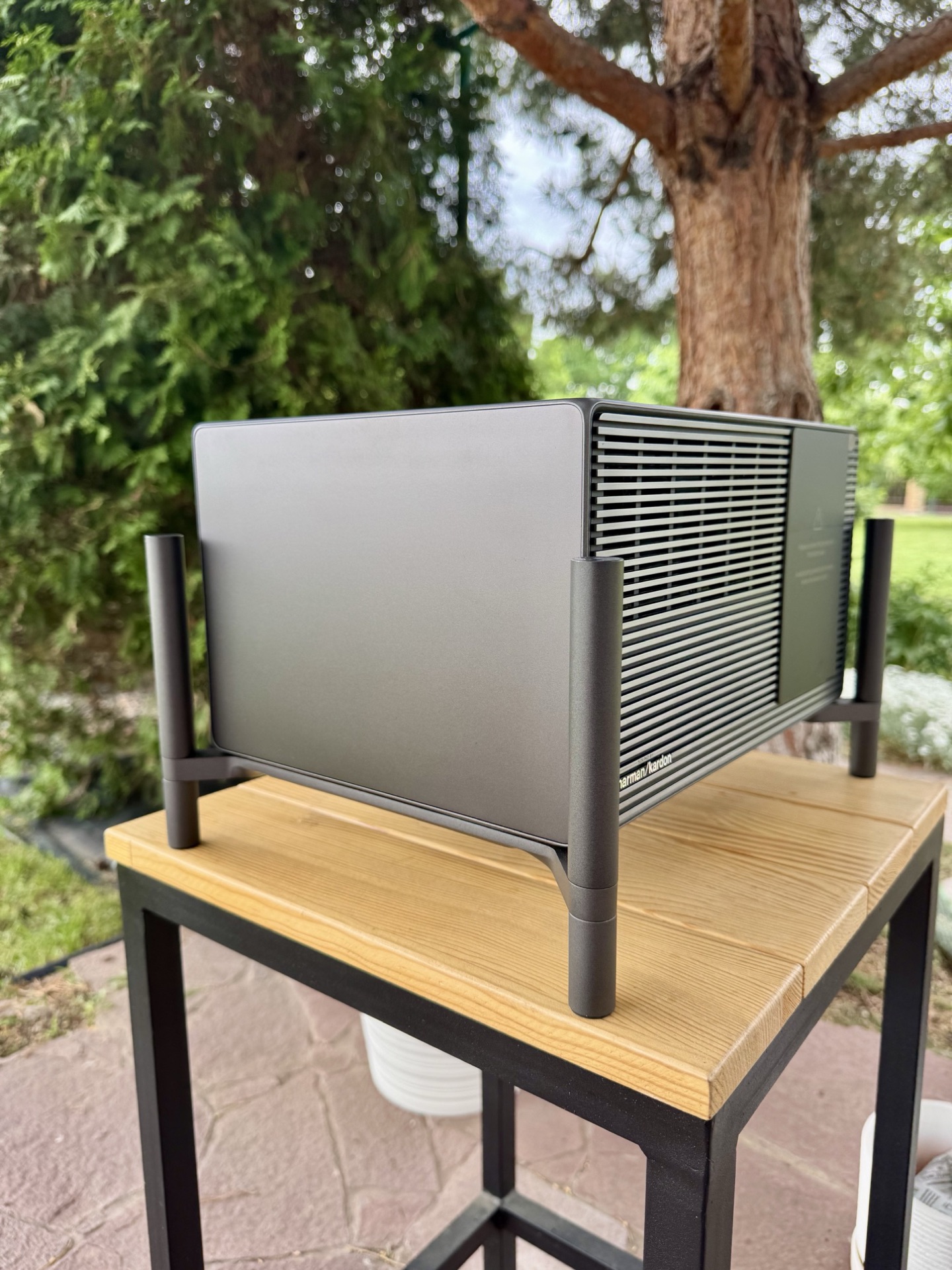
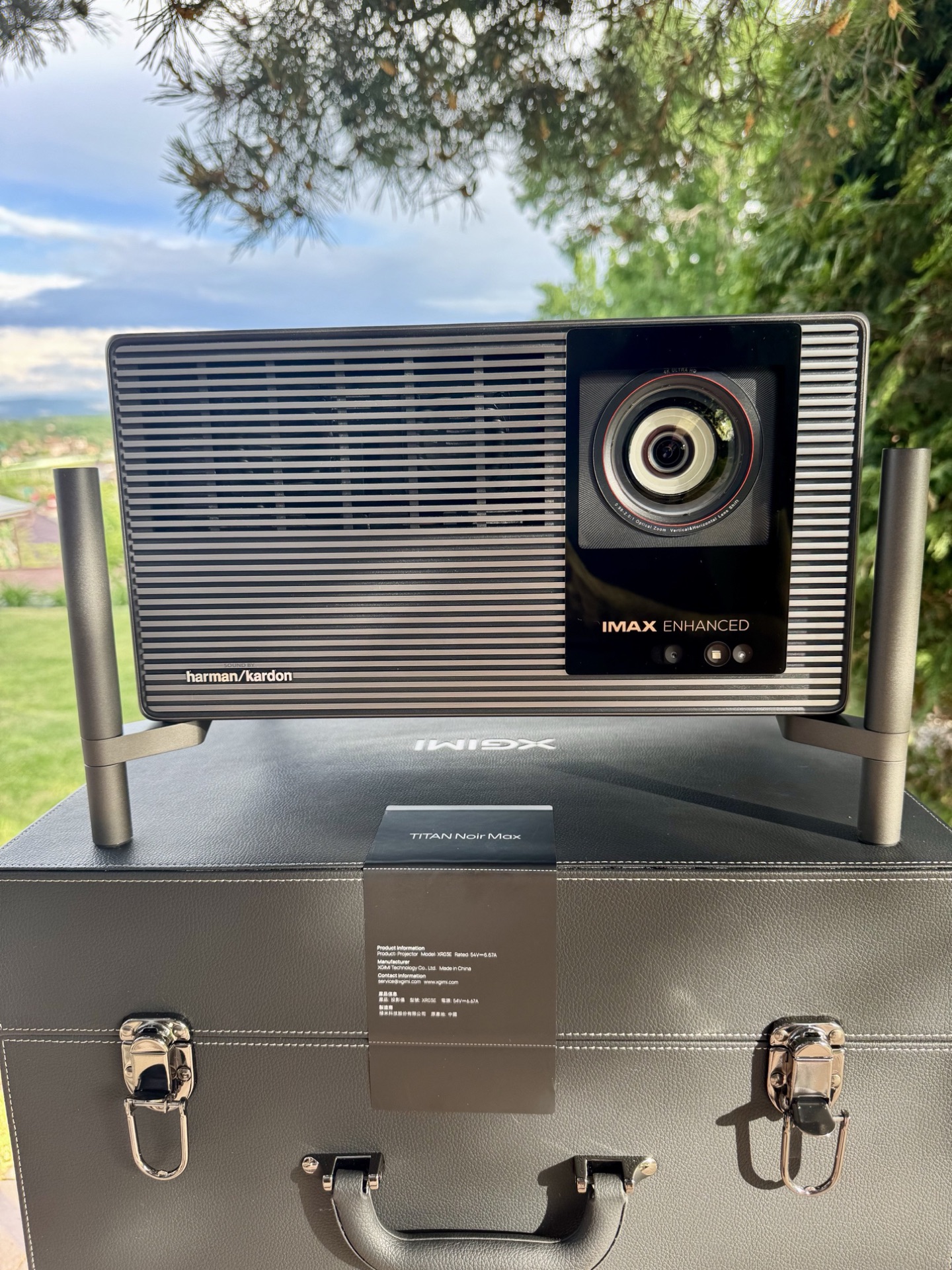
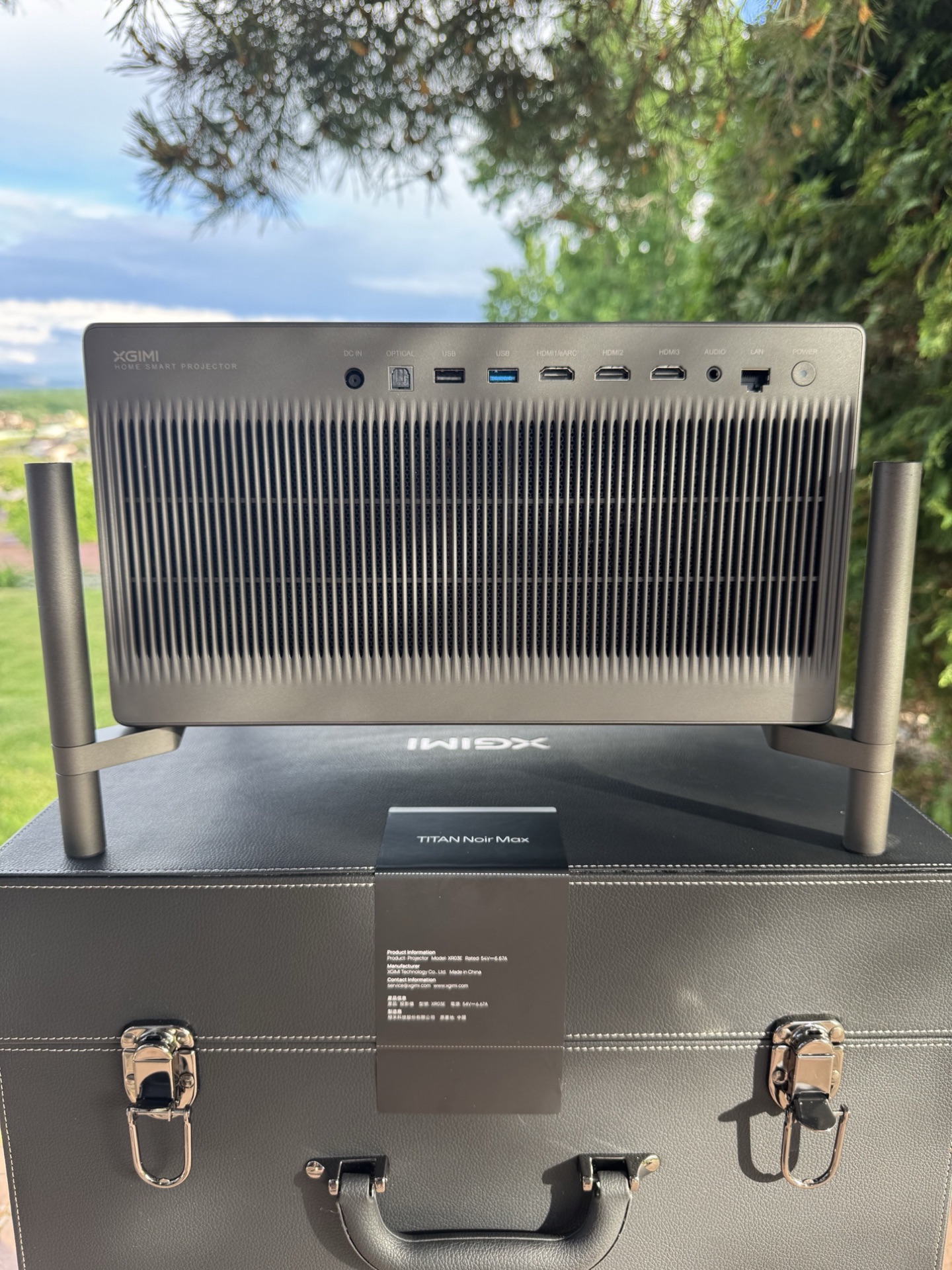
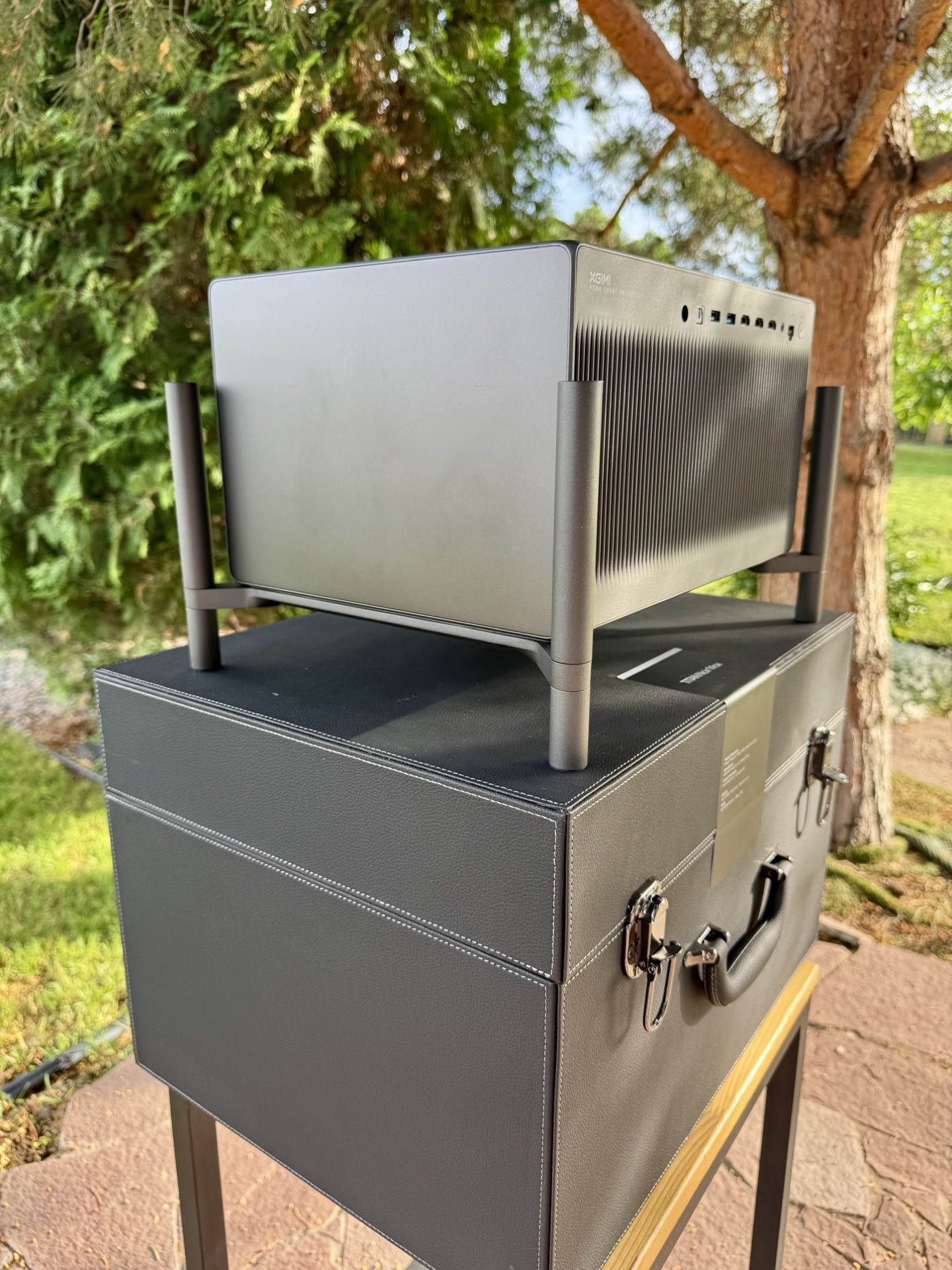
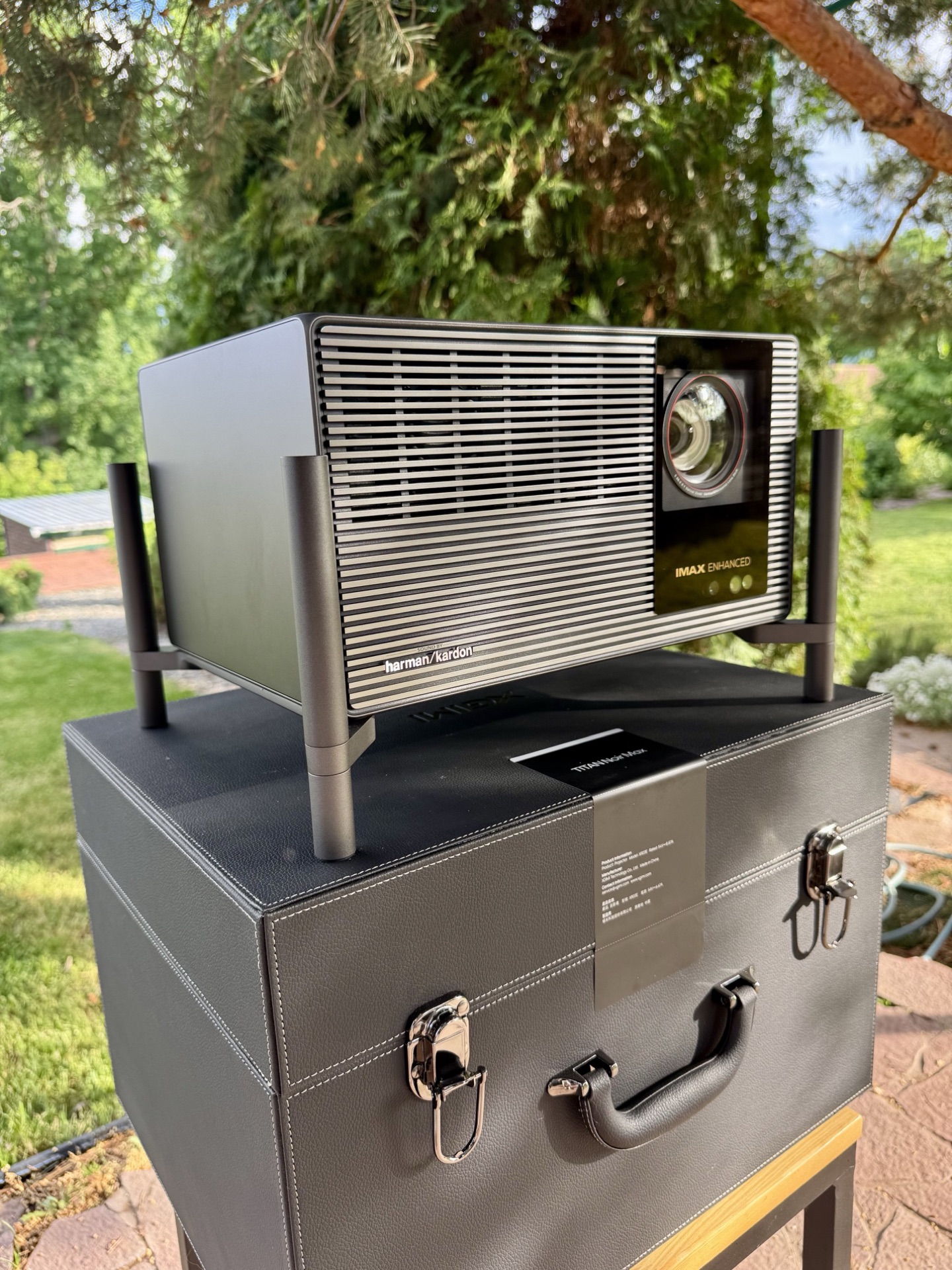
Now the design. I really like what XGIMI has done here. Instead of the awful gimbal-foot designs or overly gamer aesthetics on so many Chinese projectors, the TNM is minimalist, serious, and functional. It looks like professional cinema equipment, not a toy. The Valerion Max, for instance, tried to feel premium. The TNM actually feels like it costs every dollar of its price. Since the entire Titan Noir lineup shares the same platform and build quality, this is a serious step forward for the whole segment and a new benchmark for competitors.
The Feet
The TNM uses four tubular metal legs with rubber pads, and this is probably my favorite design decision. Instead of the awful motorized gimbals that make projectors look like robot vacuum cleaners, the TNM has four massive cylindrical feet. These are threaded and allow you to adjust the angle to the desired position.
Airflow and Controls
Read this part carefully. On a shelf you have to use the feet, because the TNM vents hot air downward. Without them, the projector can’t breathe properly. This adds a lot to the total installed height. The original Titan used the same scheme, and XGIMI carried it over to the Titan Noir.
One more critical point. There are no navigation buttons on the projector itself, just a hard power switch on the back. If you lose the remote, you can turn the unit off and on, but you cannot change inputs or open menus. Set up HDMI CEC from your player or keep a universal remote handy. Don’t learn this the hard way.
Accessories Box
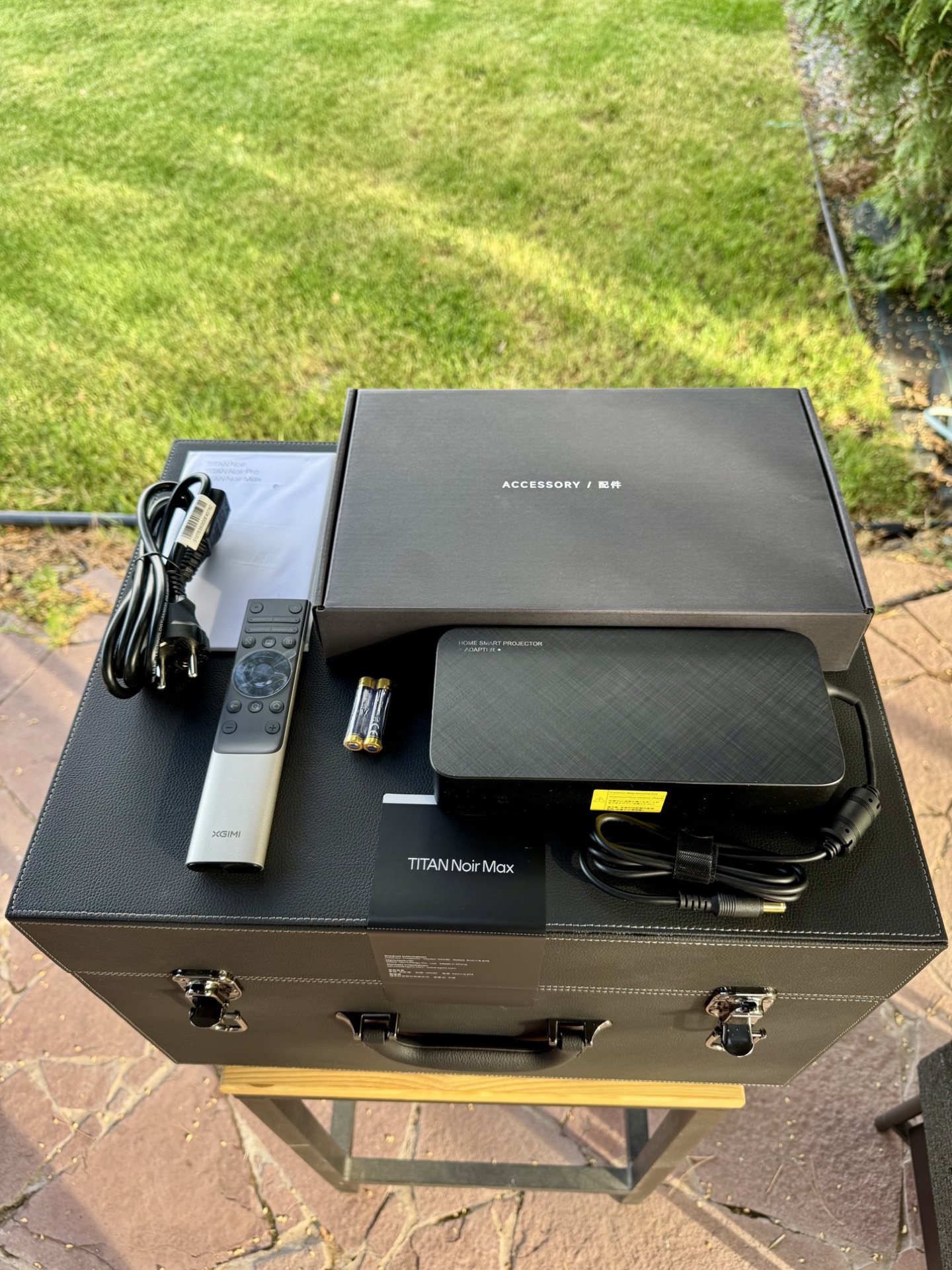
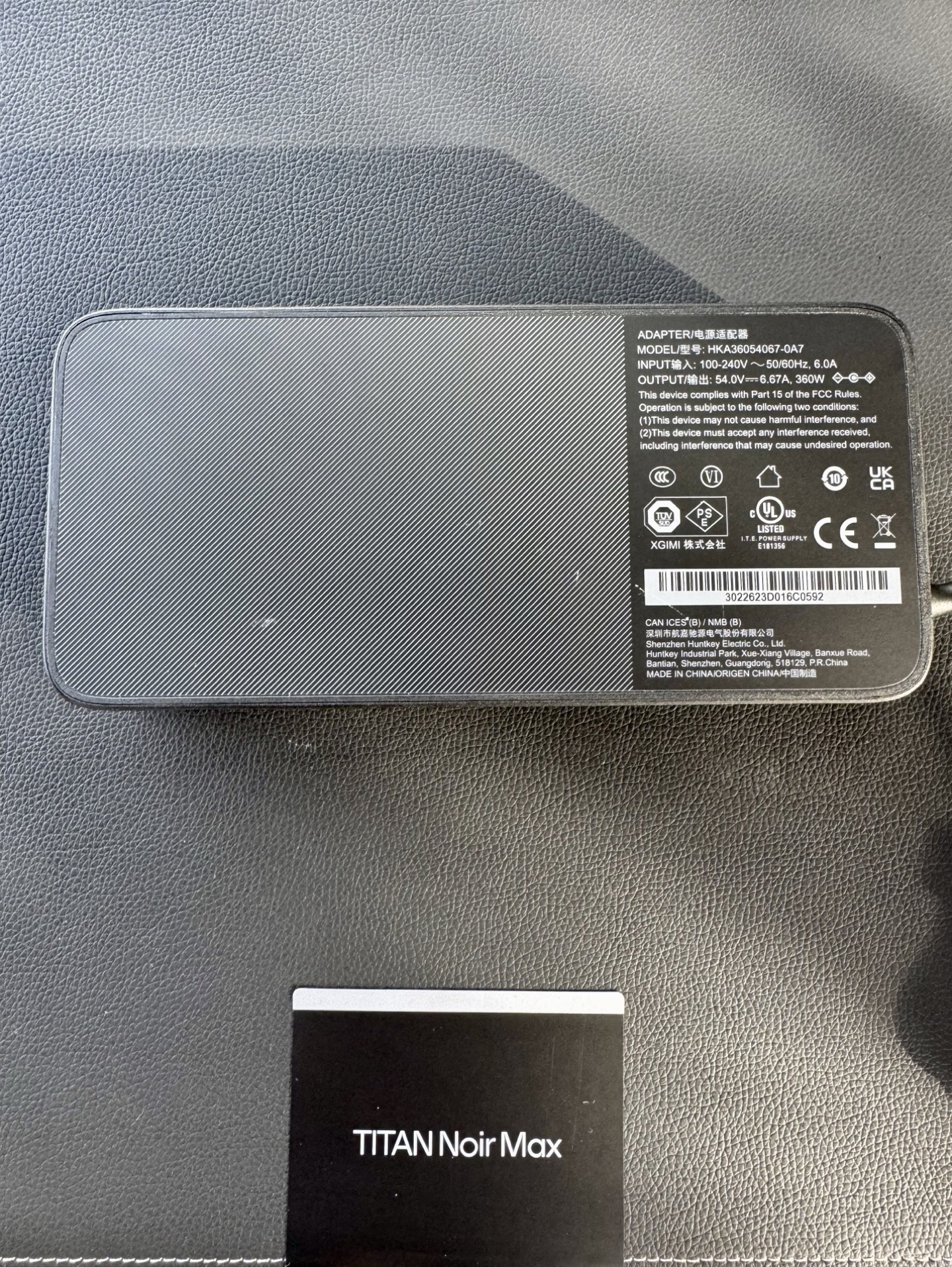
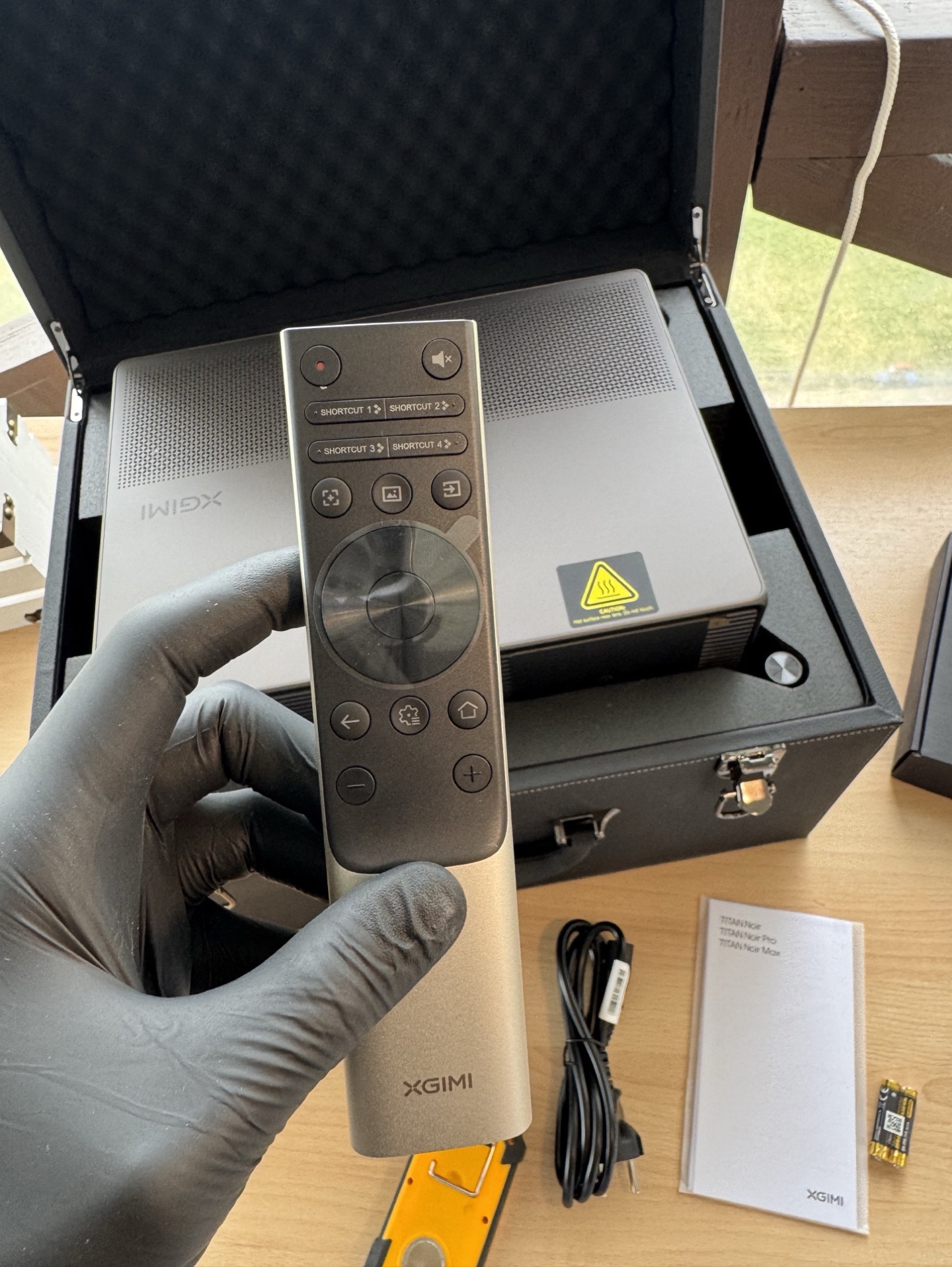
The accessories box contains the power brick, manual and warranty card, a cable, and the remote. The 360W power brick is big, one of the largest I’ve seen on a modern DLP. For ceiling mounting this is a real problem: this beast won’t be easy to hide, and it runs quite hot itself. Cable from PSU to projector: 1.22 m. Cable from wall to PSU: 1.39 m.
The Remote
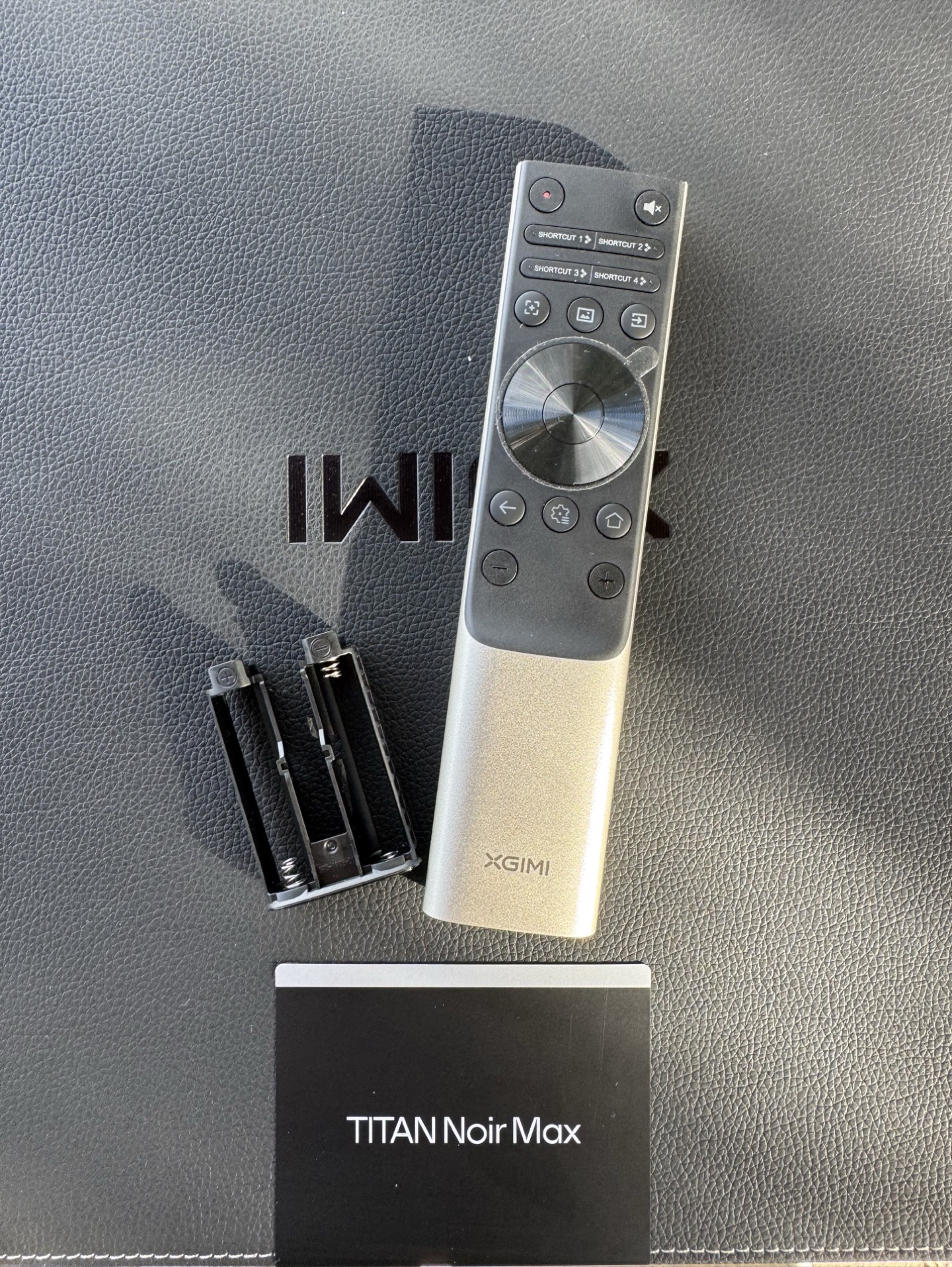
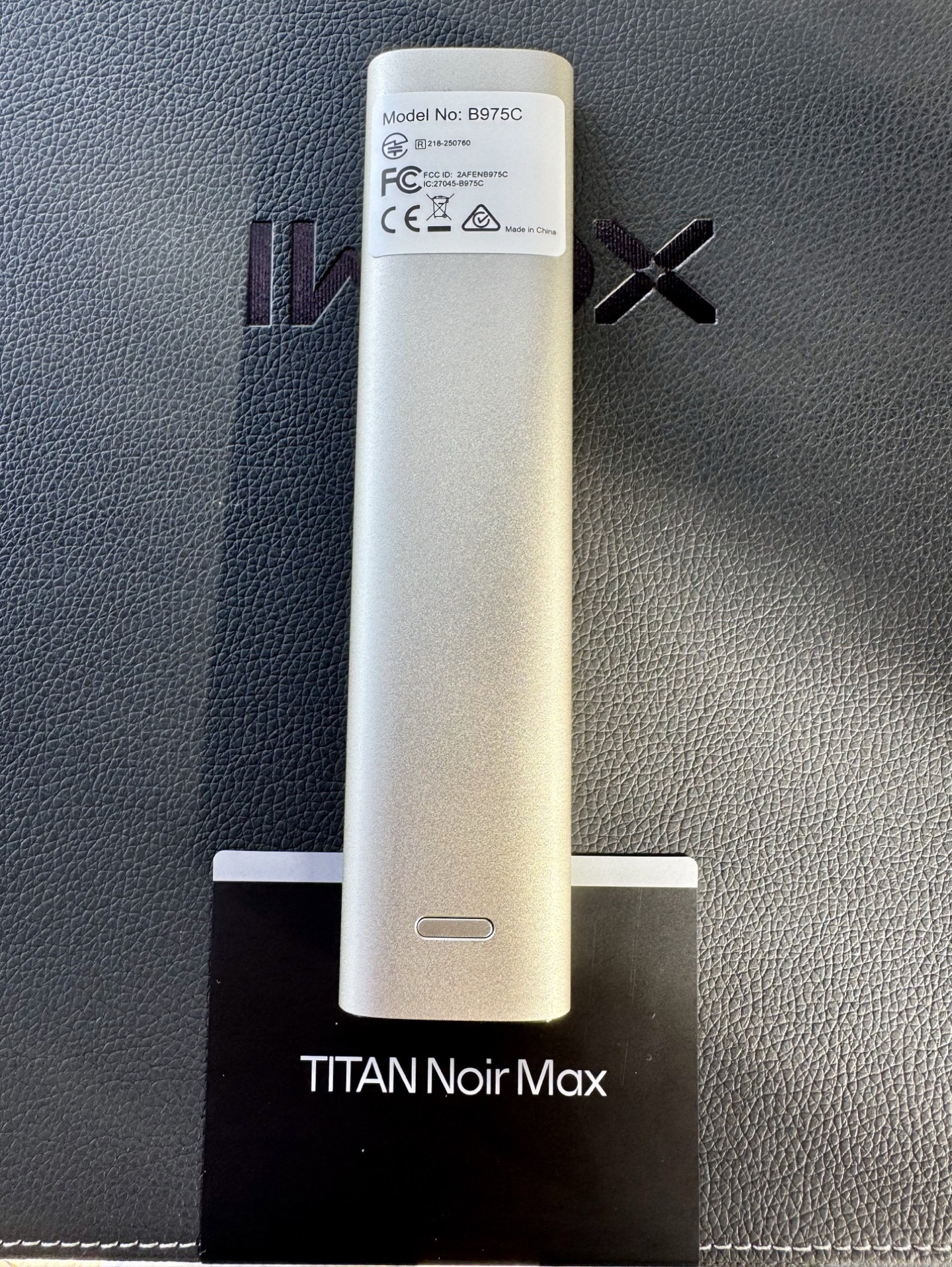
The remote is made of aluminum and feels heavy and solid in the hand, not like a plastic toy. The brushed metal finish adds a premium touch. The buttons feel pleasant, with crisp clicks. My one gripe: the backlight only covers a few core keys, and the rest stay dark. I honestly don’t understand why manufacturers can’t just backlight the whole thing. Valerion had the exact same issue. Still, it feels excellent in the hand.
First Light: Brightness at 250 Inches
I couldn’t resist throwing a quick image onto a bare wall at roughly 250 inches.
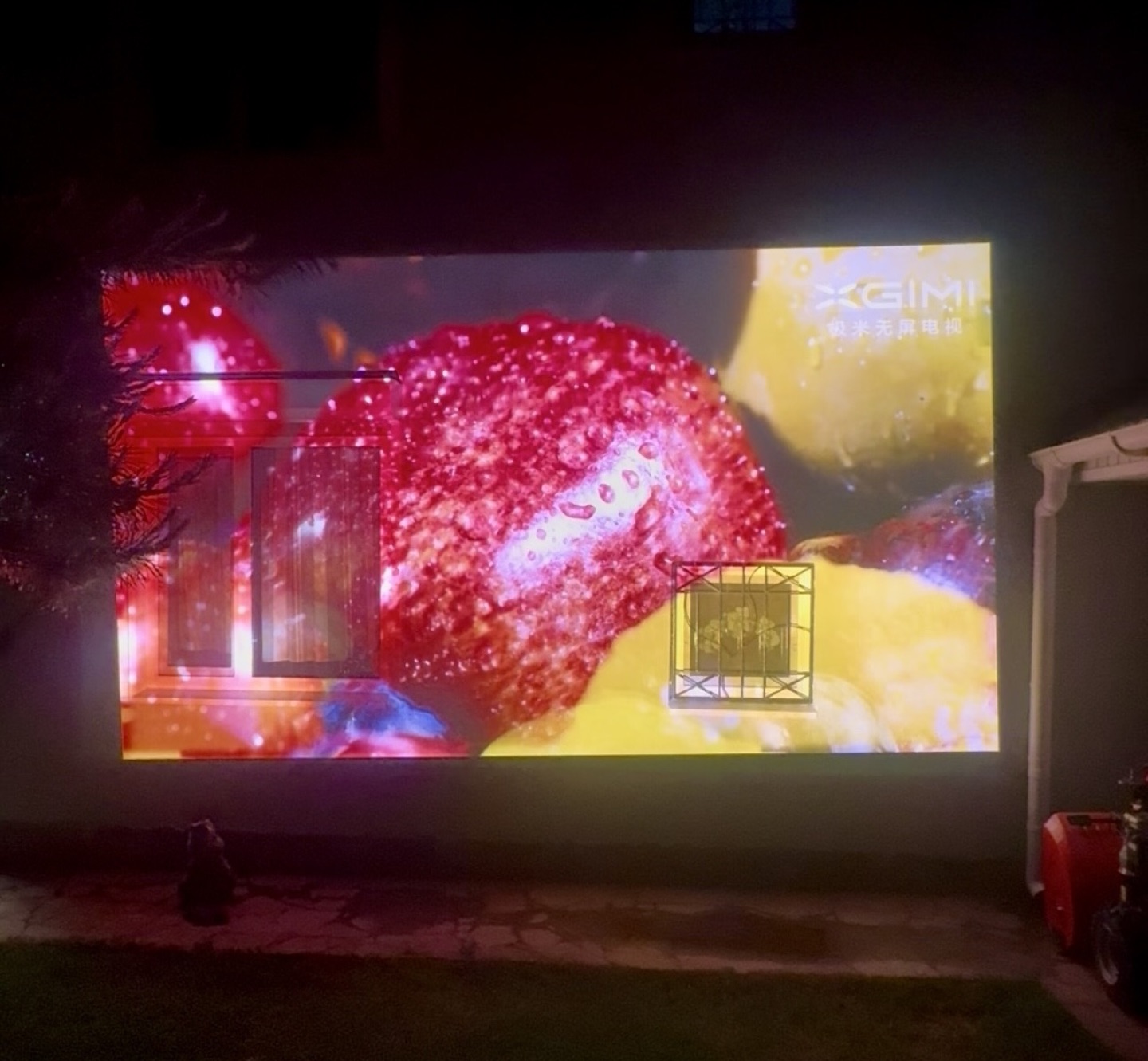
The brightness is real. At laser 10+ there’s enough light for practical uses: backyard movie nights, outdoor viewing at dusk, or commercial/event installations (bars, lofts, event spaces). For non-critical ambient viewing, you could run a massive screen without issues.
This much size, brightness and quiet in one box is hard to overstate. And it does it with air cooling only, no water loop like the Dangbei S7. Insane.
The Lens
If you’re buying this version of the projector for the lens alone, you might not be wrong.
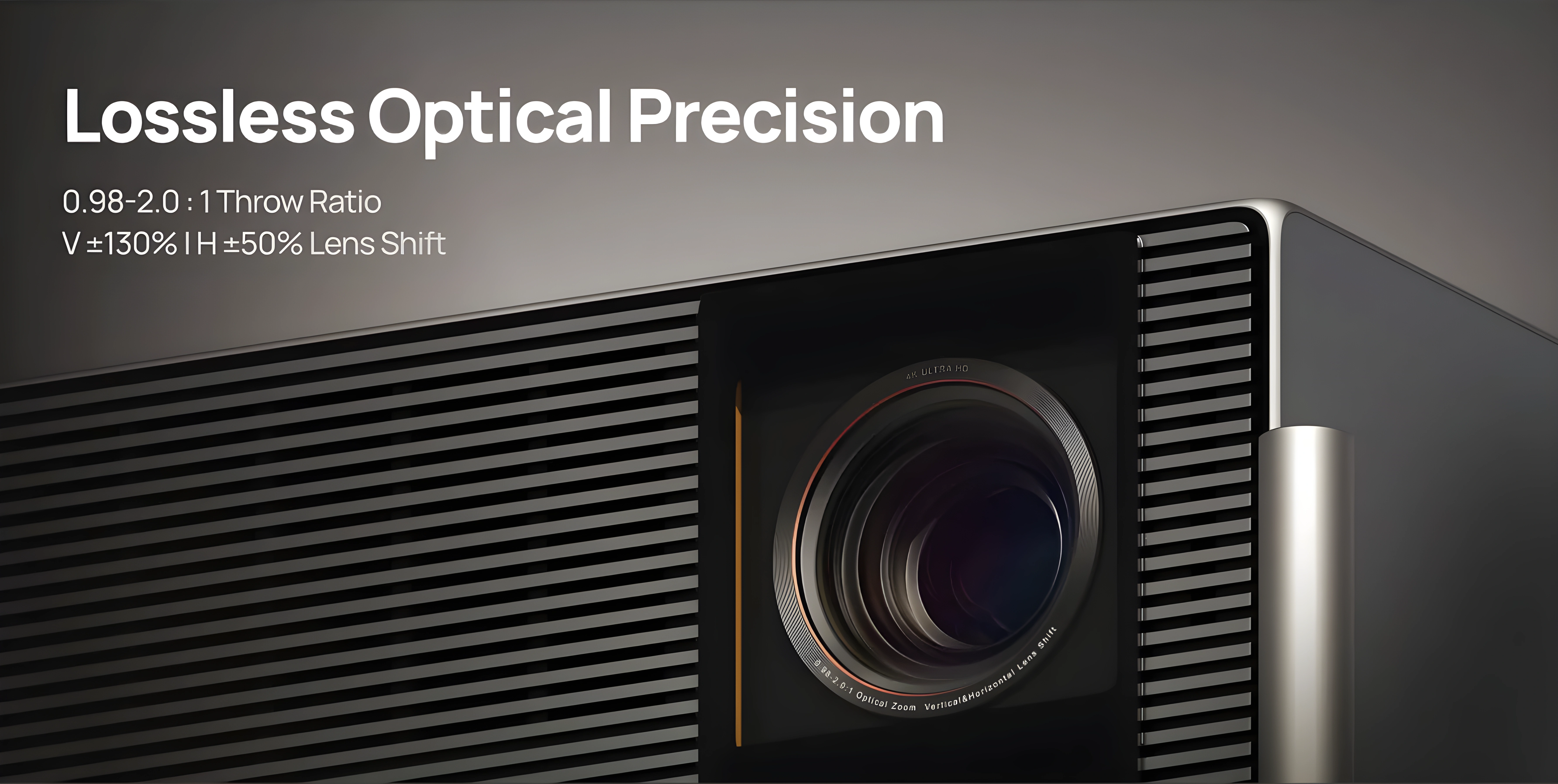
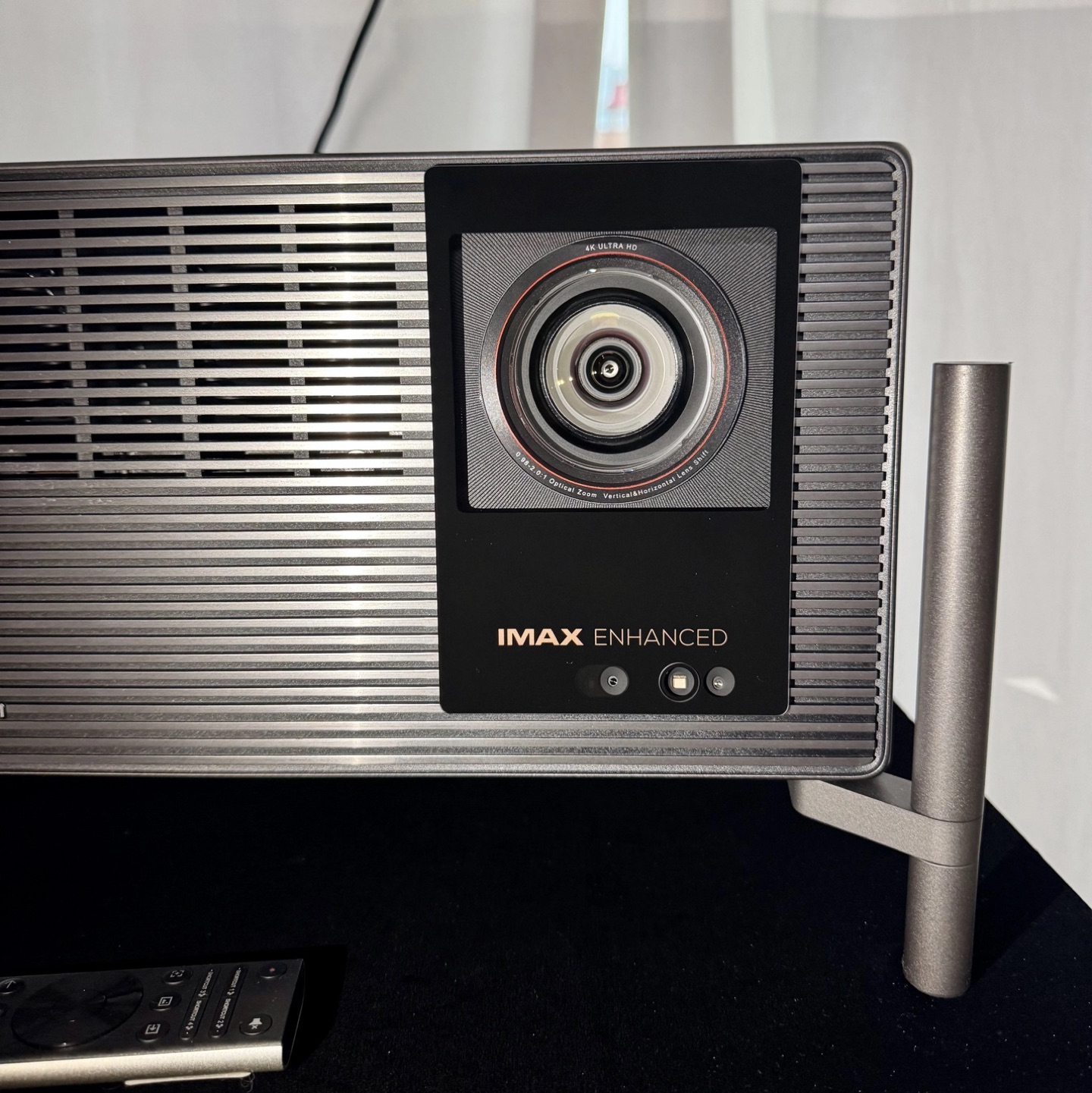
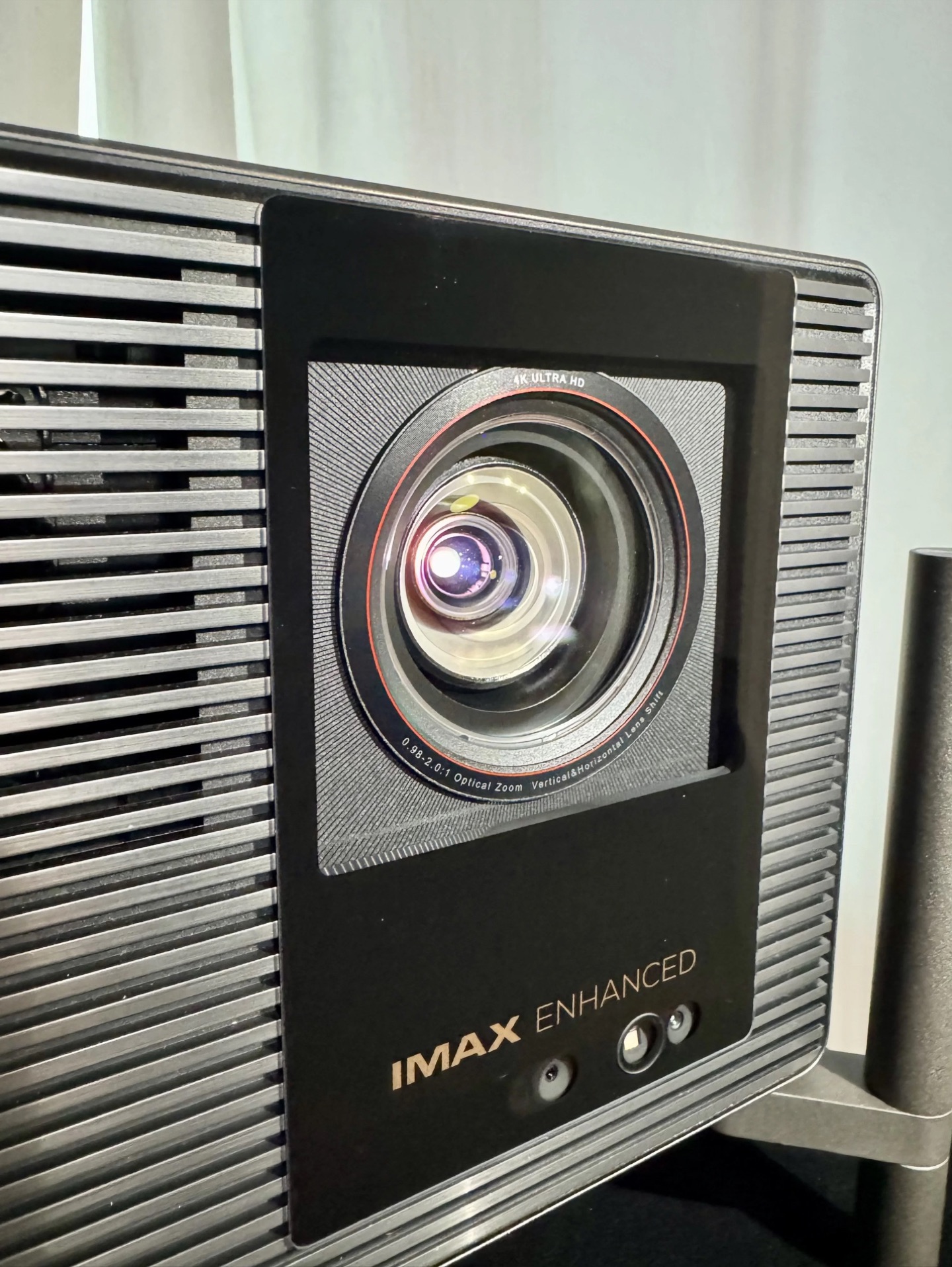
The TNM uses a high-end 15-element all-glass X-Master Red Ring Lens PRO with the signature red ring. The key upgrade is the throw ratio: 0.98 to 2.0x (extended to 2.1x with firmware 1.0.99). This is a real full-range zoom. For once, you don’t need to buy a separate long-throw lens or rule out this projector because your room is longer than a closet. Finally, manufacturers remembered that home theater enthusiasts with normal rooms exist.
Lens shift is also available on both horizontal and vertical axes, which makes installation dramatically more flexible. The front element is covered by a protective glass plate with the IMAX Enhanced logo in gold (the Pro version gets a silver logo). Below the lens there are sensors for automatic focus, ambient light detection for auto-brightness, and a human presence sensor that dims the laser if someone walks in front of the beam. All of these can be turned off in the menu.
XGIMI claims the optical block is sealed against dust. If true, the contrast numbers should stay stable over time, with no slow degradation from dust creeping onto the panels. Dust is a known killer on older DLP and LCOS designs.
One more important hardware note: the TNM uses a dual iris setup. This isn’t marketing fluff. The Dangbei S7 already proved how effective this can be for contrast, and it’s great to see the approach adopted here. There are some important interactions between the two irises, zoom position, and lens shift that I’ll cover in the measurements section.
Lens memory
The long‑awaited lens memory function arrived with beta firmware 1.2.36. For owners of CinemaScope screens and anamorphic lenses it’s a really useful addition: switching between aspect ratios becomes a one‑button operation instead of a tedious manual recalibration. Users with standard 16:9 screens will find it useful too: it removes black bars without cropping the picture.
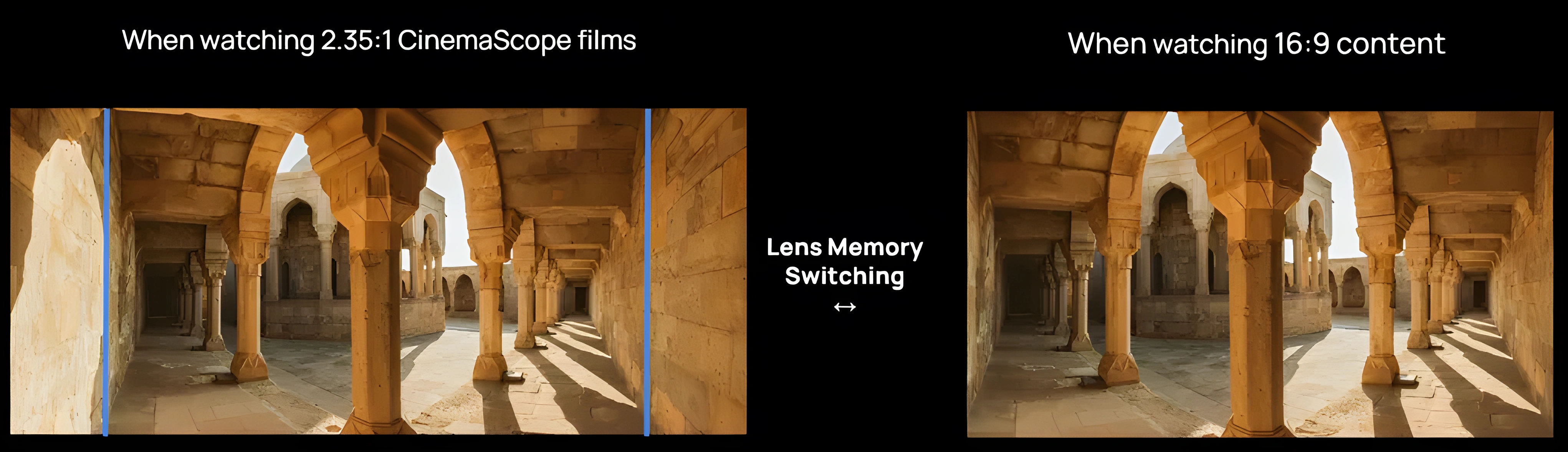
For now the implementation has two limitations. Focus position is not saved in the lens memory profile. After switching to a stored lens position, the projector runs autofocus, which needs manual correction more often than not. The autofocus result isn’t always reliable, so you’ll likely be fine‑tuning focus by hand after every recall. The other issue is positional accuracy. The lens doesn’t return to exactly the same spot with pixel‑level precision; there’s a small but visible drift between recalls. For a function that’s all about repeatability, this needs tightening up.
Both can be fixed in firmware, and given how actively XGIMI has been updating the software, I expect refinements in future updates. Once focus recall and positional accuracy are sorted, lens memory will be a polished feature. For now it works and it’s useful, just not as precise as it needs to be.
Distortion & Lens Shift
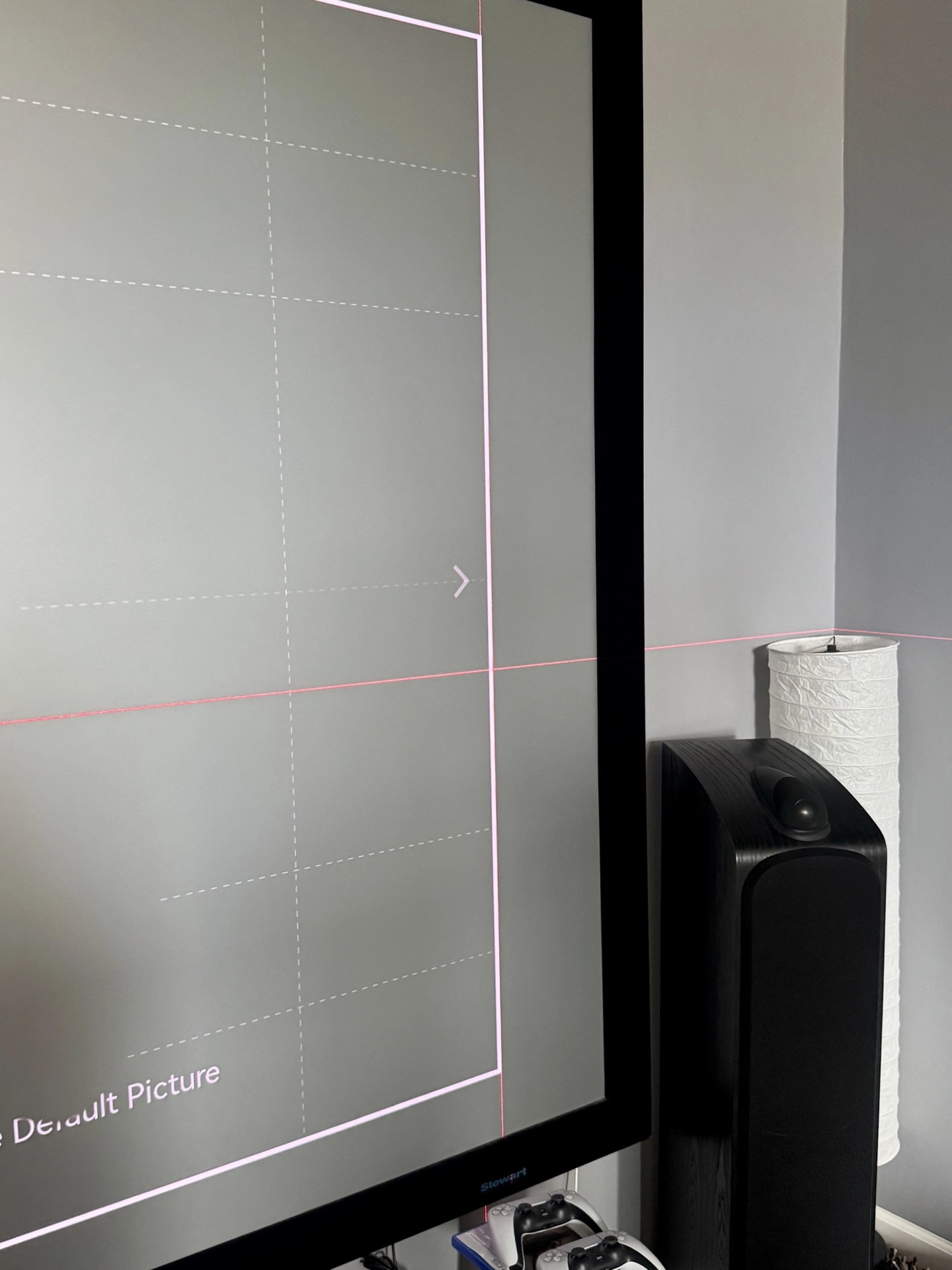
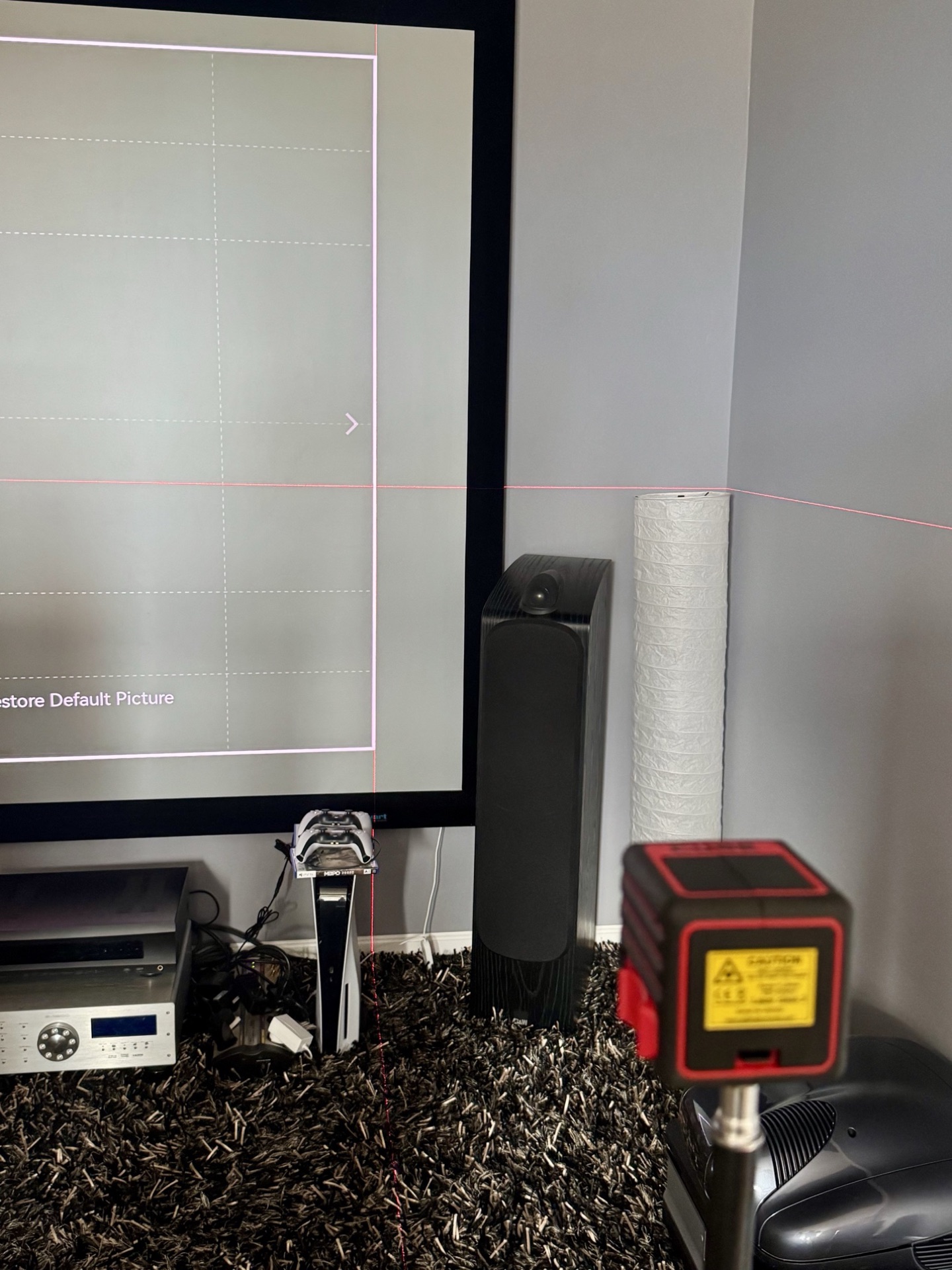
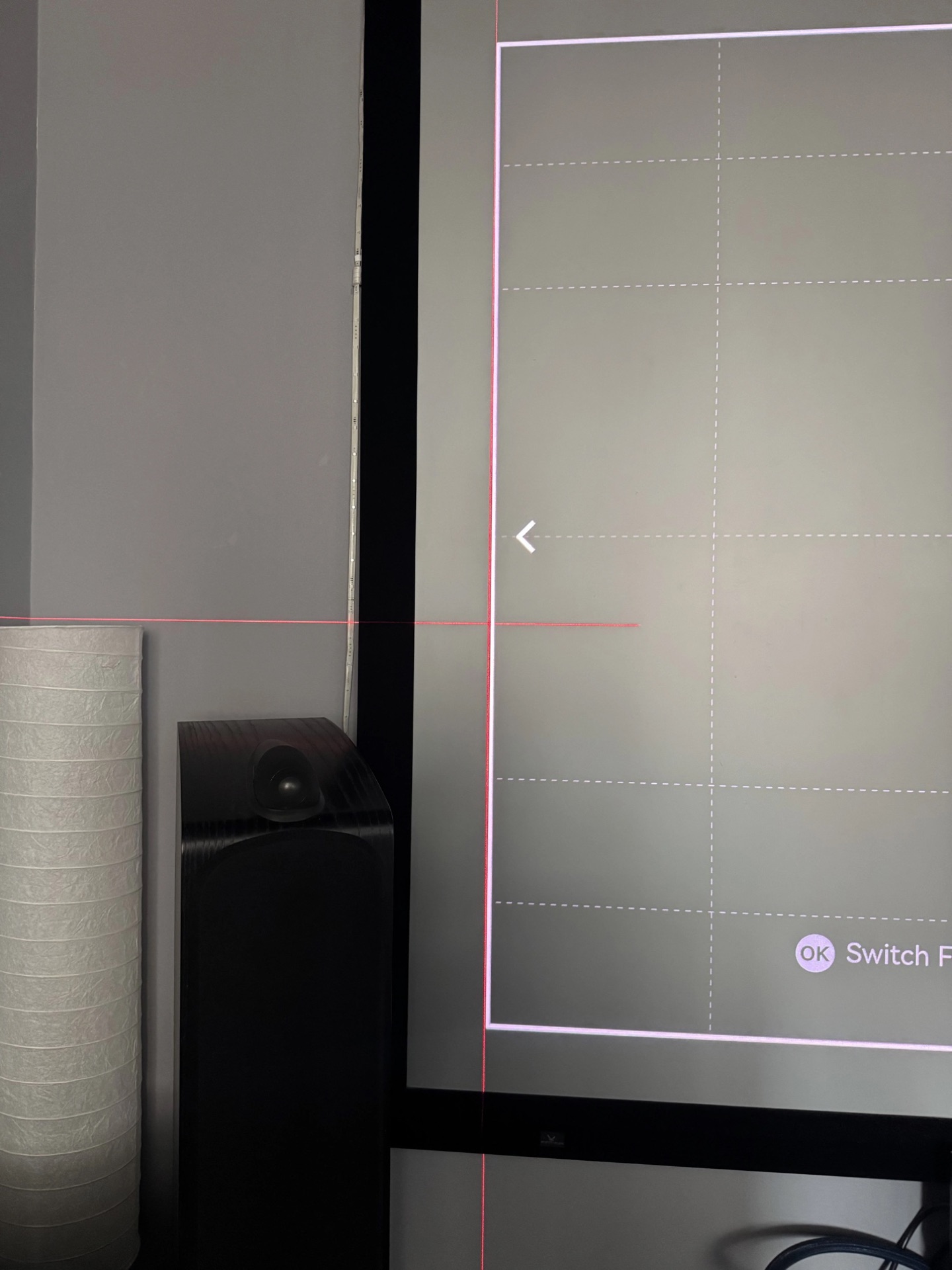
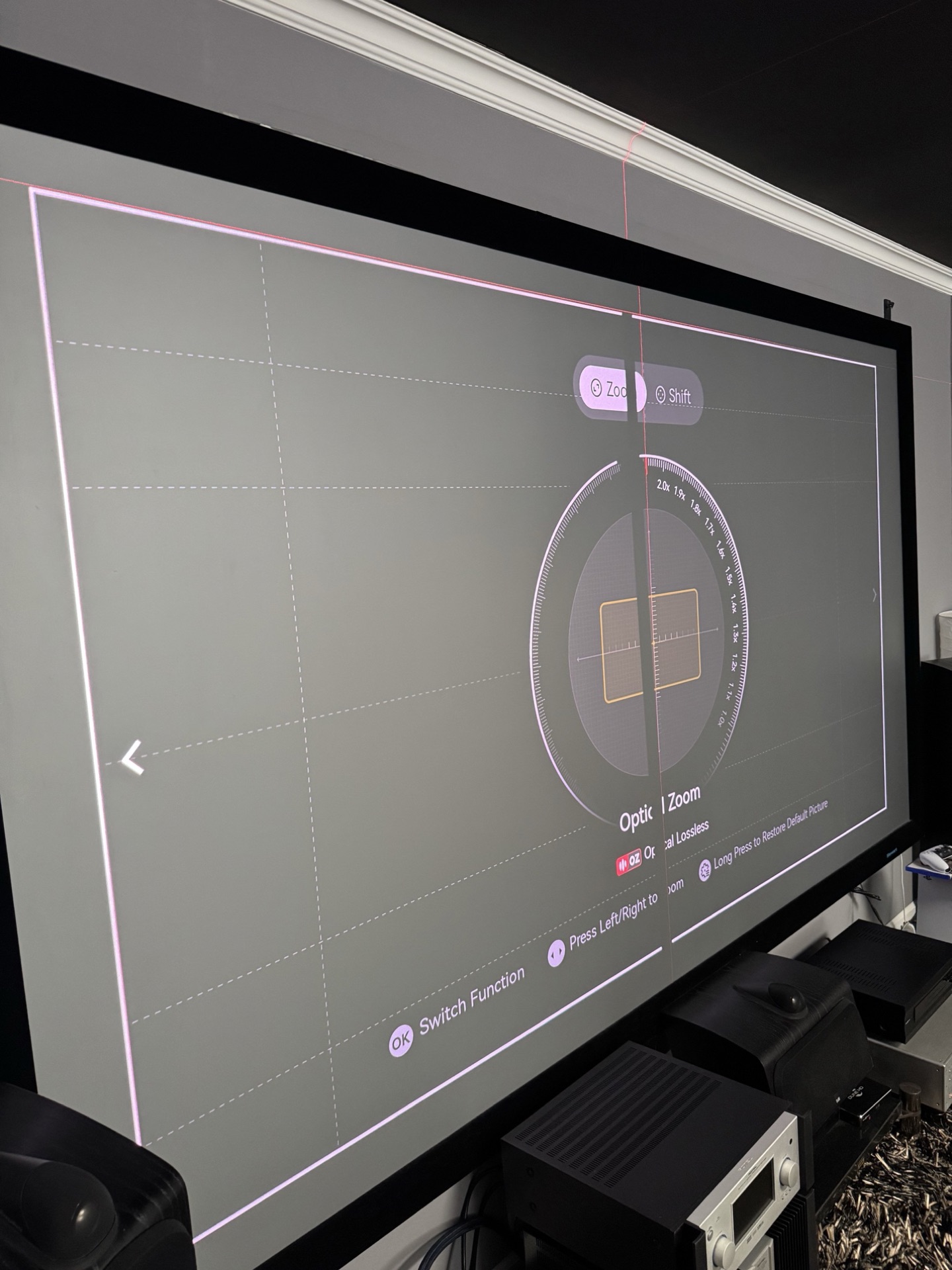
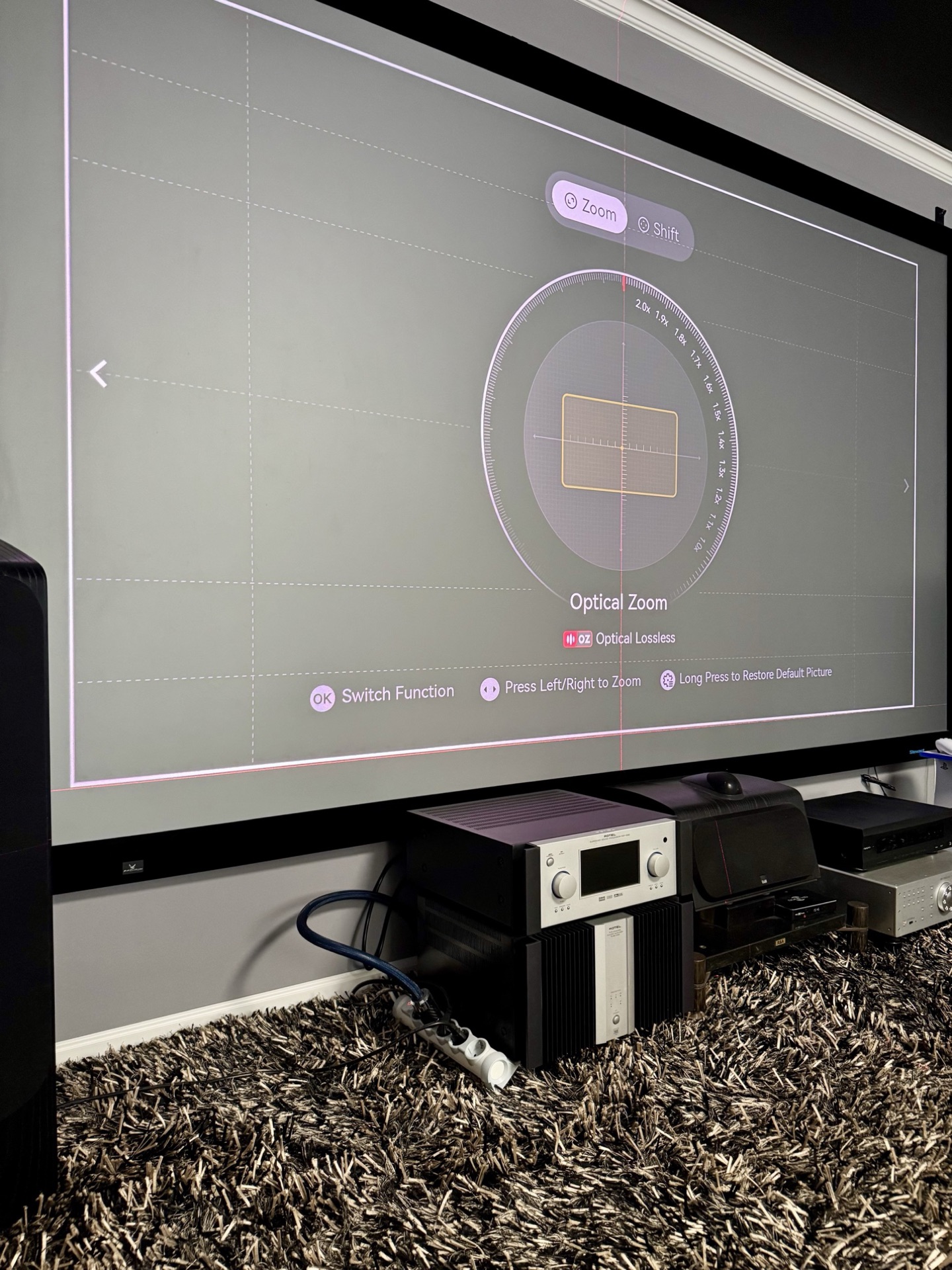
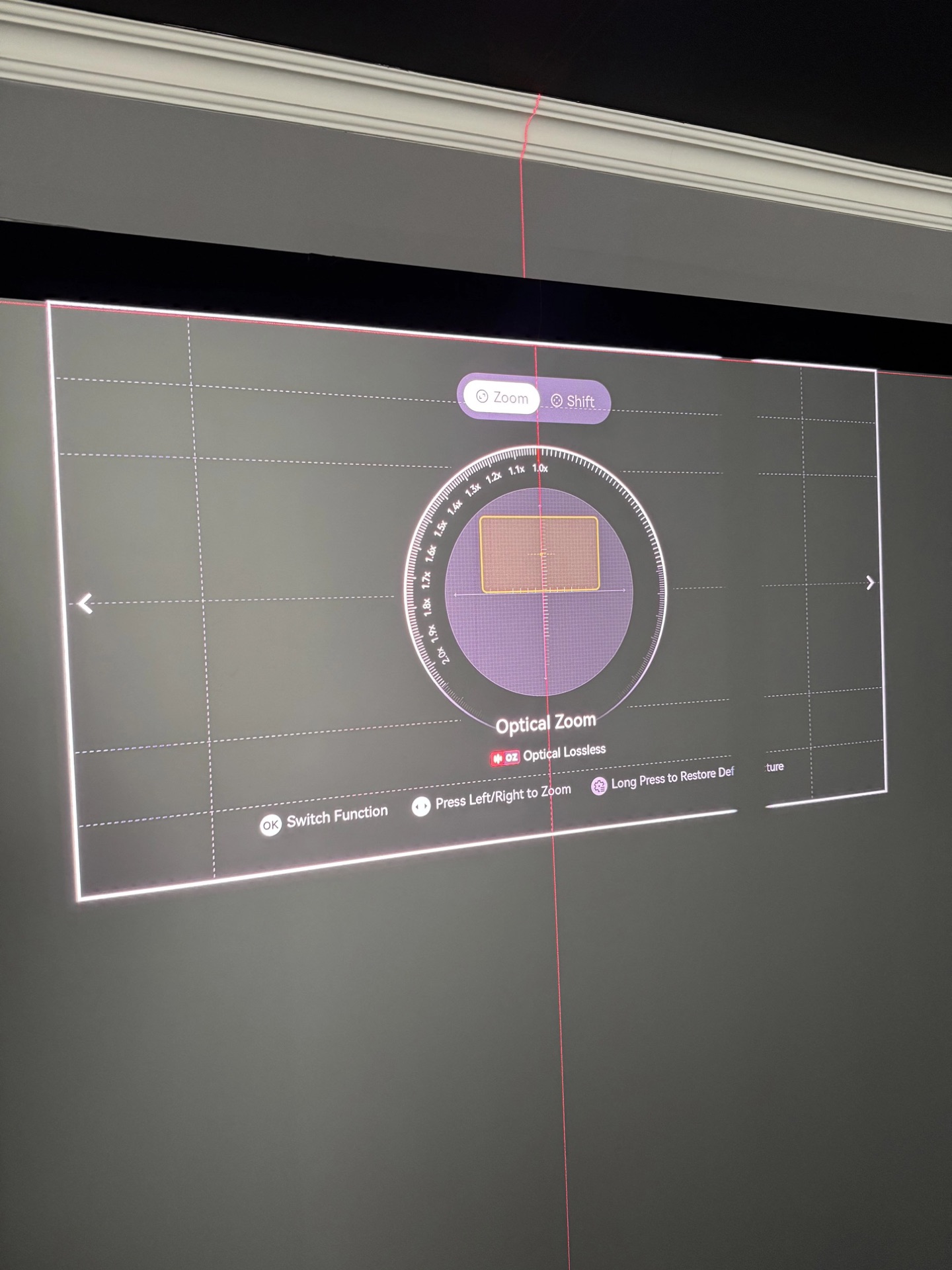
I tested the lens with a laser level against the screen edge. Even at maximum shift and minimum zoom, the lines stayed dead straight. No barrel distortion, no waviness, nothing like what we’ve seen from some competitors. There’s a very minor deviation near the center of the image, but it’s negligible. Geometry is solid.
Measured lens shift is 65% of the image height vertically and about 25% of the width horizontally in each direction. That matches the spec once you read it the way XGIMI writes it: the advertised ±130% / ±50% is the total travel from one end to the other, not the movement each way. That’s still much more shift than any direct competitor offers, and it makes installation in real rooms far more forgiving than with fixed-throw alternatives. Just halve the brochure figures when planning your mount location.
One usability gripe: the zoom and shift adjustments use steps that are too large. Sometimes it’s hard to nail the sweet spot with such coarse control. XGIMI has indicated in community feedback that finer steps are being considered for a future firmware update. Also, there’s some light spilling from the lens onto the floor and ceiling. If you have a light-coloured ceiling and the projector is mounted fairly close, the scattered light can subtly lift the room’s ambient level in very dark scenes. Not a deal-breaker, but worth mentioning.
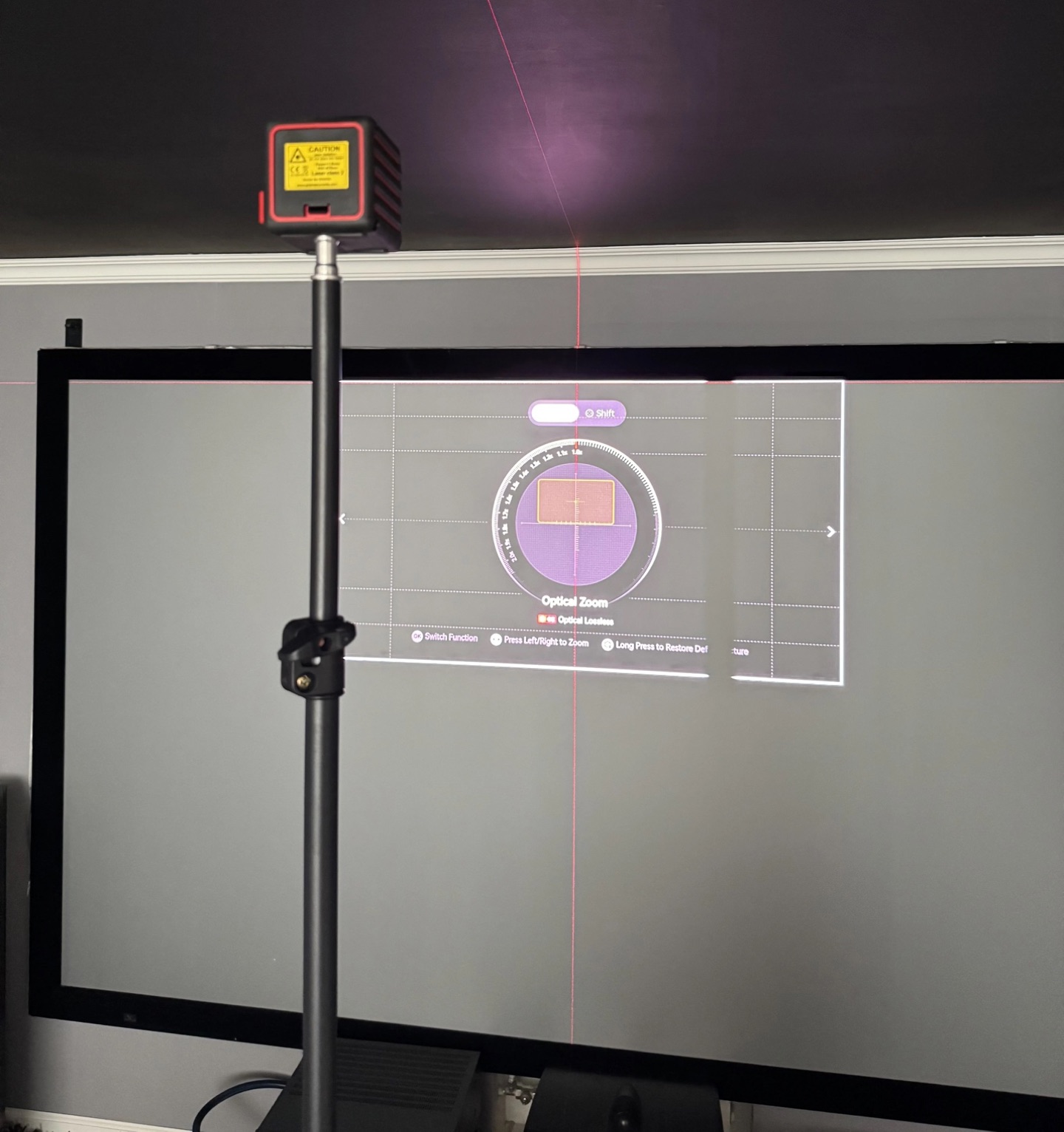
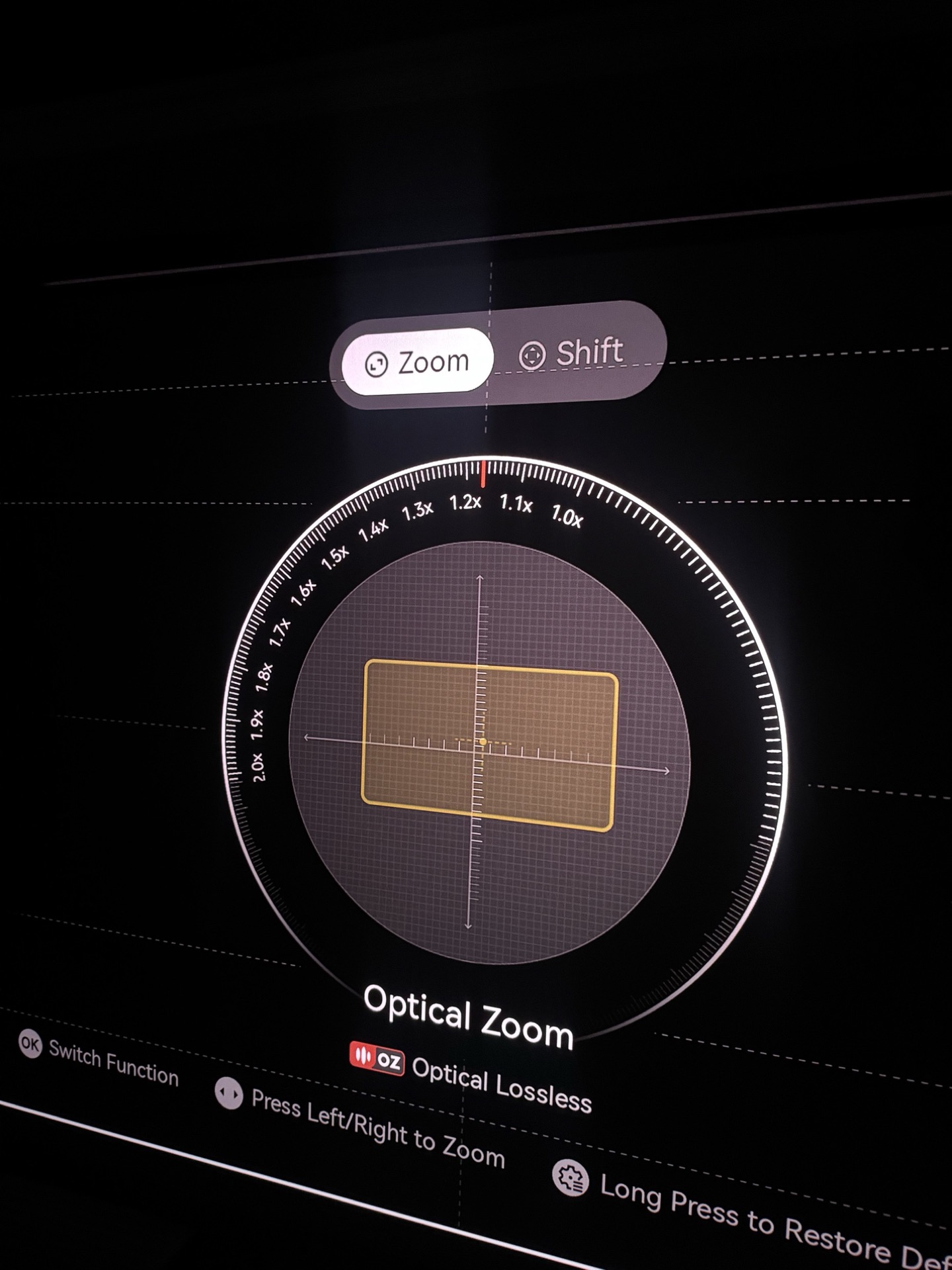
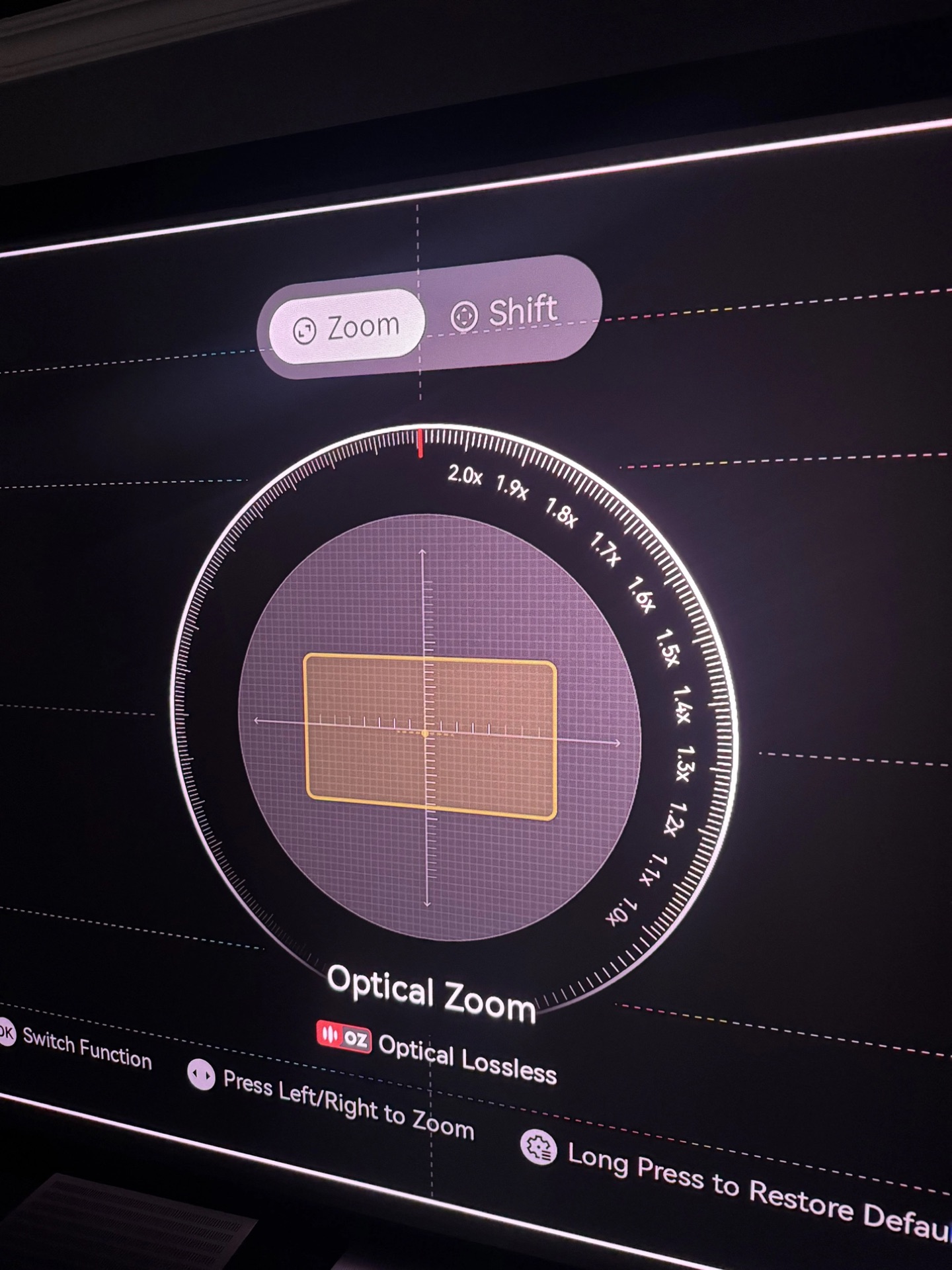
Zoom Range: Firmware 1.0.99
The maximum zoom has been extended from 2.0x to 2.1x on the latest firmware. But there’s a bug: sometimes I could dial in 2.1x without issue, and other times the on-screen indicator would reach 2.1x but the lens wouldn’t move, then the menu would snap back to 2.0x on its own. Inconsistent behaviour, likely a firmware-related bug. The built-in test pattern for zoom and focus is well designed, though I personally would have chosen a slightly different pattern for critical focus adjustments.
XPR-Shift & Screen-Door Effect
Despite the newer SST chip and revised controller, the XPR-Shift mechanism still runs at only 240 Hz, the same as older projectors like the Valerion Max. So the screen-door effect is at the same level. If anything it’s slightly more noticeable here, because the TNM is much brighter and the lens resolves more detail. Hopefully XGIMI can push the shift frequency higher in a future firmware.
Sharpness & Optical Resolution
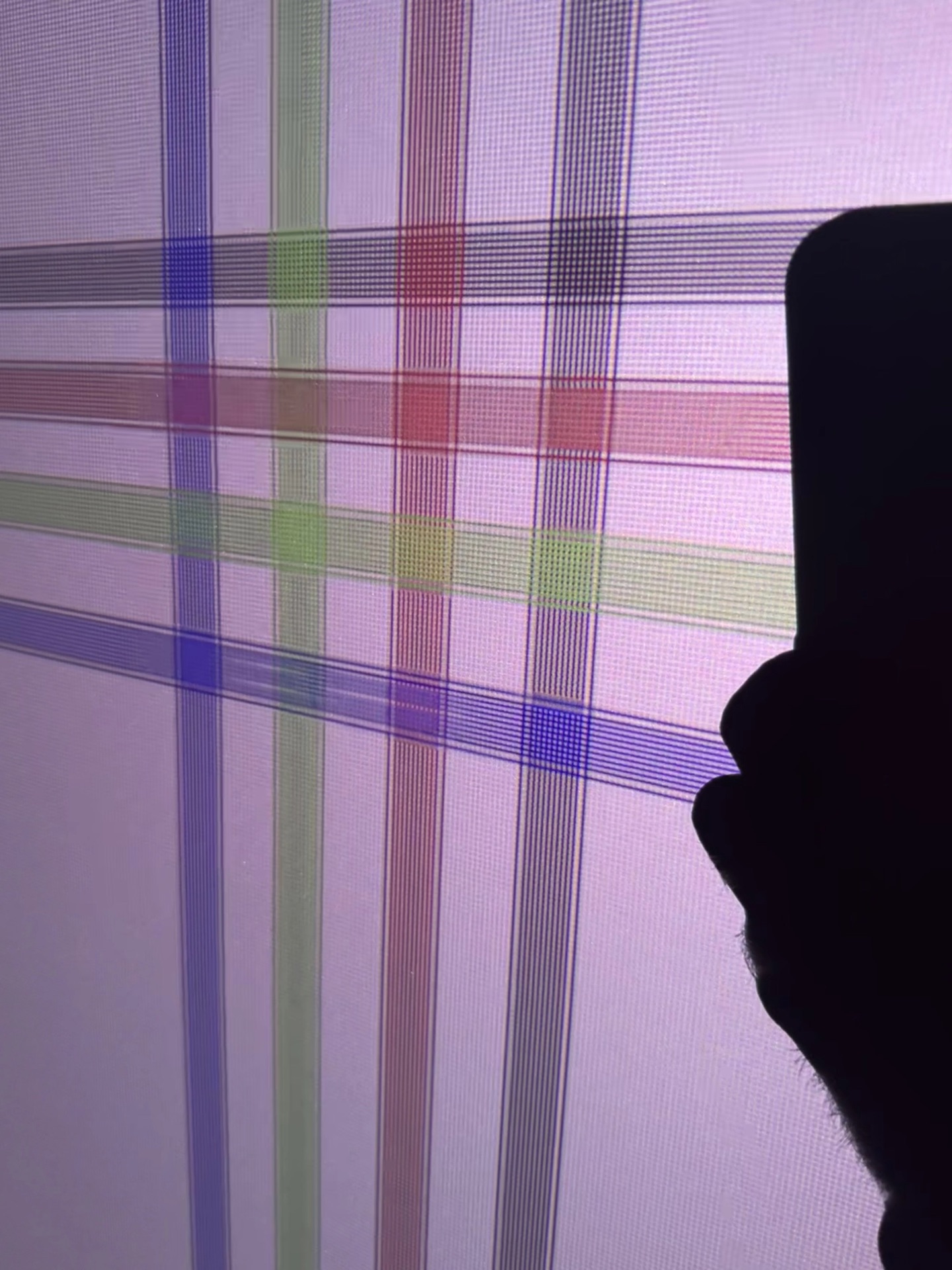
Lens sharpness is excellent, among the best I’ve seen in this category. No significant chromatic aberrations either; the image is very clean in that regard. On a line-intersection test pattern it resolves nearly the full 4K raster. Not quite pixel-perfect, but very close. In Game Mode, the QBF pattern looks razor-sharp. However, the 240 Hz XPR cycle means that with fast eye movement, you can briefly catch a drop in perceived resolution. I’m hoping the frequency can be increased via firmware, but that may be a hardware limitation.
White Field Uniformity
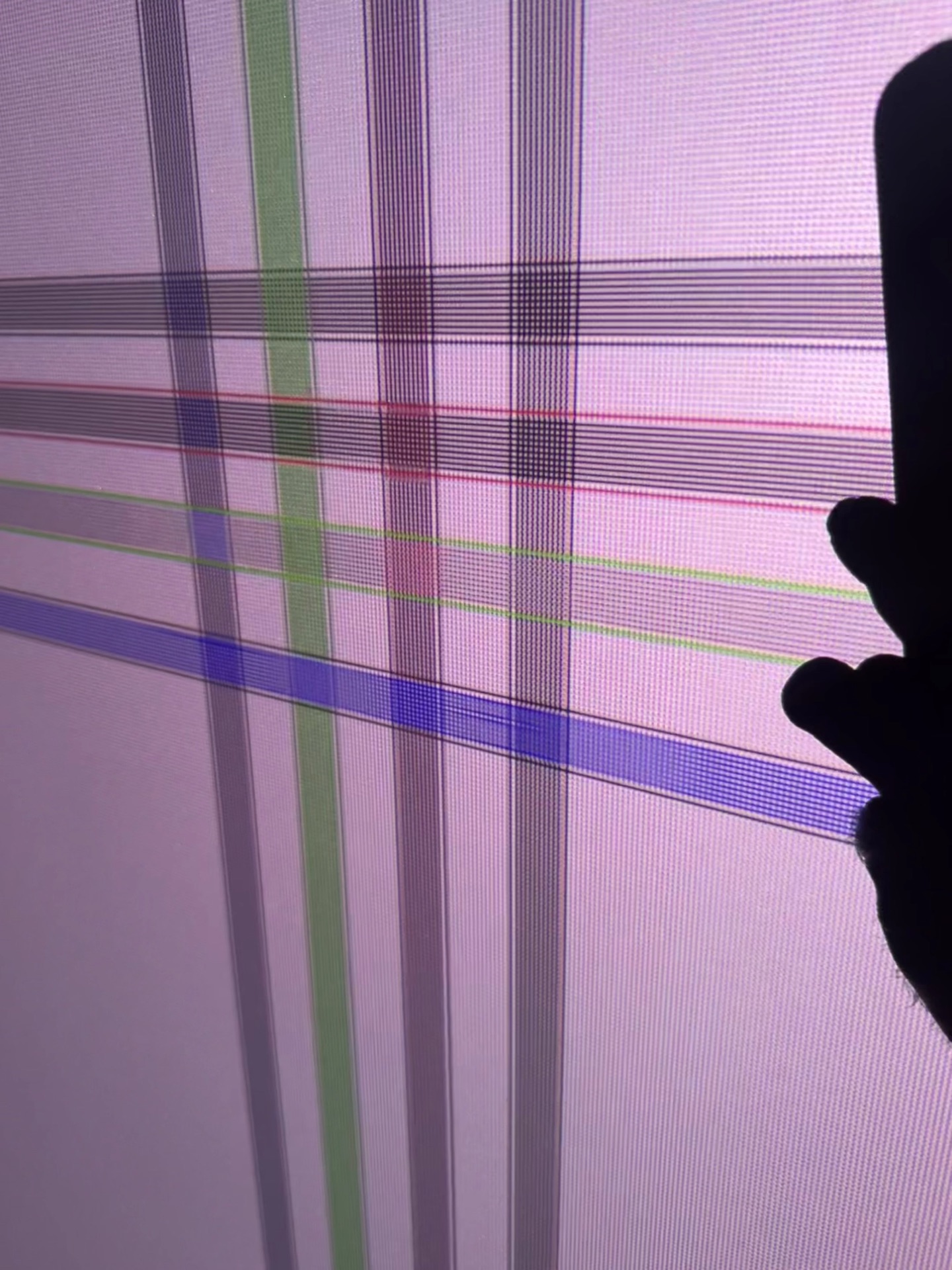
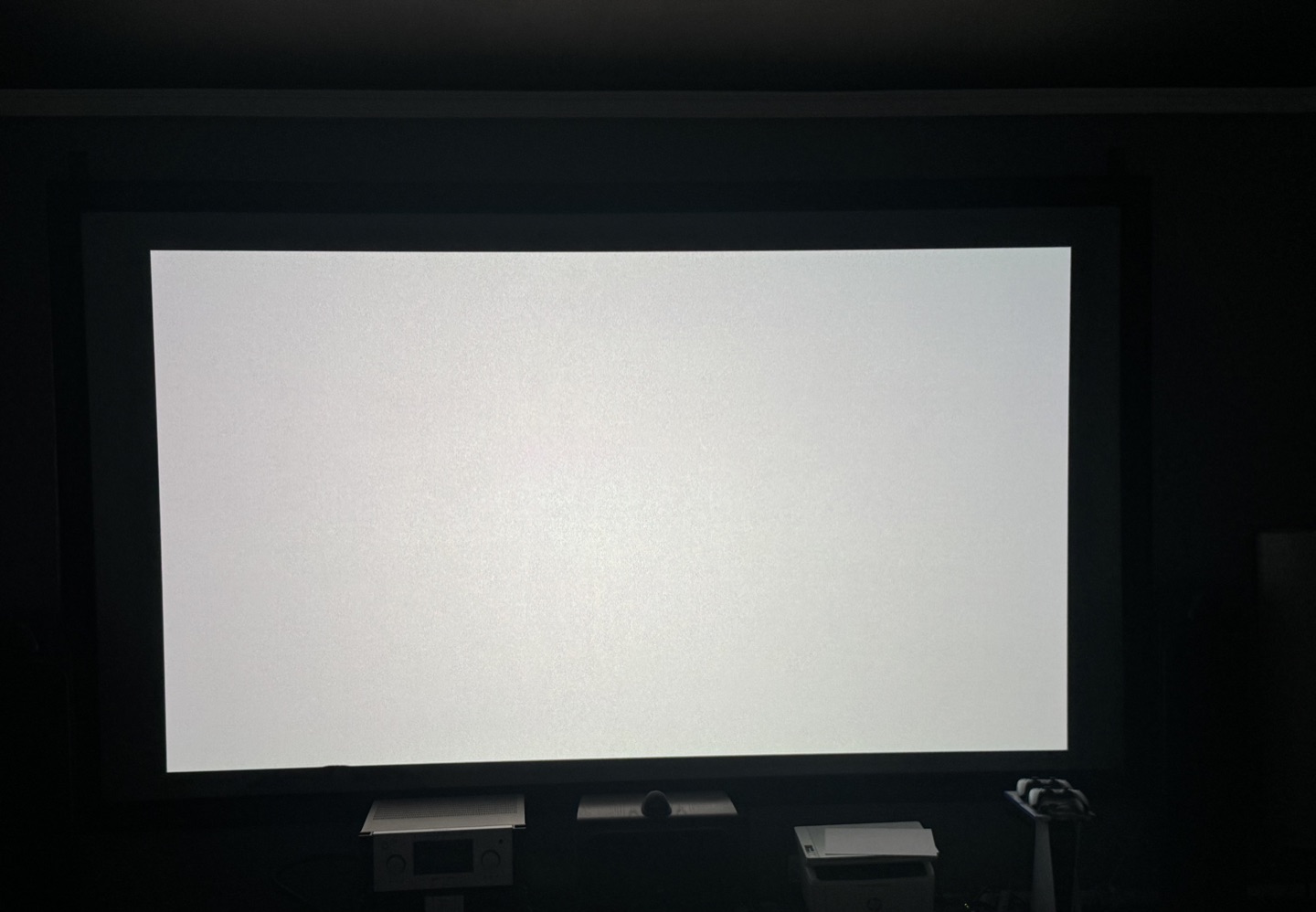
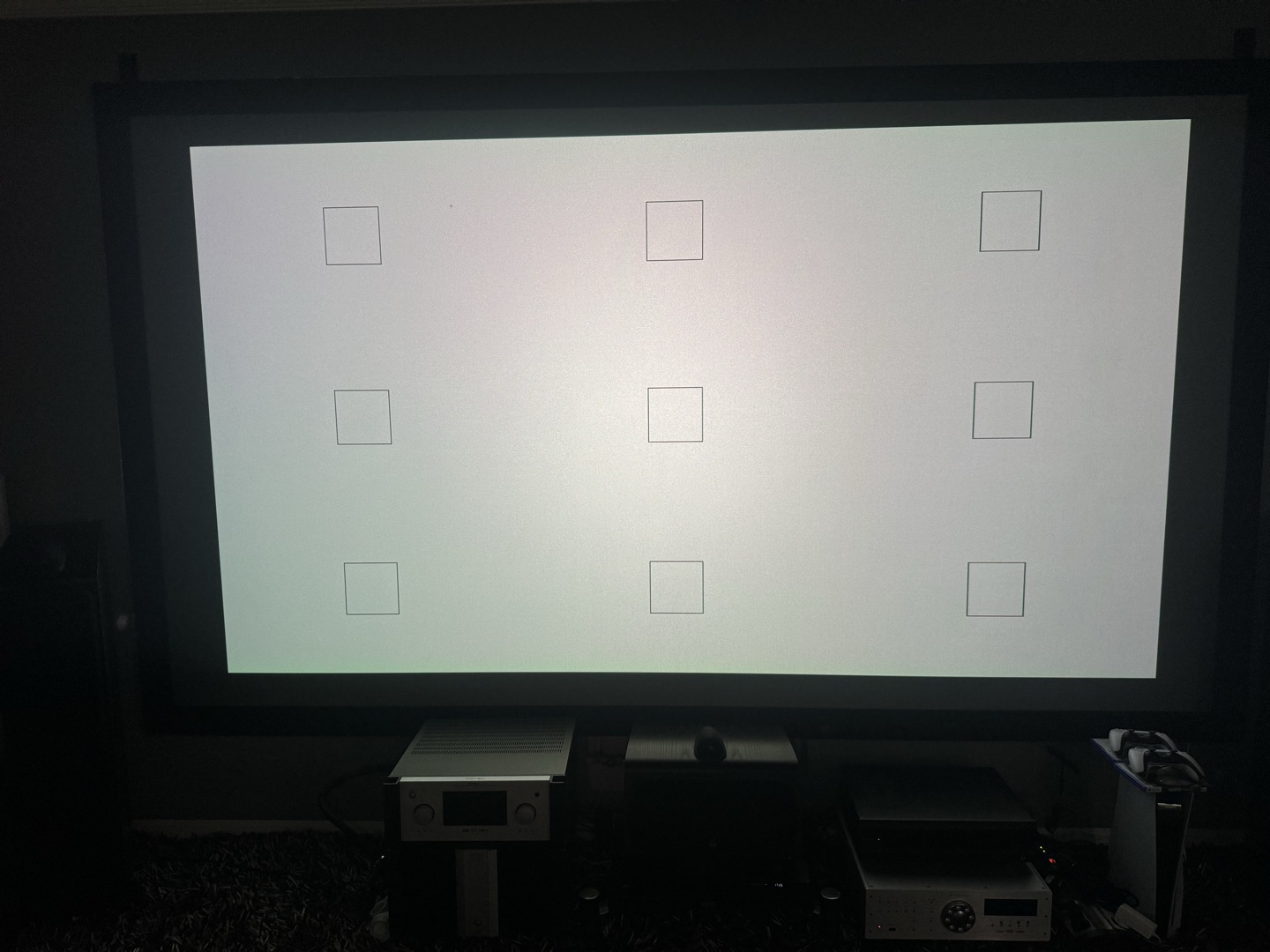
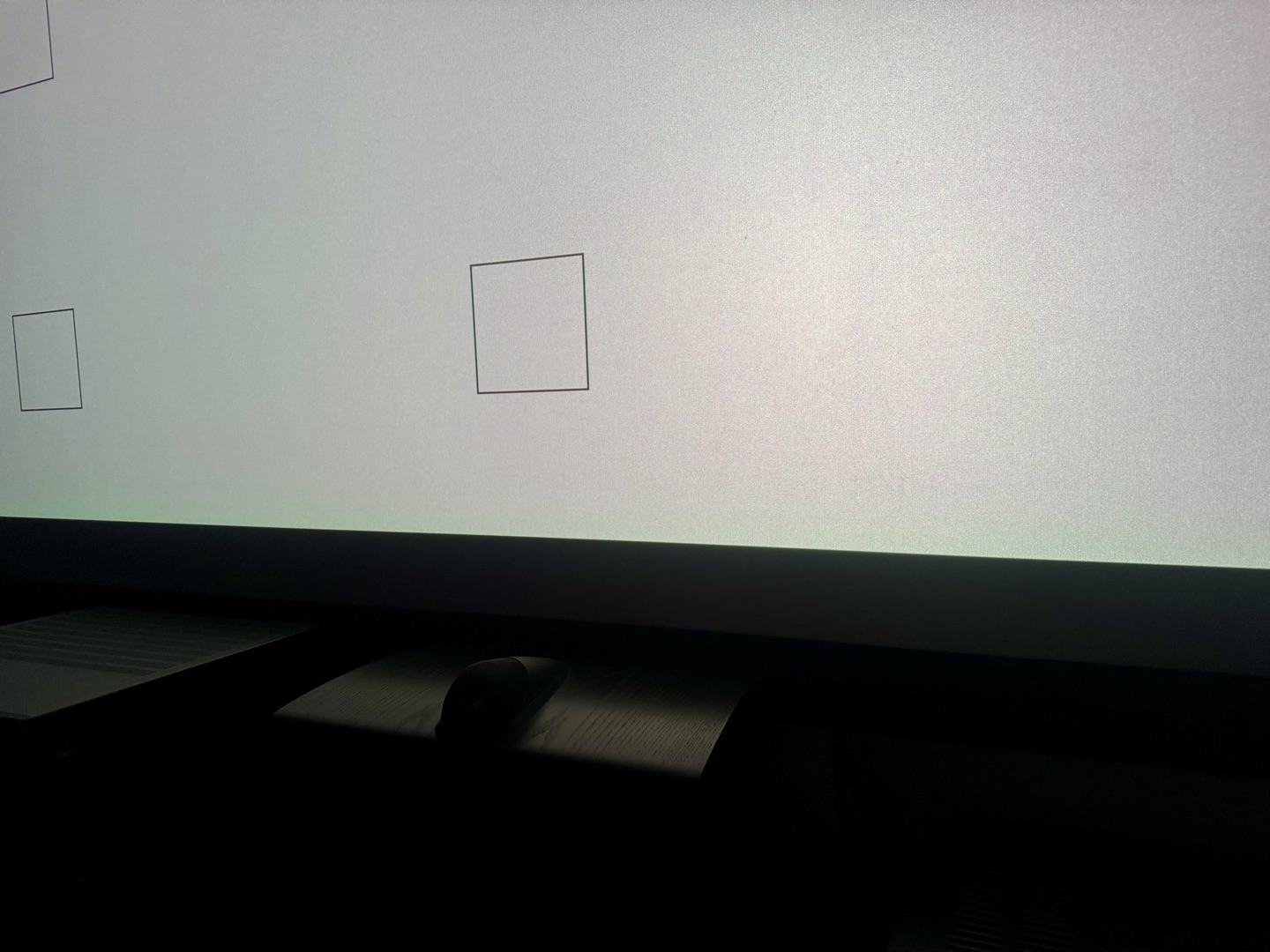
My beta sample has some uniformity issues out of the box. The left edge leans pink, and the upper right corner has a greenish cast. It’s visible on a white field without squinting.
But uniformity is heavily dependent on zoom position, lens shift, iris setting, and even warm-up. The worst uniformity on my unit is at the extreme max zoom end (2.1x zoom). At around 1.3x zoom with a small amount of horizontal lens shift, the uniformity cleans up dramatically and becomes nearly perfect.
Laser Speckle
Speckle is present, as with any triple-laser projector. On a standard white screen it’s visible in bright areas if you look for it. On my ALR screen it’s more apparent, since ALR surfaces exaggerate the angular reflectivity. I’ve installed an anti-speckle vibration motor on the screen frame, which helps significantly, and I’m testing bass shakers at different frequencies. At normal viewing distances with content playing, it’s not a dealbreaker, but it’s there if you’re sensitive. The speckle level is similar to my previous Valerion Max, though the TNM’s higher brightness can make it slightly more noticeable in bright modes.
If you want to eliminate speckle entirely, the right screen choice is the most reliable solution. Acoustically transparent screens in particular do an excellent job of breaking up the speckle pattern, and with the right material you can get a completely clean image. That said, it’s more of a dedicated home theater option: AT screens need speakers behind the screen and a properly treated room to make the most of them.
Brightness & Contrast Measurements
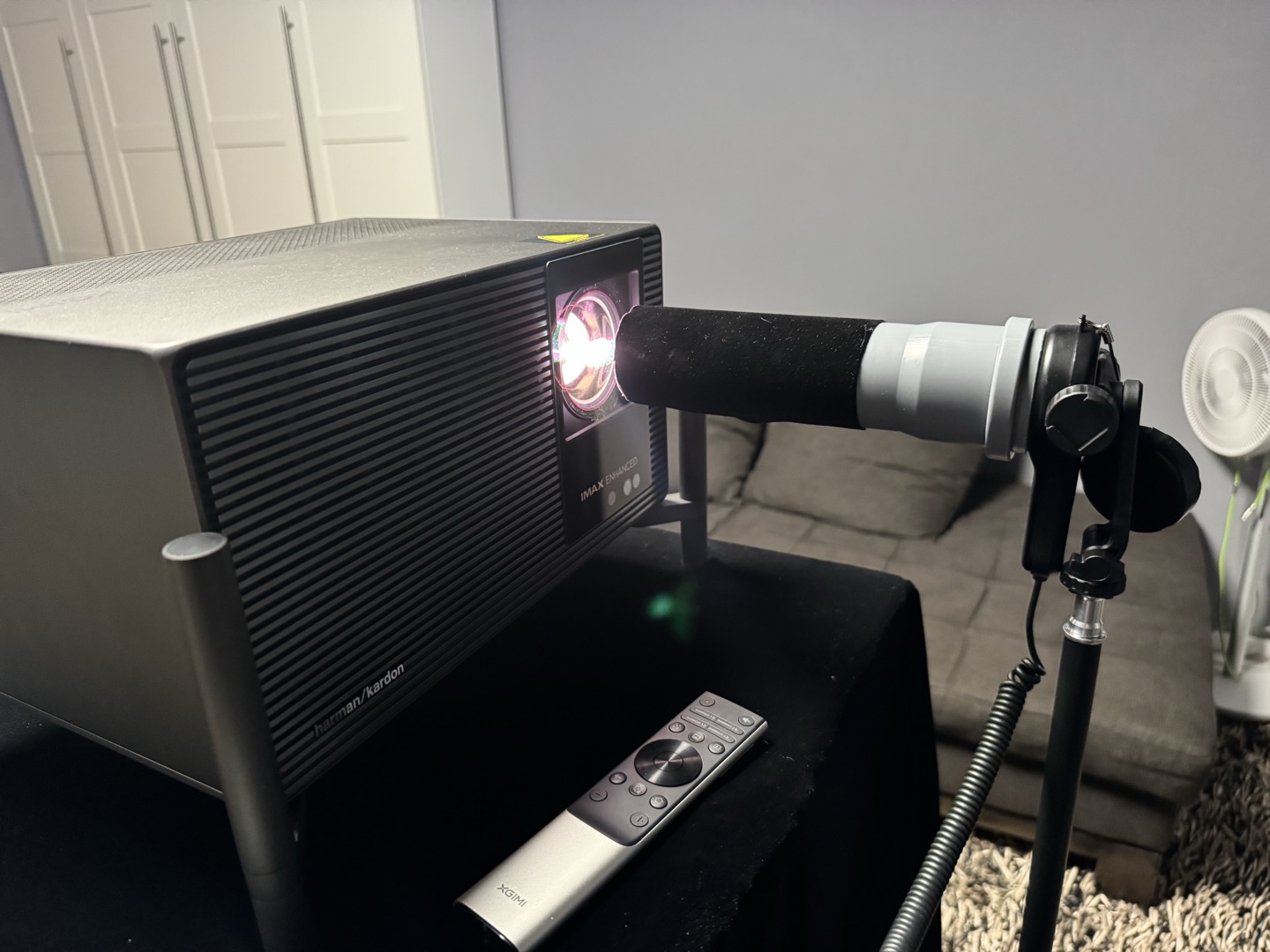
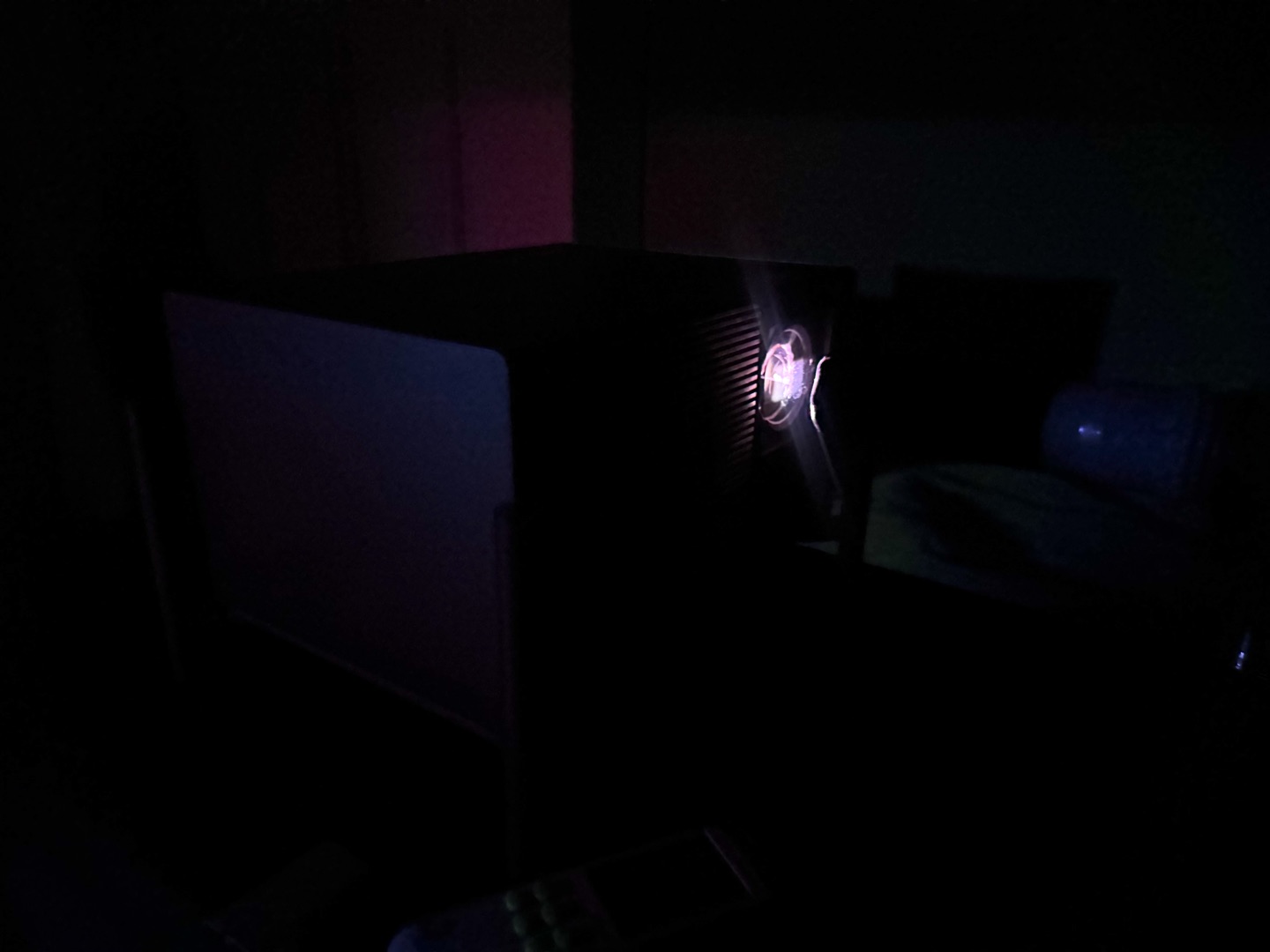
Below is how the Titan Noir Max’s brightness and contrast behave across the whole zoom and iris range. All measurements were taken with a calibrated lux meter (NIST-certified), mounted on a tripod. To cut stray reflections, I used a velvet tube, with velvet both inside and outside. The sensor was always fully illuminated, and the angle was chosen so no shadows fell inside the tube. Black level never dropped below 2 lux even in the darkest, most aggressive modes, and was usually well above that. Unless stated otherwise, the projector was set to ISF Night / D65 or Movie. All readings were taken within 90 seconds of pattern display to avoid laser throttle effects.
Laser Throttling
On a sustained full-white field, the TNM starts reducing brightness after about 2 minutes. It continues to decay until roughly the 15-minute mark, then stabilizes. I measured a drop from 400 lux to 350 lux, about 12.5%. You won’t see this with real content, but it’s the reason every measurement has to fit into 90 seconds.
Brightness by Zoom & Iris
Brightness was measured using a 9‑point pattern, averaging the results for each zoom/iris combination. As for brightness uniformity: the upper right corner was always slightly dimmer than the rest of the screen, but not critically so. The left side was almost always uniform.
The TNM has several brightness modes that trade color accuracy for output. Here’s how they behave in practice.
Performance Mode is an overdrive setting for benchmarks. It pushes output beyond the official spec, but the image turns heavily green and color accuracy is gone. The fan gets loud, so it’s clearly not meant for actual viewing. It exists to win the lumen race on paper. There is an upside, though. The power supply and cooling were built to survive this mode, so in normal operation at Laser 10 they’re under no stress at all. That likely explains the near-silent operation even at maximum sustainable brightness.
Laser 10+ pushes the laser to maximum while trying to keep the color balance within tolerable limits. Brightness is almost the same as the base TITAN at this laser level. I wouldn’t call it accurate: colors shift noticeably, and the gamut drops below Rec.709. But it has practical uses: backyard movie nights, presentations, bars, ambient viewing. If accuracy doesn’t matter and you need every last lumen, it’s usable.
Laser 10 is the maximum brightness in standard mode. The brightness is adjustable, though not at every iris setting.
Brightness was sampled with a 9‑point average across all whole‑number zoom steps and every available iris position (F2, F3, F4, F5.5, F7, Dynamic). The full dataset is in the graph and the table below.
First, the 2.1x max zoom (wide-angle) position is an outlier. At this zoom, stepping down the iris cuts light output much more steeply than at any other throw ratio. F5.5 and F7.0 at 2.1x are the dimmest settings in the entire matrix, nearly 30% below the same apertures at 2.0x. Most likely, at 2.1x both the post-laser and lens irises are fully closed to keep contrast up. The result is a very dark mode with very high contrast, and it pays for that in uniformity (more on that later). At other zoom positions brightness drops more evenly and gradually, as expected.
Second, there’s a distinct brightness spike between 1.2x and 1.3x zoom. At this throw ratio, the two irises together suddenly let through more light: up to 10–15% more than at adjacent zoom positions for the same F‑stop. The rise isn’t gradual, it’s a sharp local maximum. As the contrast section shows, this spike coincides with a large drop in native contrast, and it points to a transition point in the dual‑iris control algorithm.
Third, the iris controls light very efficiently. Going from F2.0 to F4.0 cuts lumens by roughly 30%, and F5.5 roughly halves the F4.0 output, while contrast climbs steeply. The dynamic iris sits in a brightness band comparable to F3.0–F4.0 but never reaches the full output of F2.0. The post‑laser iris seems to stay partially closed at all times, which caps the maximum brightness in dynamic mode.
In short:
Native Contrast (On/Off)
I measured native contrast at every zoom and iris combination. The projector can be tuned either into a bright light cannon with modest contrast or into a high‑contrast machine, but not both at once.
The highest figure is 8 650:1, at 2.1x zoom with the F7.0 iris. For a 0.47″ DLP that’s real high‑contrast territory. But the 2.1x position also has the worst white uniformity of any setting. The lower left corner turned heavily green, the upper left shifted pink, and the upper right went green too, and you can see it even without a test pattern. It also produces only about 620 lumens, which limits it to small screens or very dark rooms. Despite the impressive on/off ratio, I can’t recommend 2.1x for critical viewing: it loses too much in uniformity and brightness.
Leaving out the extreme wide-angle (2.1x) position, contrast across the usable zoom range is 5 000–6 500:1. That figure is realistic and repeatable, and it puts the TNM among the best current 0.47″ DLPs. It’s not the 8 000–10 000:1 some early reports suggested for typical configurations, though.
The brightness spike at 1.2–1.3x zoom comes with a sharp contrast dip of roughly 15–20% at the affected iris settings. This is where the two irises hand over. At shorter throw distances, the post‑laser iris does most of the contrast work while the lens iris stays fairly open. Toward the tele end, the post‑laser iris gradually opens to keep brightness up. Around 1.2–1.3x it’s fully open, and the lens iris takes over as the main contrast control. This handover gives a local maximum in brightness and a local minimum in contrast. Once the lens iris is fully in charge, contrast recovers and keeps climbing toward the tele end.
F7.0 behaves in an interesting way: it doesn’t simply get better as you zoom in. It peaks at maximum zoom (2.1x), drops in the mid-range as the two irises change roles, then rises again. So the dual‑iris system isn’t linear. It responds to both throw distance and the user’s iris setting.
One of the most useful findings: at several zoom positions, F4.0 gives the same native contrast as F5.5 with roughly 30% more brightness (about 2 700 lm vs about 2 050 lm). If you’re balancing black level against screen size, this helps a lot: you lose less light than the aperture numbers suggest.
Pareto front: the best combinations of brightness and contrast
Plot every measured operating point on a brightness vs contrast chart, and a clear “efficient frontier” shows up.
The best combinations sit around 1.3–1.8x zoom, with F4.0 and F5.5 giving the best balance. At 1.6x, F5.5 gives nearly 5127:1 contrast at just under 2000 lumens, and F4.0 gives 4568:1 at 2721 lumens.
For most people with screens in the 130–160″ range, 1.3–1.5x zoom with F4.0 or F5.5 is the best overall choice: high contrast, good brightness and acceptable uniformity. Telephoto F7.0 is for those chasing every last bit of black level on smaller screens.
ANSI Contrast
I measured ANSI contrast with the standard checkerboard pattern, both with the lens centred and with the lens shifted to its vertical extreme. The difference is big.
As the graph shows, ANSI contrast improves with shorter zoom and with the iris closed. Classic. The worst case is centered lens + maximum zoom: 450‑490:1 depending on iris. At mid‑throw, numbers rise to 550‑600:1. At the tele end, you can reach 670‑680:1, and here the iris setting doesn’t make much difference.
With lens shift applied, the numbers climb further. Short throw: 490‑560:1. Around 1.4x zoom, ANSI contrast reliably exceeds 700:1 and hits 800:1 at F7.0. My sample peaked at 846:1 ANSI. That’s below the 1000:1 figure from early reports, but still among the highest in this category. Projectors with similar performance used to cost a fortune. Now it comes in an affordable device, together with solid native contrast. I consider this a great result.
ADL Contrast Curve
Finally, I measured the full contrast curve across average display level (ADL) at three zoom positions with the lens shifted and F7.0 set. That’s the maximum contrast configuration for real content.
At 1.5x zoom, on/off contrast stays above 6 000:1, and the curve holds more than 5 500:1 at 1% ADL before tapering toward the ANSI floor. The 1.0x curve gives the highest ANSI value (846:1) but lower on/off contrast, while at 2.0x zoom contrast drops noticeably across the whole ADL range, probably because of the iris geometry at that extreme. The best results are at the far tele end, where ANSI peaks and ADL contrast gains most from the tighter iris.
In its best configuration the TNM holds over 4 000:1 at 5% ADL. That’s cinema-level contrast, and a few years ago it was unthinkable on a single‑chip DLP.
Dynamic Iris
The TNM’s dynamic iris works independently of DBLE. That’s a deliberate choice, and a good one: you can use the dynamic iris without laser dimming, use DBLE on its own, or combine both. It gives the user real control, unlike combined systems such as SAE on the Nexigo, where the two mechanisms are tied together and can’t be adjusted separately.
For now, the dynamic iris works in a range roughly equivalent to F4.0–F5.5 of the manual iris settings. Yet on most content it’s noticeably brighter than either of those static modes at comparable on/off contrast. That’s because the iris doesn’t sit at a fixed position: it keeps opening and closing as scene brightness changes. The catch is that the dynamic iris never opens fully. The first iris, after the laser, seems to stay partially closed at all times, while the second iris, in the lens, does the real‑time movement. So with the dynamic iris on, you can’t get the projector’s maximum brightness. It’s a deliberate limit that puts contrast ahead of raw output.
More important is what happens to intra‑scene contrast. When the lens iris opens during a bright scene, intra-scene contrast drops, and quickly. Between 2–5% ADL it falls nearly to the level of static F2.0. So in dark scenes the dynamic iris gives on/off figures comparable to F4.0–F5.5, but real contrast in mixed scenes is noticeably lower than with a static F4.0 or F5.5. This isn’t unique to the TNM: almost any dynamic iris that adjusts frame by frame works this way. Still, keep it in mind if you want the most intra‑scene contrast.
Looking ahead, a darker version of the dynamic iris would be a useful addition. A mode working in the F5.5–F7.0 range would suit owners of small and medium screens who put contrast first. There, the loss of intra‑scene contrast when the iris opens would be much smaller, and the brightness gain over static F7.0 would still be large. That would make the dynamic iris really useful for people who care most about contrast. The hardware already covers that range in manual mode, so it’s only a firmware change, and one that would make the TNM appealing to many more people.
Dual Iris: Summary
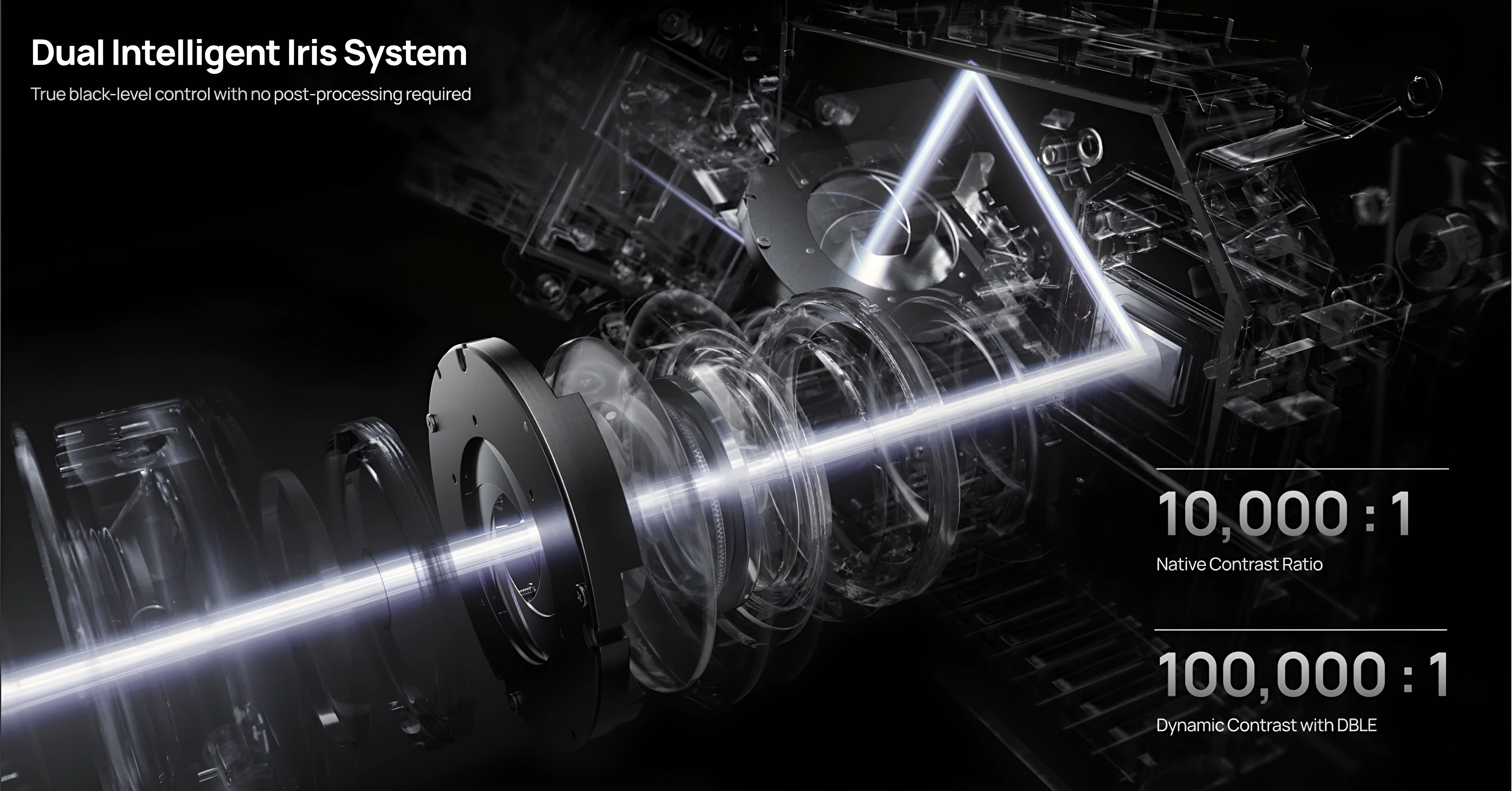
The TNM’s dual‑iris system is the most complex contrast mechanism I’ve measured in a consumer DLP. Careful setup pays off: zoom, iris and lens shift interact, and together they decide whether you get 4 000:1 or 6 500:1 in real use. I miss a true “F6.0” step in between. A mode between F5.5 and F7.0 could keep contrast high and add noticeable brightness. Judging by the data, F6.0 would likely land around 5500–6000:1 native with 1 500–1 800 lumens. That would be a very attractive setting, and I hope XGIMI considers it.
To sum up the TNM’s contrast in one line: it’s a native 5 000–6 500:1 projector that can reach 8 000:1 in the right configuration, and its main strength is how much control it gives you over that trade‑off. No other 0.47″ DLP I’ve tested can be tuned this much, and for a serious setup that matters.
Power Consumption
Power draw on the TNM is variable. It starts around 180W depending on iris position and climbs above 200W in normal use. The actual draw shifts with warm-up time, projector temperature, ambient temperature, selected mode, and whether High Altitude mode is active.
Power scales cleanly and almost linearly with laser level, from 87.8W at Laser 1 up to 214.2W at Laser 10. Each step adds roughly 12–15W. Iris position at the same laser level matters surprisingly little: F2.0 through Dynamic all sit within a 19W window at Laser 10, and the closed F7.0 aperture actually draws the least (202.3W). The TNM limits laser power to keep the heat load on the iris mechanism and the whole optical path in check. F3.0 and F4.0 draw slightly more than the positions next to them, apparently because the partially closed post-laser iris takes work off the lens iris and allows a bit more total power. The most power-hungry setting is the dynamic iris at 221.5W.
At the top end, Performance mode hits 343W and the fan gets loud. This mode is for winning lumen benchmarks, not for watching. Since the 360W power brick and the cooling were built to survive Performance mode, Laser 10 runs well within their limits, which likely explains the near-silent operation at standard brightness.
Without DBLE, power draw stays flat whatever the scene brightness: a full-black field and a full-white field draw nearly the same wattage. Only DBLE brings it down dynamically.
With DBLE on, draw drops sharply on dark content. A full-black field at Laser 10 draws 58–60W. Real very dark scenes (near-black with minimal highlights) sit around 78–84W. Laser 10+ with a full-black field goes down to 69W. In practice these figures mean deeper blacks when DBLE kicks in, though, as the DBLE section shows, real content rarely keeps it fully engaged.
One more pattern: after long dark scenes, power stays low even when bright content returns. The laser takes time to ramp back up. It’s the same throttling mechanism that affects sustained white-field measurements.
DBLE (Dynamic Black Level Enhancement)
On the original firmware builds (1.0.56 and 1.0.99), DBLE barely worked on real content. It did almost nothing to the image, and the slightest bright object in the frame, even a cursor on an otherwise black screen, switched it off entirely. In practice it was a test-pattern feature: impressive full-black numbers, then native contrast the moment real content appeared.
The 1.2.36 beta changes that. A lot has moved forward here, and this section looks at that newer, far more capable version of DBLE.
Full black: phenomenal. On a fully black field the result is spectacular. The projector dims the laser to its physical limit and almost stops emitting light. With that, on/off contrast climbs past the advertised 100,000:1, and subjectively it’s very close to a full-field-to-black (FFTB) dynamic. The laser is barely lit and the room goes almost completely dark. This is what the hardware can do when the firmware lets it.
Real scenes: a different story. Where DBLE does engage on real content, the quality is excellent: minimal clipping, almost no color shift, a clean picture. Color shift does appear in rare moments, but a dedicated setting already in the projector’s menu corrects it easily. That’s a real plus, and not every implementation has it. If you treat the current behavior as a baseline “Low” mode, the implementation is good and the feature is ready for a first public retail firmware. What it needs is faster reaction and, further out, more aggressive modes that aren’t afraid to manipulate gamma at higher ADL. Those would pull far more real contrast from this hardware and let DBLE work in many more scenes.
What DBLE actually responds to
DBLE doesn’t respond to average scene luminance (ADL). It responds to a peak luminance threshold: the brightest pixel or bright region in the frame. If that peak crosses the threshold, the system disengages, no matter how dark the rest of the image is. If the peak stays below it, the system can engage even at quite high average brightness.
This matters in practice. A very dark scene with a single bright lamp in frame: DBLE off. A moderately bright, evenly lit scene with no highlights: DBLE on. So the system’s natural territory isn’t “dark scenes” in the intuitive sense. It’s content with a compressed, uniform brightness range and no specular peaks.
Where it shines
The textbook case is Blade Runner 2049. The film is deliberately narrow in dynamic range. Scenes are tonally compressed and pass through a distinctive grade that pushes both highlights and shadows into a uniform, filtered palette. There are no hard specular peaks and no practical lights blazing into the camera. DBLE works on this material almost all the time, even in scenes that look moderately bright, because the peak luminance threshold almost never trips. The result is striking. On certain sequences (wide shots of the Las Vegas ruins at dusk, interiors with diffuse amber light) DBLE lifts the displayed contrast to roughly twice what the JVC NZ500, one of the most contrast-capable projectors on the market, shows on the same content. That’s the upside of the gamma boost when the material suits it.
Content that blocks the system is anything with specular highlights, hard practical lights or a wide dynamic range. A sunlit outdoor scene, a thriller with practicals in the frame, a sci-fi shot with a bright engine exhaust against black space: the threshold trips constantly and DBLE adds little, even when most of the image is very dark.
Measurement methodology
I measured laser dimming and highlight brightness separately with a lux meter, on a set of film scenes covering a wide range of ADL values. Then I looked at the results as a function of scene ADL: how active DBLE was, how much it dimmed, and what contrast multiplier came out across the range. I paid particular attention to content below 5% ADL. That’s where the eye is most sensitive to black level, so even small improvements there have an outsized effect on the picture.
How the multiplier works
The contrast gain comes from two mechanisms working together: laser dimming and a dynamic gamma boost.
On real content in viewing-appropriate modes, the laser can dim by around 3.5x. But in theory the contrast multiplier can run higher than that, because gamma works alongside it. DBLE uses the headroom that calibrated content leaves between the displayed white point and the laser’s physical ceiling to push highlights above their DBLE-off level. It lifts the bright end instead of only lowering the dark end, so the gap between black and white widens from both sides.
With the iris held static, the effective formula is:
multiplier = laser dimming x highlight compensation via gamma
This is measurable. On a 0.065% ADL scene, enabling DBLE raised the absolute brightness of highlights above the baseline instead of reducing it. The lux meter read above what dimming alone would predict, which confirms the gamma contribution at low ADL.
The key consequence: more aggressive gamma manipulation can give a higher multiplier on real scenes at the same laser dimming level. That headroom is exactly what future Medium/High modes should use. Accept some highlight clipping, push gamma harder, and the projector returns far more real contrast across far more content.
Perceptually, the 5–7x range punches above its measured value. The eye judges contrast locally and adapts to scene luminance, so a well-behaved 5–7x dynamic system looks considerably better than raw lux ratios suggest.
Speed
Reaction speed is one of the core problems. The mechanism enters and exits dimming slowly. It behaves more like old lamp-projector dimming than a laser projector. That sluggishness has one real upside: it suppresses flicker. The cost is that it filters out a lot of scenes where DBLE could otherwise be working.
It isn’t slow everywhere. The transition from a dark scene into a very bright one is almost instant and well-executed, with almost no clipping in those moments. The problem is the other direction: transitions into mid-brightness scenes are smooth but laggy, and the ramp into dark scenes is slow enough that brief dark moments come and go before the laser has fully responded.
Here is how that plays out in a real image. Say you’re playing a dark game, constantly swinging the camera between a black corridor and a dark room with one small bright object in it. DBLE simply won’t darken the corridor fast enough, so for much of the sequence you sit in native contrast, watching dark grey instead of black. The bright object in the adjacent view disqualifies the frame via the luminance threshold, and the slow ramp finishes the job.
What holds it back, and what’s next
The limiting factor is architecture, not hardware: a binary, conservative engagement model with a slow ramp. Cross the luminance threshold and the system drops to zero dimming instead of rolling off gradually; sit in a dark scene and the ramp takes too long to arrive.
The fix is a firmware decision. Replace the hard cutoff with a continuous curve: dim aggressively at low luminance peaks, then reduce the dimming factor progressively as peak brightness rises instead of dropping to zero. Tighten the reaction speed so dark scenes engage promptly without reintroducing pumping. Layer Low/Medium/High modes on top, with higher modes accepting a little more highlight clipping in exchange for meaningful contrast across a wider range of content.
Summary. Firmware 1.2.36 turns DBLE from a non-functional placeholder into a working dynamic system. Full-black performance is phenomenal. Where it engages on real content, especially tonally compressed, uniform material, the result is outstanding, with minimal artifacts and a color-shift correction one menu toggle away. As a first retail-ready baseline it’s a strong “Low” mode. What remains is speed and a smoother, more dynamic engagement model, and the hardware can easily handle all of it.
Dynamic Tone Mapping (DTM)
The TNM’s built-in dynamic tone mapping is, in its current form, an effective tool for HDR content once it’s dialed in properly. It has two user adjustments: screen size and screen gain. Each of them shifts a different part of the HDR luminance curve.
The default values aren’t optimal, unfortunately, even when you enter the correct diagonal and gain for your screen. Fifteen minutes of experimenting with these two parameters transforms the picture. A well-tuned DTM curve gives specular highlights real punch, keeps shadow detail visible without grey‑out, and keeps colour saturation strong in mixed‑brightness scenes. The difference between default DTM and a manually adjusted one is large, and the effort pays off.
Looking ahead, the X‑Vision FPGA leaves a lot of room for improvement. A custom tone‑mapping engine on dedicated programmable logic could do per‑scene or even per‑frame analysis far beyond what the MediaTek SoC offers, possibly coming close to external processors like Lumagen. Whether XGIMI goes that way is an open question, but the hardware is already there. For now, DTM on the TNM is a very capable implementation that needs a bit of effort from the user to get the most out of it.
Anti-RBE
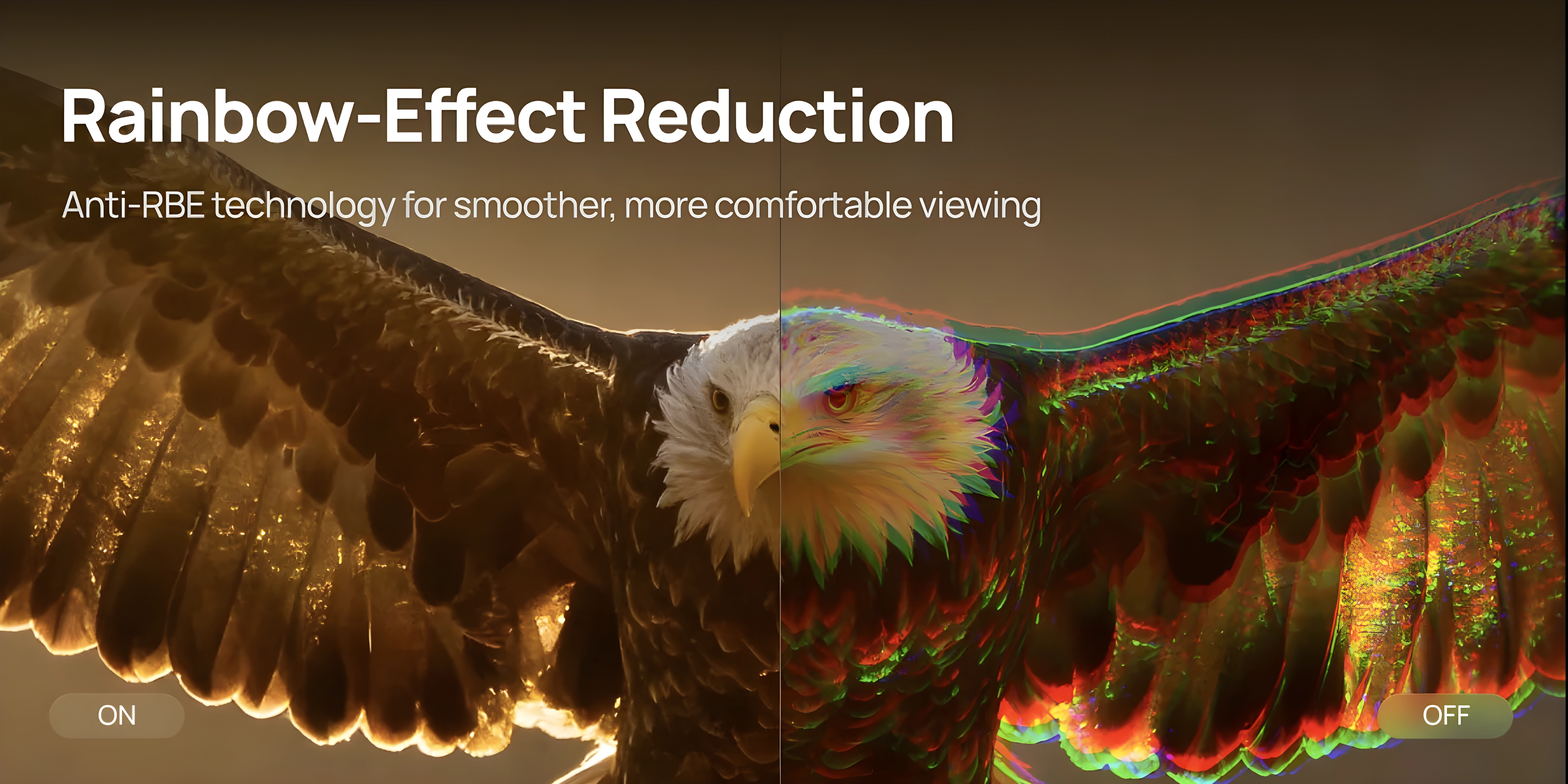
RBE (Rainbow Effect) is an inherent characteristic of single-chip DLP projectors. When the laser colour sequence transitions, some viewers can detect brief flashes of red-blue-green fringing on high-contrast edges. Anti-RBE systems suppress this by cycling the colours more times per frame, so the colour fringe on a moving edge gets shorter.
I’ve tested the anti-RBE implementations across three generations of firmware: the original 1.0.56, then 1.0.99, and now the current beta 1.2.36. Each one behaved differently.
Firmware 1.0.56: best at suppression
The initial 1.0.56 firmware was the most effective at RBE suppression. It brought noticeably heavy dithering, but its rainbow reduction was the best I’ve seen on the TNM. The pulsation rate across all colors was about 12x, which made the picture much smoother, very close to the Valerion Max implementation.
Firmware 1.0.99: a step back in effectiveness
With the update to 1.0.99, dithering became much less intrusive, but banding appeared. And it came at the cost of anti-RBE effectiveness, which dropped noticeably. The pulse rate fell to 8x, so rainbows became easier to spot, similar to the 8x pulsation rate on the Aetherion models.
Firmware 1.2.36: cleaner, but not the most effective
The current beta splits the feature into Standard and Enhanced modes. Standard is cleaner than 1.0.99, with even less dithering and banding, but it still doesn’t match the raw suppression of 1.0.56. Enhanced, unfortunately, adds nothing meaningful for RBE reduction and brings yellow/light-green segment artifacts when you move your eyes quickly. Standard stays at an 8x pulsation rate; Enhanced reaches 12x, though not across all colors.
The best option for XGIMI would be a hybrid mode: the aggressive 12x pulse rate of 1.0.56 combined with the clean dithering and banding suppression of 1.2.36 Standard. Further tuning is definitely needed, especially for Enhanced mode.
Update: we tested on firmware 1.2.36, before native 24p arrived. Since 1.2.82 the TNM outputs true 24p with Original Frame MEMC and frame matching, but we haven’t checked anti-RBE in that mode yet. The Valerion Pro2 and Max, for example, lower both the XPR shift rate and the laser pulse rate at 24p, so it’s worth a look.
The current Standard mode is a solid starting point for the first public retail firmware. Further tuning is necessary, especially for Enhanced.
Anti-RBE’s Acoustic Footprint
One area where the TNM impresses is noise with anti-RBE enabled. Unlike some previous projectors (the Valerion, for one), turning on anti-RBE doesn’t add a high-frequency whine or any other objectionable noise.
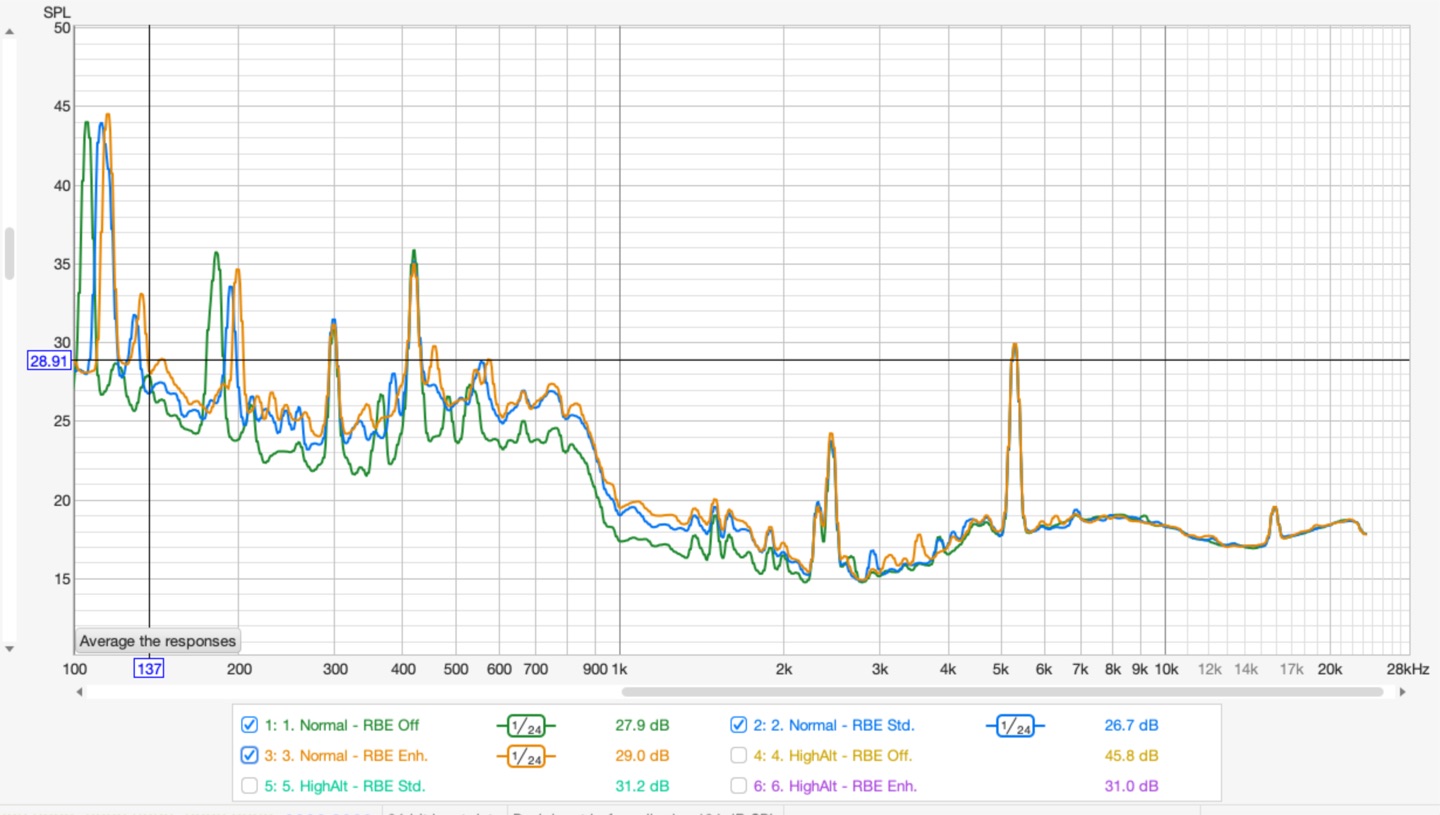
If you look closely at the real-time frequency analysis (RTA) spectrum:
- Enabling Anti-RBE only causes a slight shift in the low-frequency acoustic signature, around the 100–300 Hz range. It’s a minor tonal shift under electronic load, and it disappears completely into the ambient noise floor.
- It adds no sharp, screeching spikes in the upper frequencies.
- The distinct high-frequency spikes on the graphs are completely static: they stay identical across all operating modes. That lets me say with confidence that this hum comes from the physical actuator of the 4K XPR-Shift hardware itself, not from the electronic pulse-width modulation of the lasers.
Image Enhancers
I found a way to take internal screenshots directly on the TNM, which is handy. A warning, though: a lot of artifacts don’t show up in the captures. Forced hidden sharpening, banding, the pink gradient and blocking are all far less visible or invisible in screenshots than they are on screen. So these aren’t 100% representative of what you actually see. Keep that in mind.
There are four enhancers in the menu.
Super Resolution enhances detail by sharpening edges. It’s a relatively light touch compared to the others, and I can see it being useful, especially for gaming, if it weren’t for one problem: it stacks on top of the forced hidden sharpening. Together they create an overprocessed mess. If XGIMI removes the hidden processing in a future firmware, this one could actually be worthwhile.
AI Contrast tries to add depth by boosting contrast around bright/dark transitions, with some light sharpening thrown in. The idea is solid, but it’s way too aggressive. It frequently makes the image look flatter by raising shadow detail too much, or gives it that overprocessed “cooked” look. On a Low setting this could be usable, but right now it’s all or nothing. It needs a slider or multiple levels.
Dynamic Contrast only manipulates the gamma curve of the entire image. In bright scenes it raises gamma, in dark scenes it lowers it, trying to pull out a bit more detail. Being a global adjustment, it doesn’t introduce the same kind of localized artifacts as the others, but the effect is still heavy-handed. Honestly, it’s a bit strange that in 2026 a projector at this level does dynamic gamma manipulation worse than what old Oppo players were doing years ago with QDEO processors. You’d hope this could be improved on the FPGA, though it’s possible the processing is baked into the MediaTek SoC and XGIMI can’t do much about it. Hard to say without more info.
Local Contrast has three fixed strengths: Weak, Middle, High. It also manipulates gamma, but works in a more localized way than Dynamic Contrast. It still tends to lift shadow detail too aggressively, especially on High. Same comment applies as with Dynamic Contrast: we had better gamma processing in dedicated video chips a decade ago. Weak is actually borderline usable. It’s the one mode that doesn’t immediately make me want to turn it off.
Compare for yourself
Each scene below starts from enhancers OFF. Use the buttons to pick which enhancer to compare against, and the toggle to switch between a drag slider and hover comparison (mouse over for the enhancer, mouse away for OFF).
Bottom line: all four enhancers share the same core problem. They’re tuned too aggressively. Ideally every one of them should have a slider, or at least Low/Mid/High options, with the current behavior being the High setting. On Low, most of these could be useful. Super Resolution has the most potential, but it’s held back by the hidden sharpening. AI Contrast also has promise if they give us a way to dial it back. Local Contrast on Weak is already somewhat usable. Dynamic Contrast feels like a missed opportunity unless the FPGA can be used for something better than the MediaTek default. Whether any of these are worth the artifacts they introduce will depend on the content and your personal tolerance.
Noise
The TNM is the quietest projector I’ve used at this brightness level, and honestly the best combination of size, light output and silence I’ve come across. The figures below were measured at 50 cm.
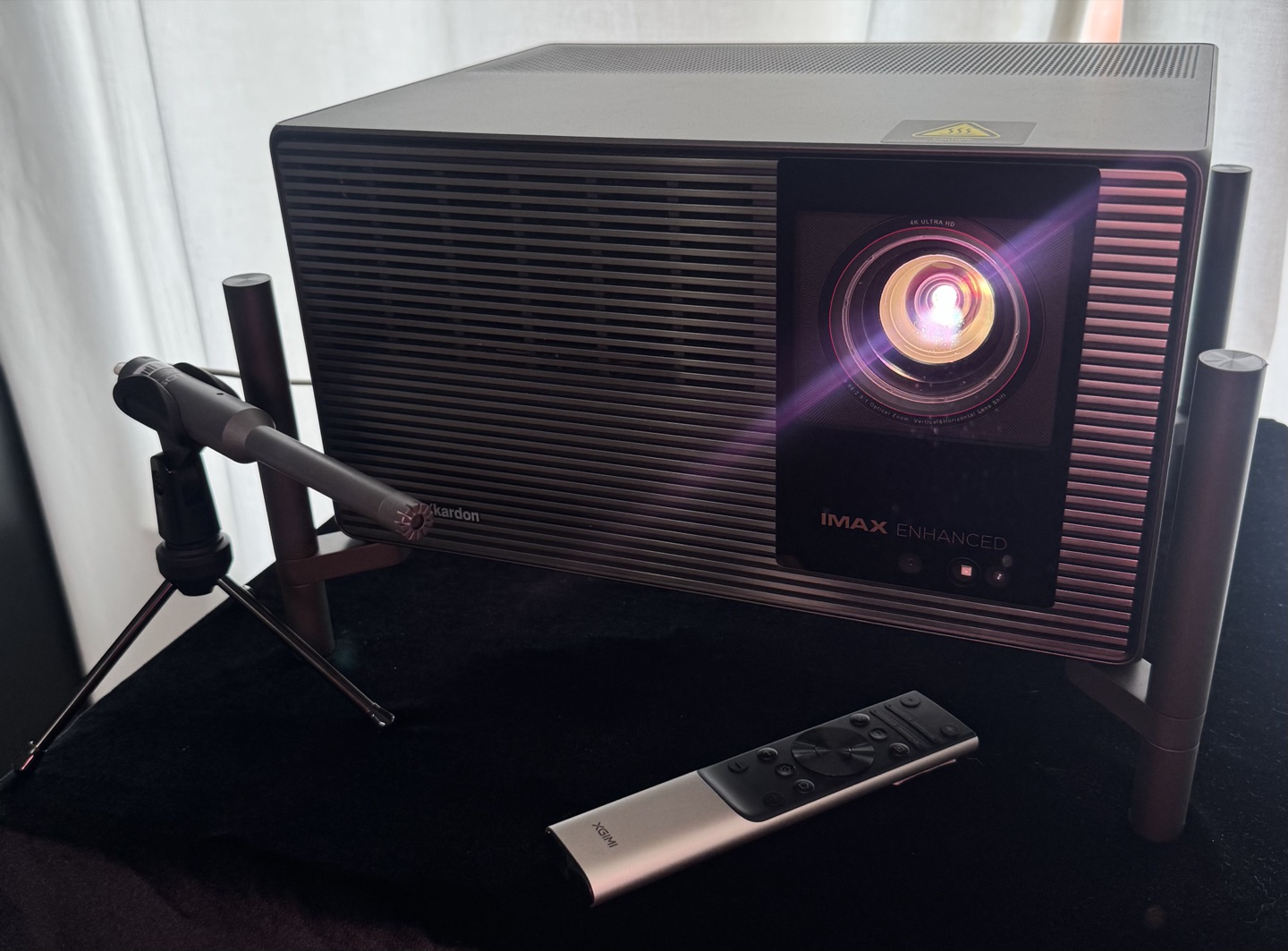
The low noise isn’t a coincidence. Inside, the chassis is divided into several ventilated compartments, each with its own intake path. Air is pulled in from multiple points and goes out through a single large exhaust on the bottom of the unit. The bottom exhaust is debatable for installation, since it forces you to use the feet and adds to the total height. For cooling and noise, though, it’s a very deliberate, functional choice. The air moves in a straight, unobstructed path, so the fans can spin at lower RPM for the same amount of heat removal.
Two other design decisions help a lot. First, the external power supply. With a 360W heat source moved entirely outside the chassis, the internal cooling only has to manage the laser engine and the processing electronics. Second, the entire hardware platform was designed from the start to survive the extremes of Laser 10+ and Performance mode. Those modes push the lasers and power delivery well beyond normal operation, and the cooling headroom built in for them means that at standard Laser 10 levels the fans are barely working. There is real margin here, and in everyday use it turns directly into low noise.
High Altitude mode spins the fans faster to make up for thinner air, but the projector doesn’t get objectionably loud. The character of the sound changes: you can hear the fan frequency shift, but the absolute level remains manageable and still quieter than many projectors at their default settings.
Enabling anti‑RBE does not introduce any additional acoustic penalty. There is no high‑frequency whine or change in fan behaviour tied to the RBE reduction itself; a more detailed spectral analysis is available in the Anti‑RBE section of this review.
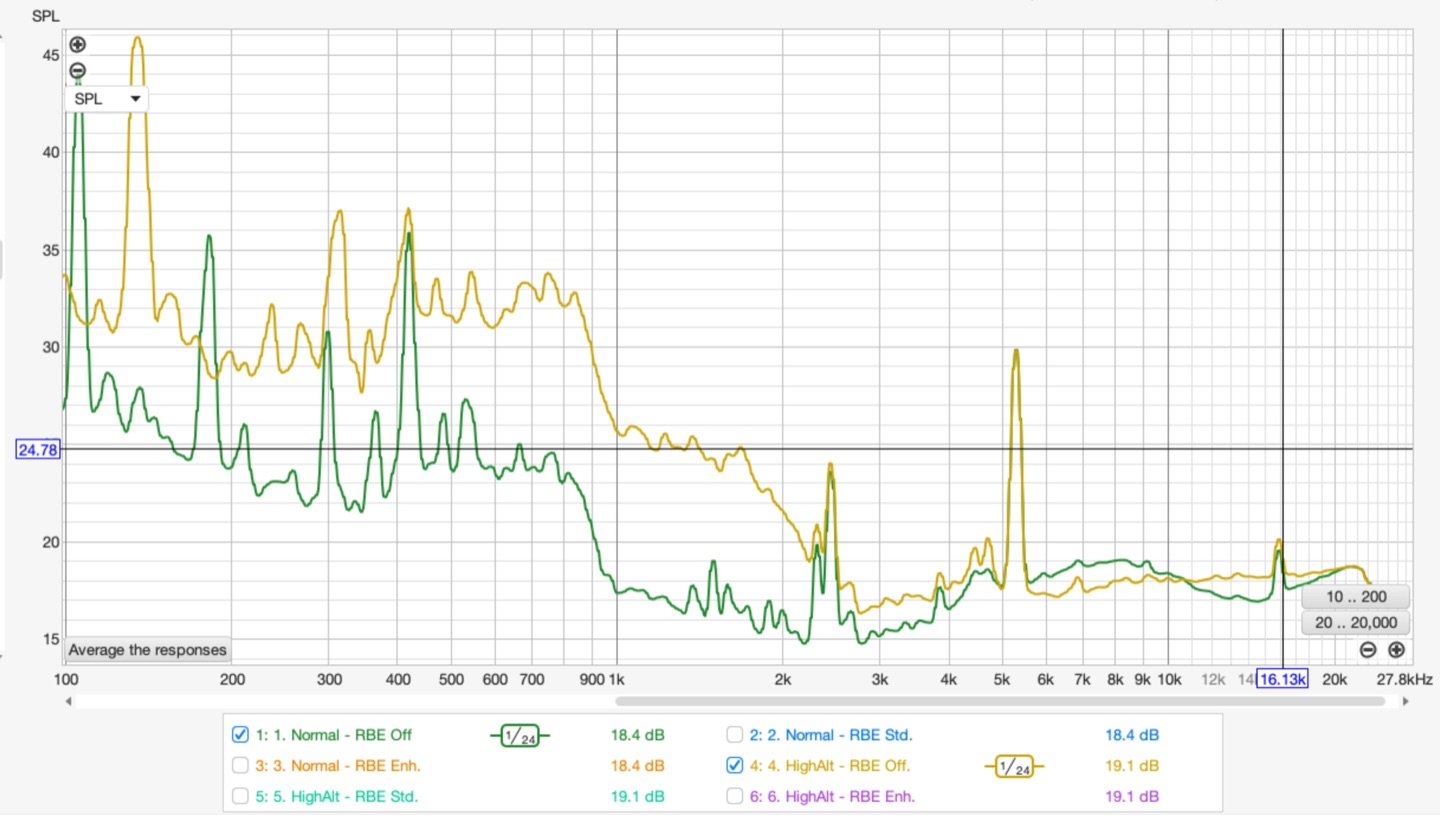
For a bedroom installation or late‑night viewing where silence is non‑negotiable, this is the quietest projector I know of that still puts out this kind of brightness. The cooling system was overbuilt with real headroom, and that pays off every time you turn it on.
Artifacts
Rolling buffer. The biggest artifact on the TNM is rolling buffer, a direct consequence of how the DLPC8455 writes pixels. Instead of updating the entire frame at once, it scans from top to bottom row by row. On static content this is invisible. On fast-moving high-contrast edges it produces a rolling-shutter-like distortion: the top of a moving edge renders differently from the bottom. This is hardware-level behaviour. It can’t be eliminated by settings. Turning off XPR-Shift doesn’t help: the artifact persists even without the shift overlay, which is unexpected. Anti-RBE partially reduces the visible effect. A firmware fix in 1080p mode is theoretically possible and XGIMI is aware of it. The practical impact is real: this is a step backward in motion quality compared to the previous DLPC generation.
Show example
Pixel wobbling (pixel shimmer). A localised flicker of individual pixels on static frames. It shows up in certain areas of the image rather than across the whole screen. It isn’t global “breathing”, it’s a fine point-to-point instability, likely caused by the rolling buffer’s line-by-line refresh and slight timing jitter in the DLPC8455 controller. It appears where pixel transitions are most demanding, and you can see it up close on sharp edges or fine patterns.
Show example
Blocking. On some motion sequences, especially in dark or grey scenes, there’s a pattern artifact that looks like a moving grid. You can see it without squinting if you know what to look for. It’s a temporal effect, so it doesn’t show up cleanly in screenshots, but it appears consistently on certain content.
Static contour pattern. On solid uniform fields such as white, grey or black, there’s a faint spatial pattern that shouldn’t be there. Visible at closer viewing distances, particularly on grey and white. Whether this is a DMD characteristic or a processing artifact, I’m not certain yet.
Show example
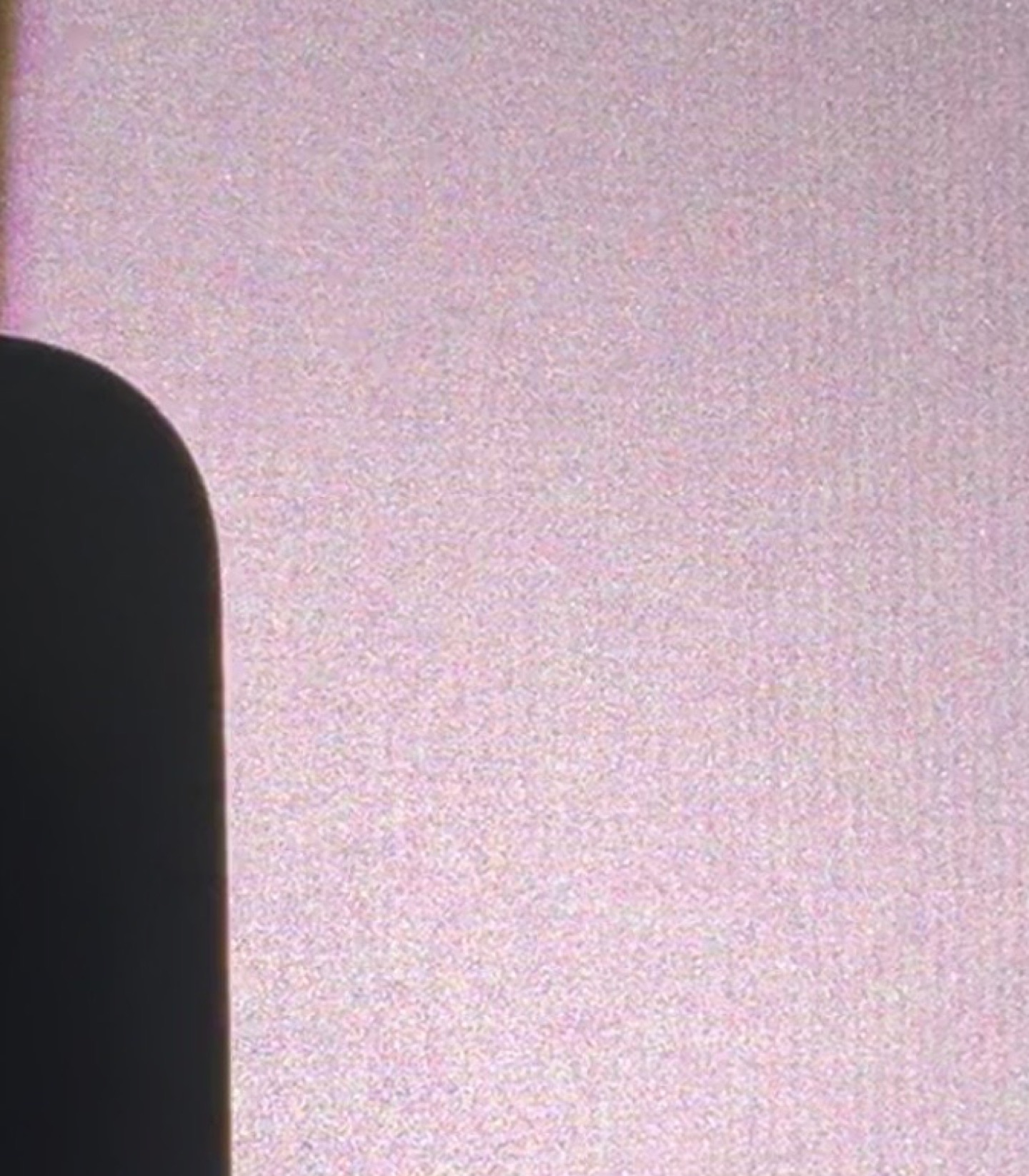
Dithering. DLP projectors use temporal dithering to represent intermediate brightness values, and the TNM has more visible dithering than I’d like on dark backgrounds: pixels flicker in shadow areas. Turning on anti-RBE makes it stronger. This is partly a platform characteristic of 0.47-inch DLP chips, but the level here is on the higher end.
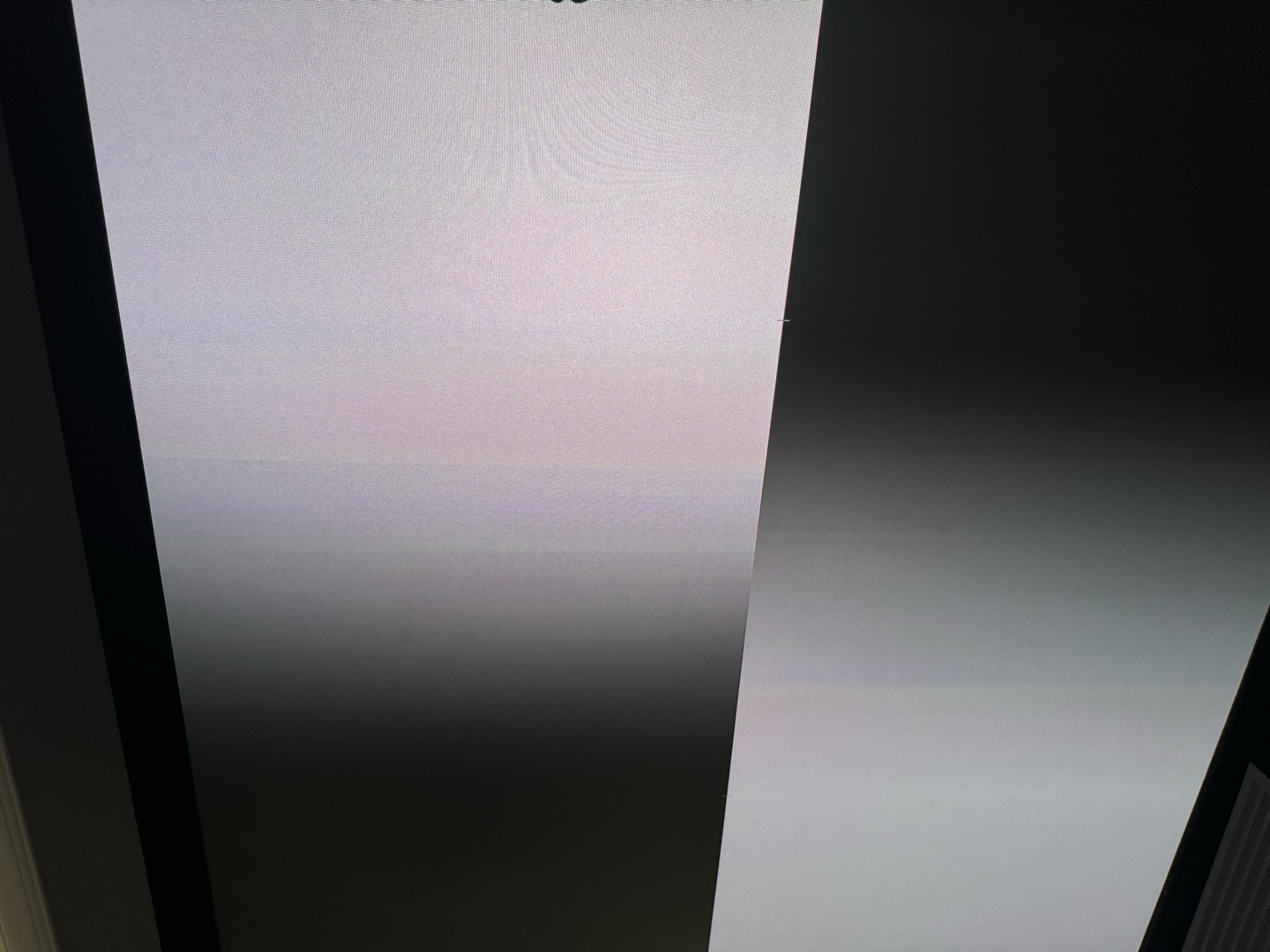
Grayscale non-uniformity. On gray uniformity patterns, faint vertical stripes of green, blue and red are visible across the screen. They’re subtle and only show up on test patterns, not in real content.
Show example
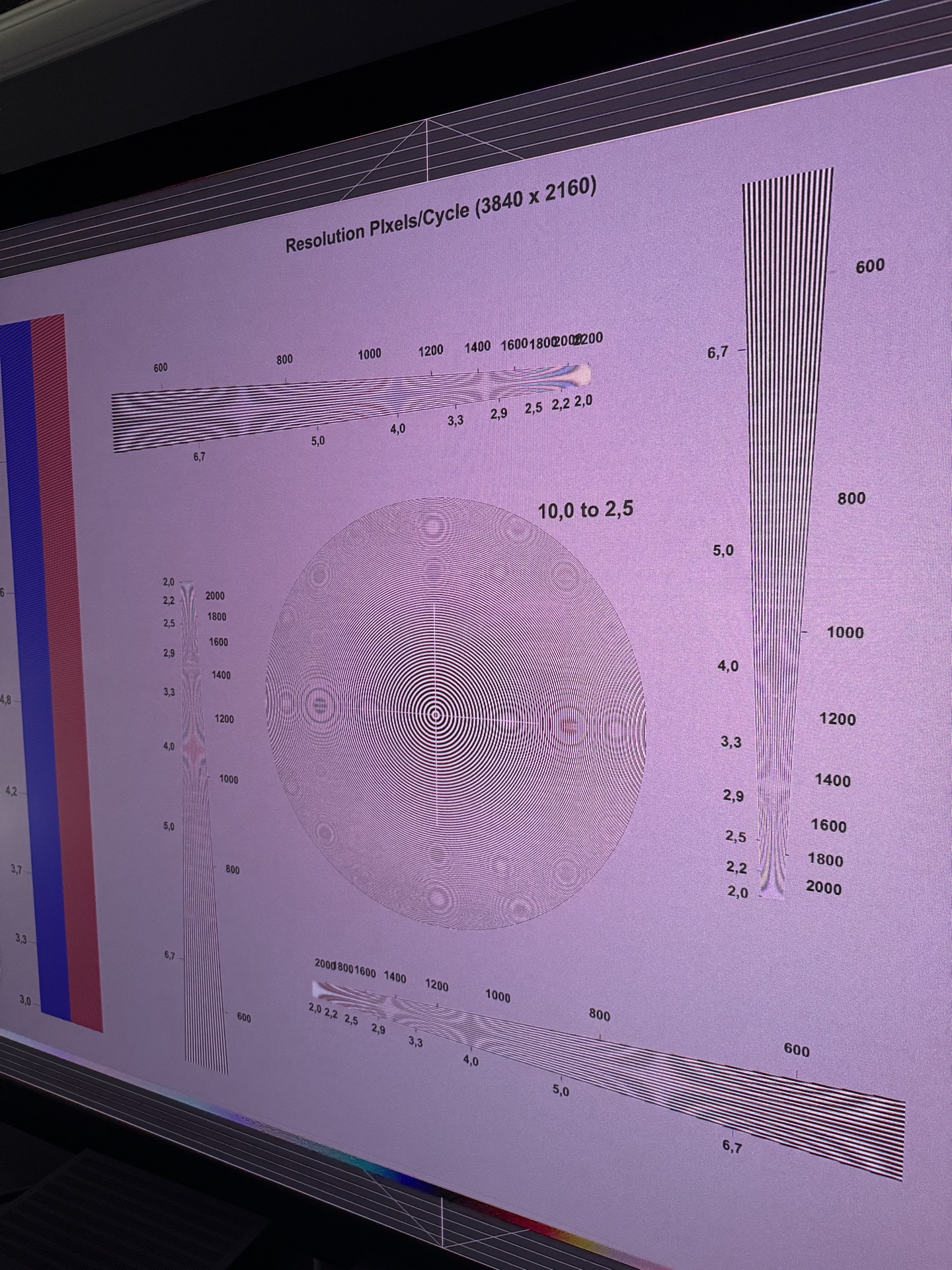
Hidden sharpening. Sharpness slider at zero does not mean no sharpening. The TNM still applies processing that adds halos around edges, causes shimmering on fine patterns, and blooms around small bright objects even at the minimum setting. In GameMode the sharpening changes character (closer to a super-resolution filter) but doesn’t disappear. This is a well-known limitation on several 0.47-inch DLP platforms. I hope XGIMI adds a true off setting in a future update.
Show example
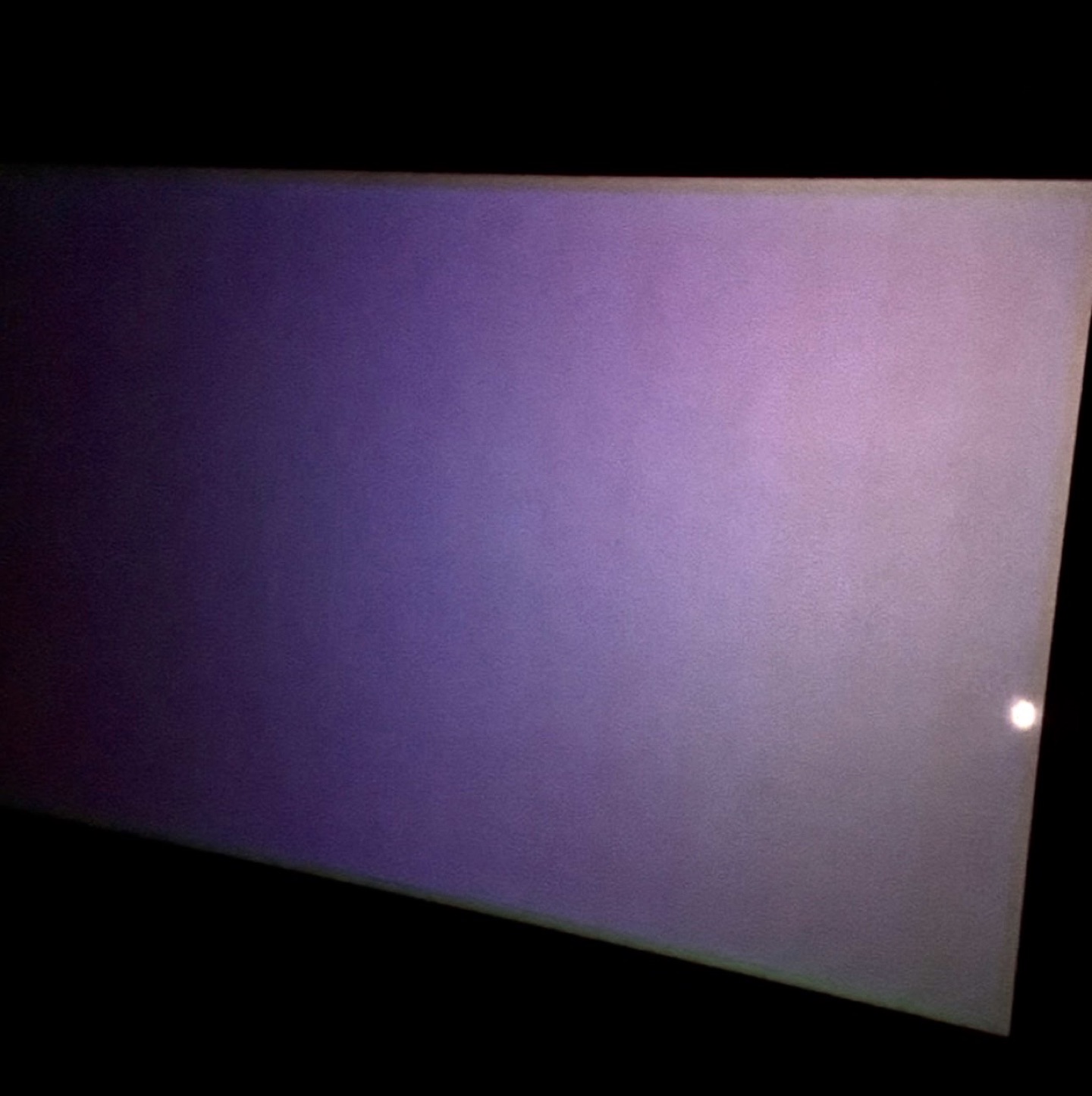
Black uniformity. On a full-black pattern, 16 vertical blocks are visible across the entire screen.
Show example
Posterization in HDR (DTM). With Dynamic Tone Mapping on, some HDR content shows visible posterization: smooth gradients, especially in skies or dim backgrounds, break into distinct bands of colour. It looks a lot like HDR-to-SDR conversion on players with Dolby VS10. It depends on the content and is more noticeable with DTM than with static HDR10. The likely cause is the tone-mapping algorithm’s limited bit depth and aggressive contrast compression. In practice it appears only in certain difficult scenes and isn’t a constant distraction, but when it does appear, you notice it. A better DTM curve or an adjustable strength setting could reduce it in future firmware.
The good news: XGIMI knows about all of these problems, and many of them can be fixed with firmware updates. The hardware is exceptional. The lens is reference-grade. The question is whether the firmware can catch up with the optics.
Gaming Performance and Motion
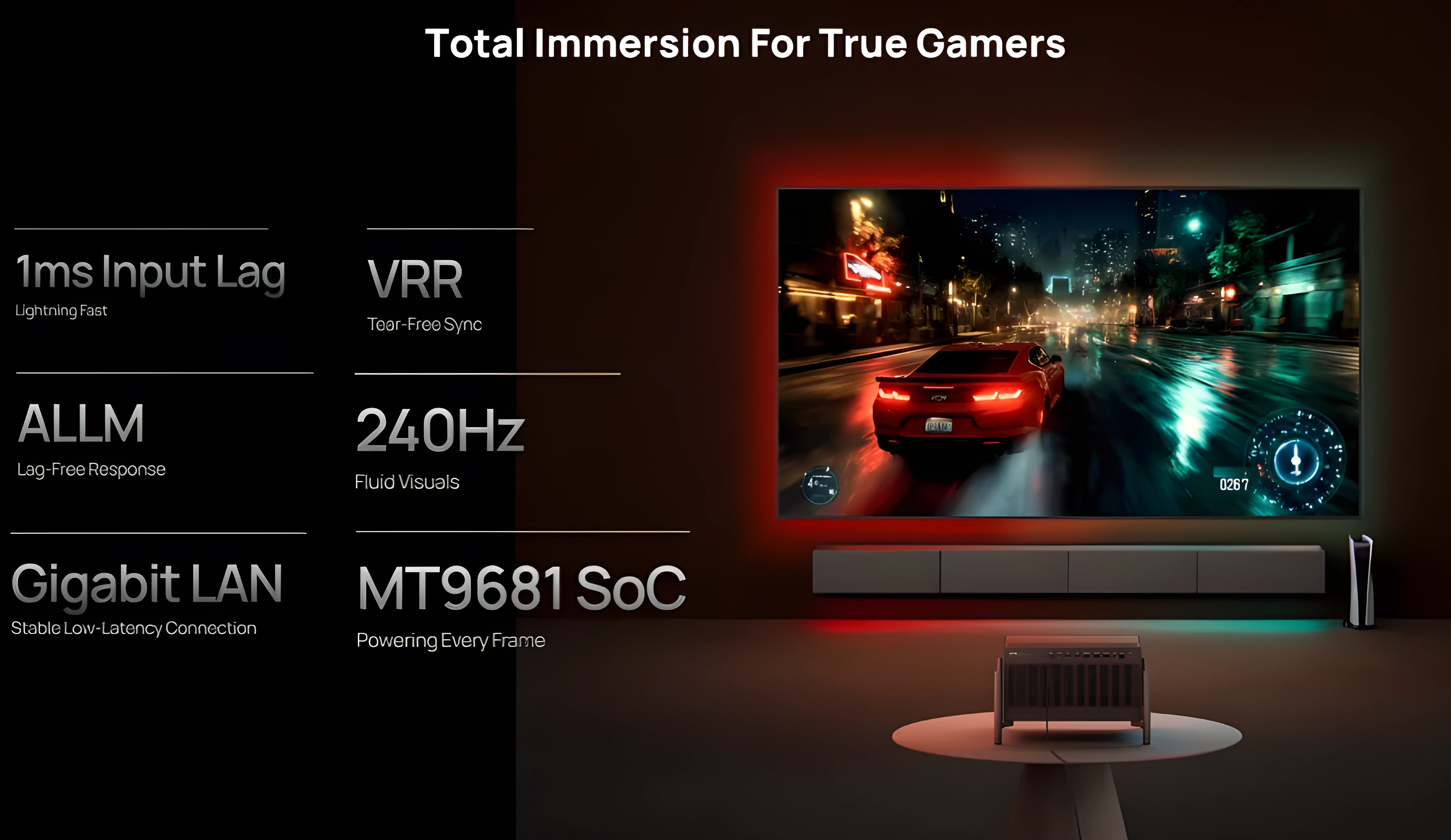
The hardware is there. The software isn’t. Game Mode today means locked picture controls, forced oversaturated presets and no way to calibrate anything. XGIMI knows about it and is working on fixes, but right now it’s the weakest part of a strong machine.
Input lag and motion clarity
If you try to game in any of the standard picture profiles, you’ll notice a heavy, sluggish delay: input lag sits in the unplayable 100ms range.
Switching to GameMode changes that: average latency drops to about 16ms at 4K/60 and as low as 4ms at 1080p/240 Hz. The 1080p/240 Hz figure in particular puts the TNM among the fastest projectors available.
The DLPC8455 controller draws pixels line by line from top to bottom. So latency is lowest at the top of the screen (up to 1ms) and rises toward the bottom, where it is similar to older controllers. The average latency is lower overall, which is a real improvement, but the price is the rolling buffer, and in games it matters even more. Fast camera pans with high-contrast edges (a bright object moving across a dark background, for example) can reveal the RBE-like artefacts. Whether lower latency is worth the motion penalty depends on the games you play and how sensitive you are.
Motion in games
In terms of pure motion clarity, the TNM behaves as you’d expect from a fast DLP. At 1080p/120 and particularly 1080p/240, the gain in fluidity and motion resolution is obvious right away if the source can send real frames at those rates. For high-resolution gaming, 4K/60 with this reference-grade glass lens looks excellent, with the sharpness and detail that slower, cinematic titles need.
The projector also accepts a 4K/120 Hz input signal, but outputs it at 4K/60 Hz by dropping every other frame (a hardware limit). There’s still a reason to feed it 120 Hz: it shaves a few more fractions of a millisecond off the input latency, and the controls feel even tighter.
It also supports VRR and AMD FreeSync Premium in 1080p mode, which is good news for competitive gamers, plus widescreen 21:9 scope gaming.
Chroma: 4:4:4 in Game Mode only
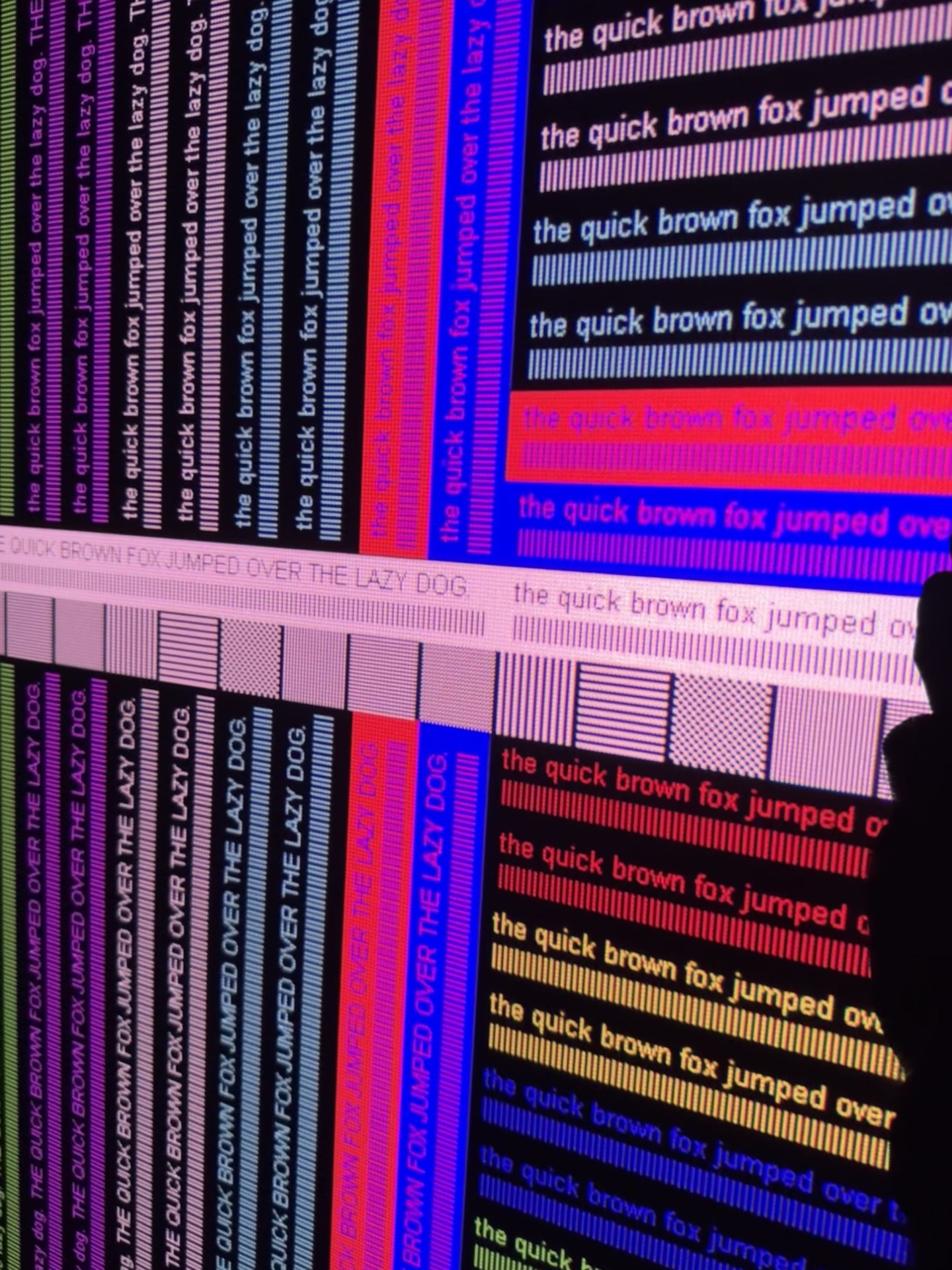
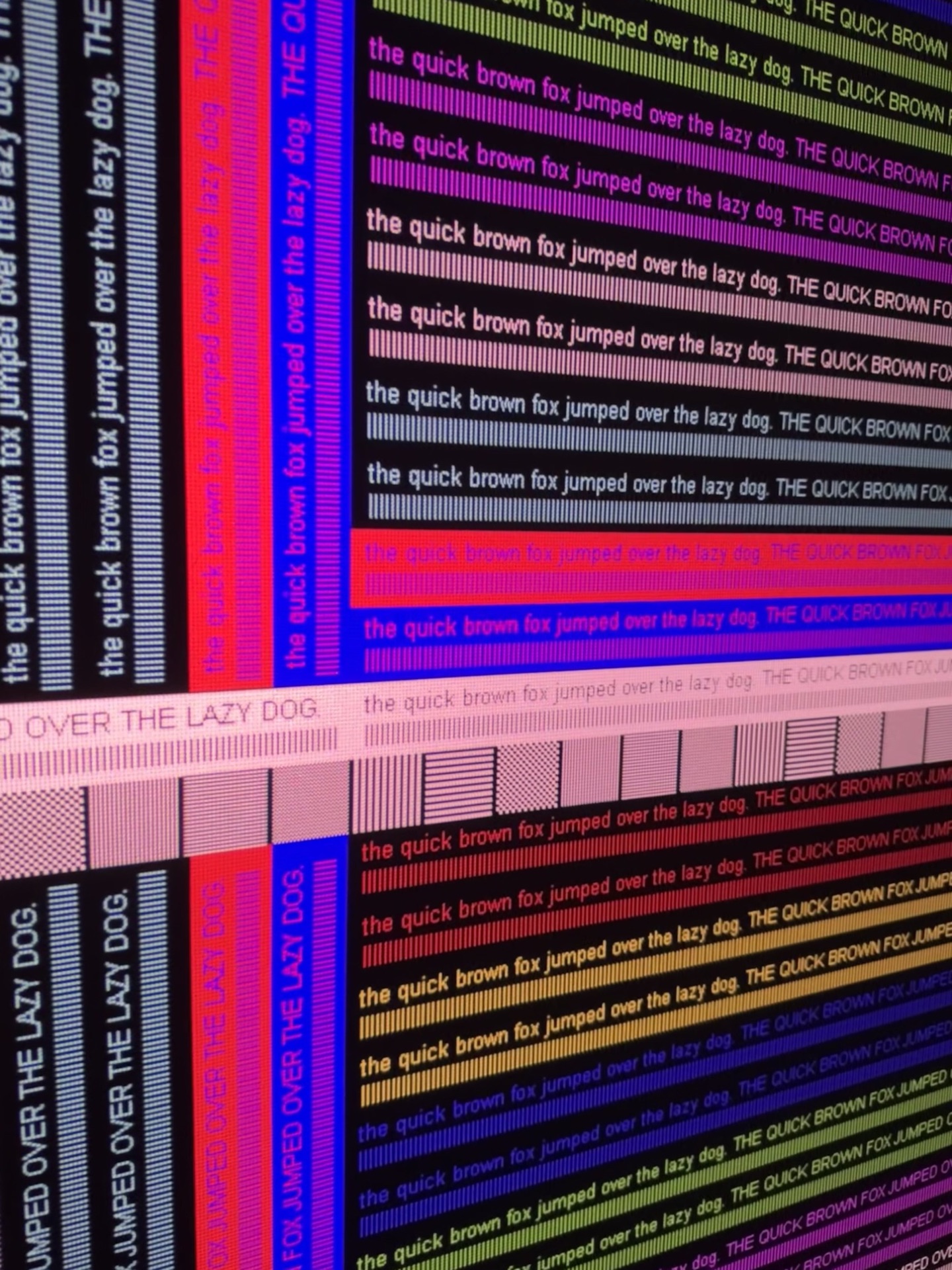
Game Mode is the only mode on the TNM that outputs full 4:4:4 chroma. All other picture profiles use chroma subsampling. The difference is most visible on fine text, UI elements and sharp colour transitions, which is exactly what a game interface is full of. The QBF sharpness pattern shows it clearly.
Game mode: locked picture settings and hidden filters
The biggest frustration with GameMode right now is that you can’t calibrate the image at all. As soon as you turn it on, your standard picture settings are locked. Instead you get a short list of uncalibrated genre presets (FPS, RTS, RPG, etc.).
None of these modes come close to reference color accuracy. They push saturation way up, distort the gamma curve, crank up edge sharpness and put an artificial tint over the whole picture. At first glance the image looks vivid, but it doesn’t take long to see that it’s inaccurate. Skin tones push toward orange, reds bleed, and shadow detail is crushed or washed out, depending on the preset. For anyone who values colour accuracy, this makes Game Mode hard to use for long sessions.
Other issues in Game mode:
Rolling buffer: As I mentioned above, this hardware limitation shows up in games when a bright object moves fast across a dark background. Oddly, even with XPR-Shift off and the resolution lowered to 1080p, the rolling buffer stays. That’s strange, and in theory it can be fixed in a future firmware update.
Super Resolution sharpening: Hidden sharpening is noticeably reduced in Game Mode. Compared to the Standard and ISF modes, it’s almost gone, and that’s a real plus. However, a different sharpening filter seems to be active, one that behaves like Super Resolution. False contours and edge enhancement show up on sharpness test patterns, and sometimes in game HUD elements and fine text.
DBLE (Dynamic Black) inheritance: DBLE currently inherits its state from the previous picture mode. If DBLE was on before you entered Game Mode, it stays on, and vice versa. Game Mode has no DBLE toggle of its own. A proper on/off switch for it in Game Mode would be a welcome addition in a future firmware update.
The verdict on gaming
The raw specs are there: sub-5ms at 1080p/240, 4:4:4, VRR. Once calibration is unlocked and the rolling buffer in 1080p mode is properly fixed, this will be great for gaming. Right now it’s 70% of the way there, and XGIMI is actively working on the remaining 30%.
Motion in Movies
MEMC and 24p Playback
At the time of this review, the TNM doesn’t support native 24p output for film content yet. The projector converts a 24 Hz signal to 60 Hz internally before processing and display, which brings the familiar 3:2 pulldown judder: an uneven cadence that’s especially visible on slow pans. The workaround in the current firmware is the “Original Frame” setting in the MEMC menu, which uses frame blending to smooth the judder. The result is a softer, less defined image in motion, a compromise no reference display should need.
XGIMI is actively working on this. Beta firmware builds already exist that output true native 24p with the correct cadence, and the company has said this is a high priority. The public release is a matter of time now, not guesswork, which is encouraging for a projector of this calibre.
Update: since firmware 1.2.82, native 24p works. With Original Frame MEMC and frame matching, a 24 Hz signal is shown as true 24p: no frame blending, no judder. With a 60 Hz signal it still blends frames.
The built-in MEMC motion interpolation is there, but it’s unremarkable. It behaves like most budget motion processors: even on its lowest setting the soap-opera effect (SOE) appears, along with occasional halos and breakup around complex moving objects. I don’t use it for critical viewing. Since the TNM has a dedicated FPGA next to the MediaTek SoC, there’s a real opportunity here. A custom interpolation engine tuned by XGIMI, instead of the off-the-shelf MediaTek implementation, could give much cleaner results, with fewer artefacts and finer control. Whether the company goes that way remains to be seen. For now, the best motion comes from an external source that does the correct pulldown or, soon, from the projector’s own native 24p mode once it reaches public firmware.
3D Performance: Brilliant Depth, Unfinished Cadence
3D on a projector in 2026 is a niche, but the TNM is one of the few current models that makes a real case for keeping a 3D Blu-ray collection. It isn’t perfect, but it’s easily the best I’ve seen on a laser DLP. For context, I still keep a classic Sim2 Lumis projector in my dedicated theater just for its legendary stereoscopic picture, so my bar is very high.
The good
- Brightness: Shutter glasses cut perceived brightness by more than half, and on most lamp projectors at large screen sizes that kills 3D. At 120–150 inches on a moderate-gain screen the TNM stays punchy. No squinting, no eye strain from a dim picture. That’s a bigger deal than it sounds.
- Sync and ghosting: DLP-Link is bulletproof here. It locks on once and stays locked: no sync drops, no searching mid-film. Channel separation is clean, and ghosting is minimal.
- Color accuracy: Most projectors shift their color balance the moment you switch to 3D. The TNM doesn’t. Color temperature stays consistent, skin tones hold, shadows don’t clip. It behaves like a properly implemented feature, not a checkbox.
- True native 1080p resolution: Each eye gets a full 1080p image. There’s no spatial interpolation or scaling, because the XPR pixel shifter physically parks itself when a 3D signal is detected, and you see the clean pixel structure of the native 1080p DMD chip. That said, SDE on this 0.47” chip is still much higher than on the old 0.95” units.
Where it falls short
- Judder and pulldown flaws: Motion processing is where this system stumbles, and with optics this good it’s a glaring flaw. The TNM doesn’t do a native 5:5 cadence for 24p stereoscopic files. Instead it runs film content through a crude 3:2 pulldown to reach 60 Hz, and the result is obvious judder. This stutter is far more tiring in 3D, since your brain is already busy processing depth.
- No triple-flash cadence: The projector runs 3D at 120 Hz (Dual Flash) instead of the premium 144 Hz (Triple Flash) used by high-end legacy cinema gear. That 144 Hz on units like the Lumis made a huge difference: it nearly wiped out peripheral flicker and let you watch for hours without fatigue. 120 Hz gets the job done, but it can’t quite match the glassy smoothness of a true 144 Hz cycle.
- No dedicated RF option: If I’m writing a wishlist for future revisions, an external RF emitter port should be a priority. DLP-Link works well on this machine, but the technology is still vulnerable to line-of-sight dropouts and interference from room lighting. A dedicated radio-frequency option would turn a very good feature into a flawless one for enthusiasts.
- Interpolation gaps and interface hurdles: Frame interpolation (MEMC) is completely greyed out once stereoscopic playback starts. Calculating motion vectors for two video streams is admittedly demanding, but with a custom FPGA inside the chassis, leaving it out feels like wasted hardware. On top of that, the projector has no automatic 3D flag detection at all: you have to go into the menu and pick the format by hand every time. Picture controls and laser level are locked in 3D mode as well.
The verdict on 3D
For a laser DLP, this is the best 3D I’ve seen. The brightness holds up at real screen sizes, sync is solid, and color accuracy in 3D is something I don’t take for granted anymore: most projectors fail badly here.
The judder problem is real and fixable. Get us native 5:5 pulldown and 144 Hz support and there’s nothing left to complain about. The hardware is already there. It just needs the firmware to catch up.
What's great
- Monolithic chassis: premium build, no flex, no creaks
- 15-element all-glass lens, 0.98–2.1x zoom, no separate long-throw lens needed
- Sharpness among the best in the 0.47″ DLP class
- Best-in-class lens shift: generous H/V range, sealed optical block
- Lens memory works on beta firmware
- Brightness or contrast, your choice: you can get a very bright or a very high-contrast projector, but not both at once
- ANSI contrast up to 846:1 with shifted lens, one of the best results for a DLP
- Excellent 3D: very bright, solid sync
- Effective anti-RBE Standard mode with no high-frequency whine
- Quietest projector at this brightness level, thanks to the external PSU and strong cooling
- Excellent DTM: screen size/gain adjustments help dial it in for your setup
- DBLE gives real dynamic contrast on suitable content, up to 3.5x
Watch out for
- Rolling buffer (hardware) creates motion artifacts on fast edges; anti-RBE partially compensates
- Image artifacts: blocking, dithering, static contour, grayscale non-uniformity, hidden sharpening; most are firmware-fixable
- Anti-RBE Standard doesn't match firmware 1.0.56's effectiveness; Enhanced adds artifacts without improving suppression
- Game Mode needs a firmware overhaul
- DBLE too conservative: disengages at the slightest peak luminance; slow response
- White field uniformity varies heavily with zoom and iris position
Conclusion
One of the best projectors at its price
The dual iris really raises contrast, and the lens is unusually flexible. A few shortcomings can be fixed in firmware.
Comments
No comments yet — be the first.